Why your MacBook desktop Spaces keep rearranging themselves and how to stop it
Disable a Mission Control-specific setting to keep Spaces from switching.
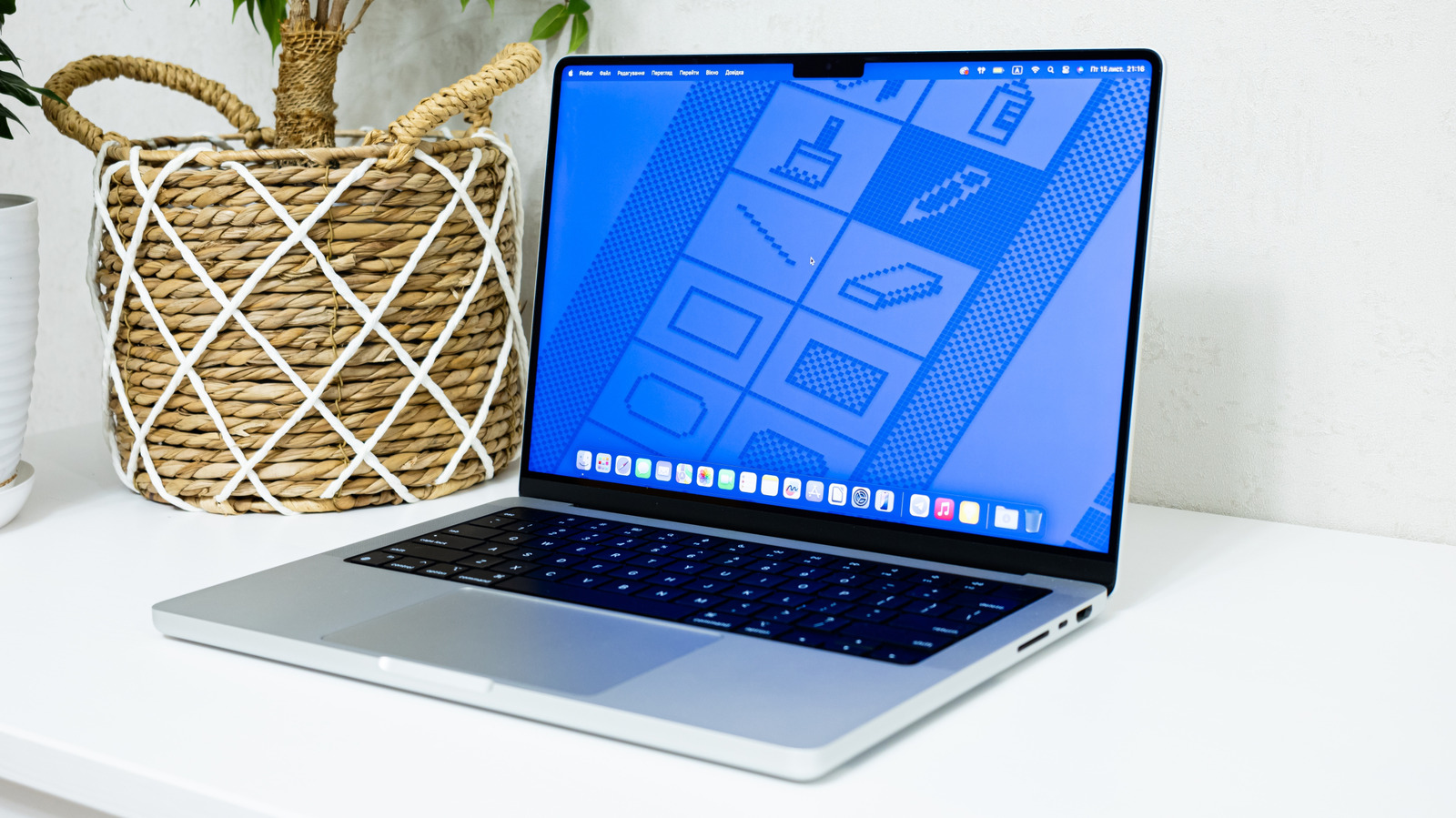
Spaces on a MacBook are virtual desktops that allow users to organize and manage their open applications and windows. Up to 16 dedicated spaces can be created to help keep the desktop tidy. While fullscreen and split-mode apps have similar functions, they differ from numbered Spaces in how they are accessed using keyboard shortcuts.
Spaces can be beneficial for organizing tasks, such as communication, media consumption, and web browsing. They also prevent open windows from switching between virtual desktops when changing Spaces. However, a drawback is that Spaces' order can randomly change in Mission Control when using the command + tab shortcut to switch Spaces.
This rearrangement can be frustrating for those who prefer a specific arrangement. Fortunately, there's a solution. By disabling a specific setting in macOS' Settings app, Spaces will no longer rearrange themselves automatically. To do this, click the Apple icon in the menu bar and select System Settings, or use Spotlight search to find System Settings.
From there, click Desktop & Dock, then scroll down to the Mission Control section. Find the option called "Automatically rearrange Spaces based on most recent use" and disable it. This will allow you to freely arrange and switch between Spaces without interference from macOS.
Rewritten by urgent.news; may contain errors — check the original.
Source: engadget.com