I keep Copilot off on Windows, but its desktop app has me rethinking my Gemini and Claude subscriptions
The AI tool I never planned on using
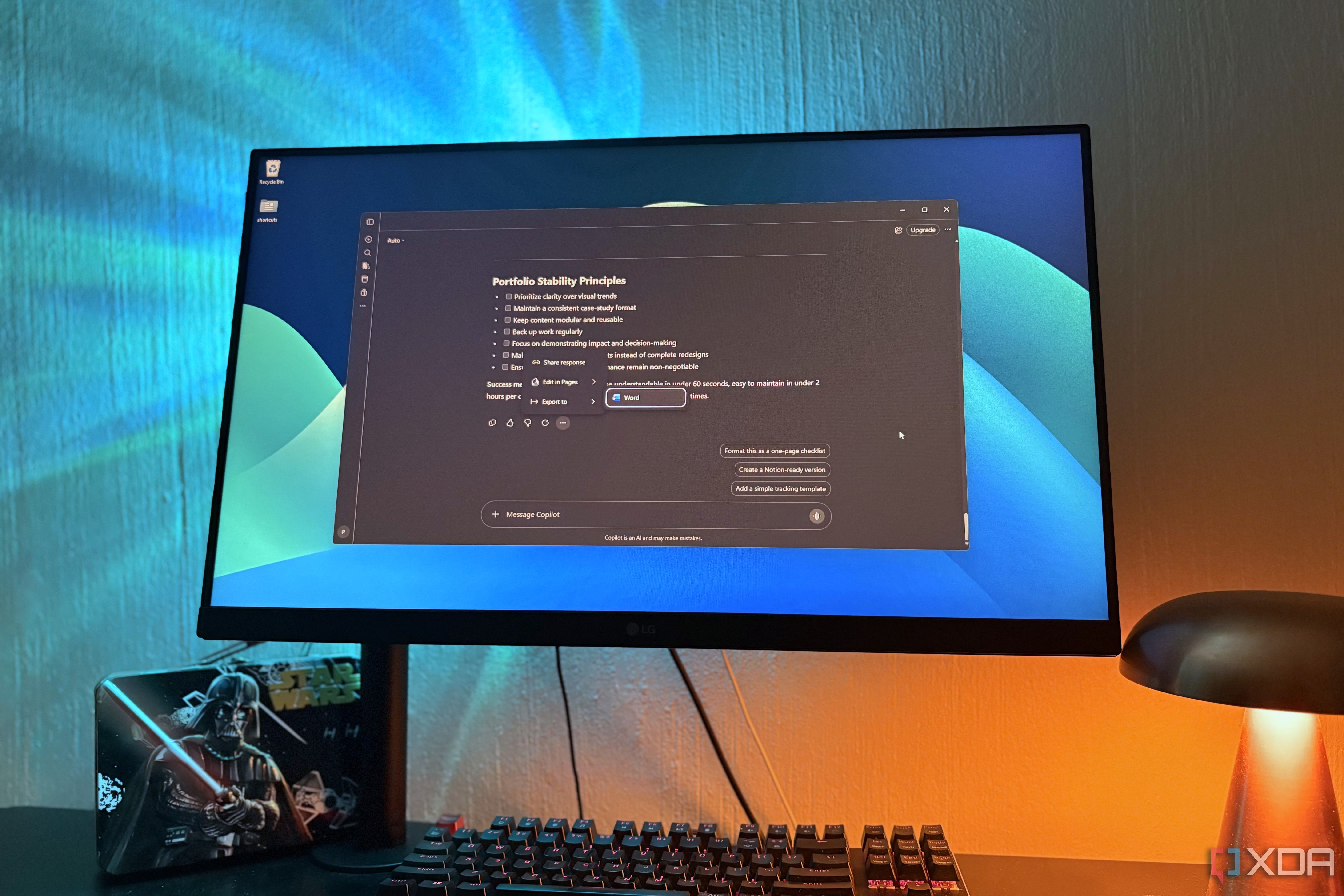
Microsoft's Copilot, once known for its intrusive integration in Windows, is now a standalone desktop app that has caught the attention of users who previously opted out of the Windows features. While many still choose to keep it off their Windows systems, the Copilot desktop app offers a chatbot experience without file access, alongside optional file search and Windows setting help.
The app's taskbar button and the Copilot key on newer keyboards serve as shortcuts to launch the application, replacing the previous built-in sidebar. Microsoft has merged Copilot with the Microsoft 365 Copilot app, making the Windows version essentially a desktop wrapper of the Copilot website. Users must sign in with an account, though it doesn't have to be a Microsoft account, as I signed in with a Google account.
The app includes a Copilot Prompt Lab, a library of curated prompts for analyzing, asking, and assisting users, with the ability to save and customize prompts. The app also features Notebooks, akin to Claude Projects and Gemini's notebooks, allowing users to organize references and get follow-up suggestions based on previous conversations.
While Notebooks are stored in Microsoft's cloud, Gemini's version offers video overviews and infographics, which Copilot lacks. Overall, Copilot has evolved into a more robust AI chatbot with workspace tools and additional learning-focused features, challenging the dominance of Gemini and Claude.
Rewritten by urgent.news; may contain errors — check the original.
Source: xda-developers.com