ChatGPT Health finally comes to Android
ChatGPT's expanded Health feature lets Android users connect their fitness data for personalized insights, but there are important practical and privacy limitations.
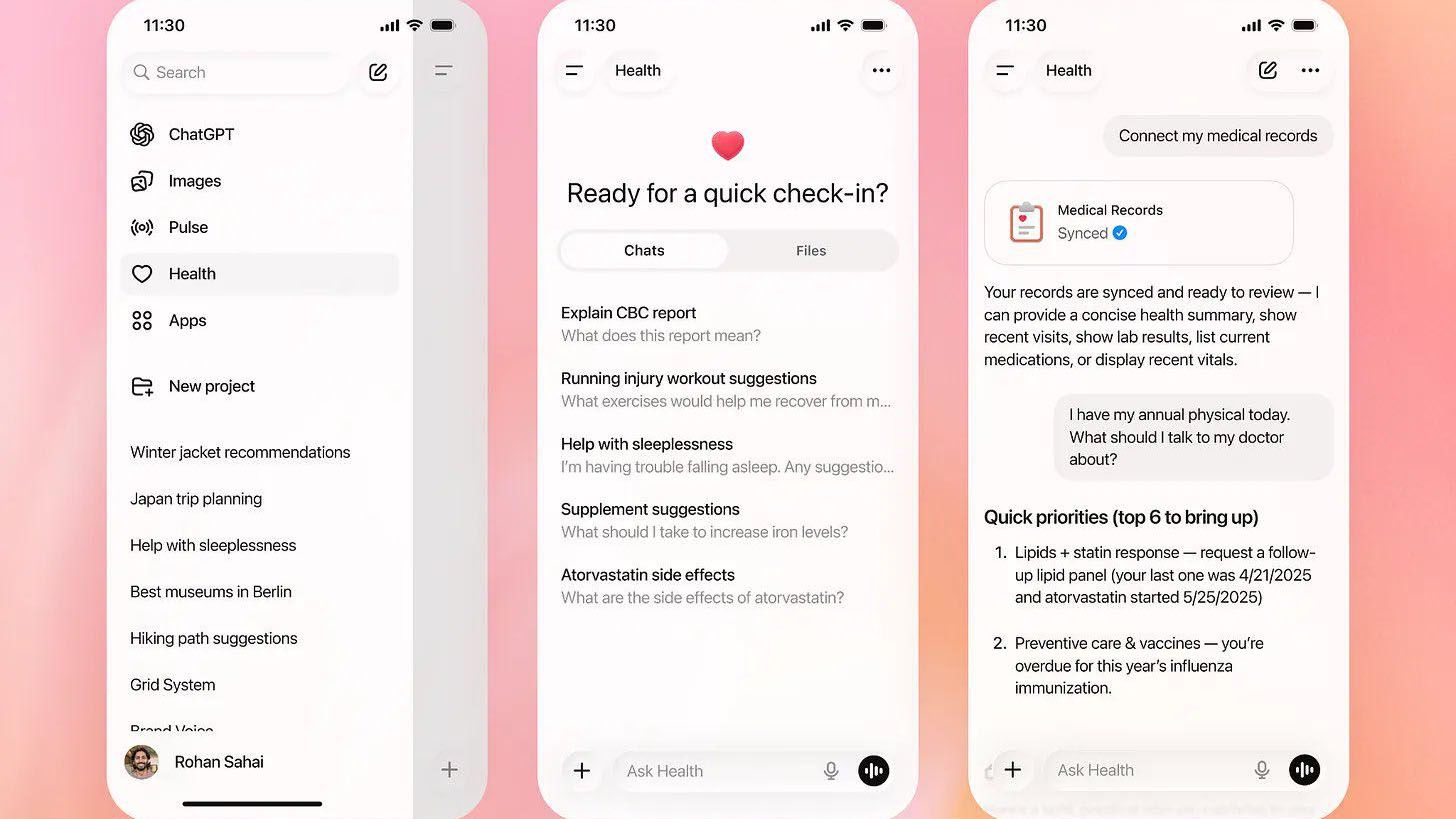
Google's Android Health Connect now integrates with OpenAI's ChatGPT Health, giving Android users the ability to analyze and understand their health data more easily. This update, available in the U.S. on desktop and Android, enables Android users to share information with ChatGPT through Health Connect, allowing the AI assistant to provide personalized insights and explanations of their fitness data.
With this integration, users can now ask ChatGPT questions about their sleep and workout patterns, receive proactive suggestions based on their routines, and build a site to track their training progress. Health Connect serves as an intermediary between ChatGPT and compatible fitness apps, allowing users to grant permission for Health to access specific categories of information.
To start using Health, users must update the ChatGPT app on their Android phone and navigate to the Health sidebar or Explore menu. Once connected, they can choose which data categories to share, such as sleep, activity, and workouts. Advanced features like OpenAI's autonomous personal agents, or dots, require a Pro subscription.
While the update offers numerous benefits, including a conversational interface for fitness statistics and the ability to explore relationships between different aspects of daily routines, it's essential for users to be aware of the potential privacy implications and limitations of the technology. OpenAI does not sell personal information collected through Health, and users have control over what data they share.
However, fitness devices may not always provide accurate measurements, and ChatGPT's analysis should not be considered definitive medical advice. Users should review their personalization and data settings to ensure they are comfortable with how their health data is being used.
Rewritten by urgent.news; may contain errors — check the original.
Source: techradar.com