The Fitbit Air lacks notification alerts, but I found an Android app that adds them
Distraction-free does not mean complete silence
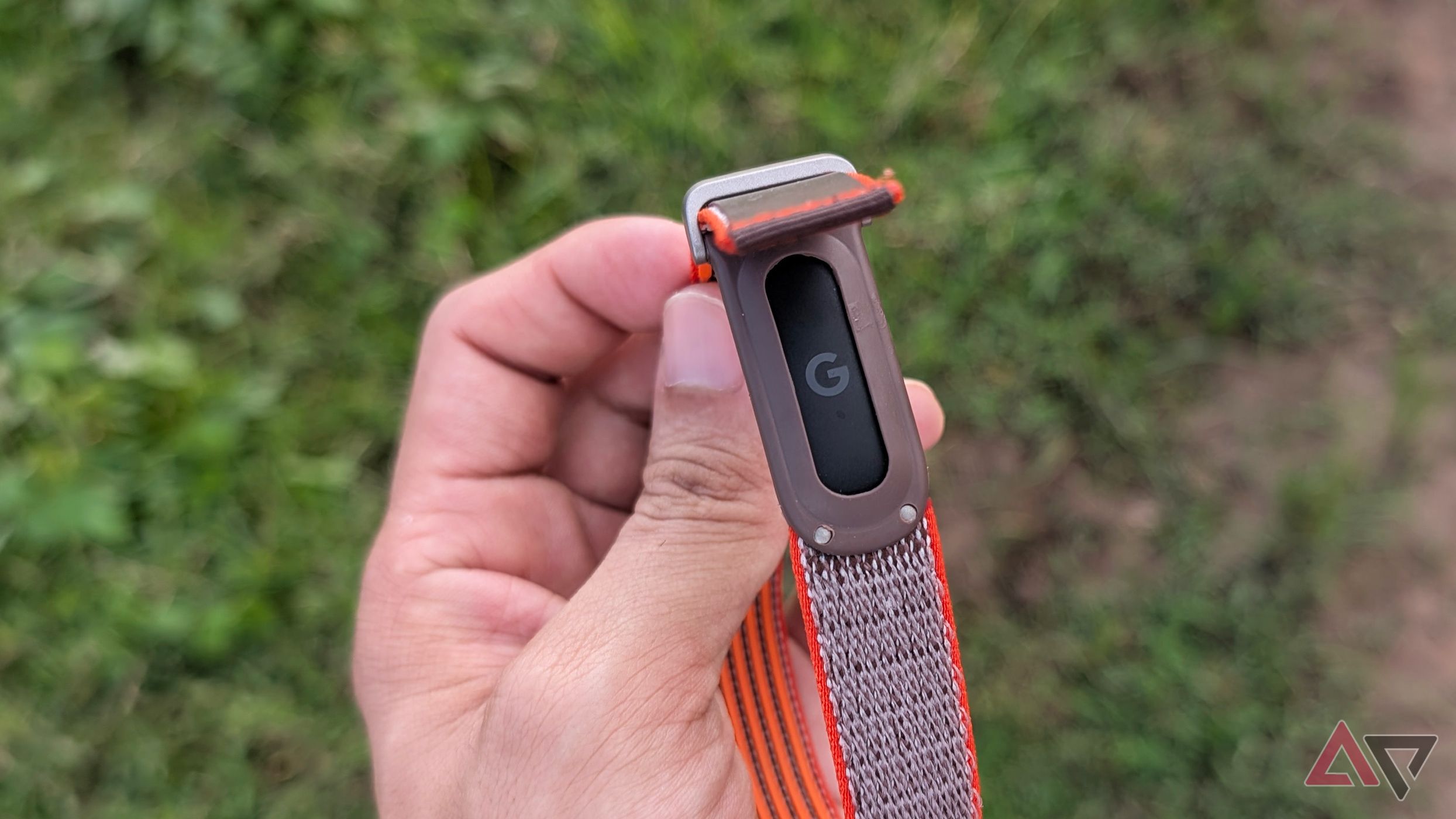
The Fitbit Air's screenless design stands out in the world of smartwatches and fitness trackers, but this sleek look comes at a cost. While the device reduces distractions, it also lacks notification alerts. The watch vibrates, but Google hasn't configured it for incoming calls or messages - a feature that's rather frustrating for users who want a subtle buzz on their wrist.
Enter a third-party Android app that addresses this gap. This app provides valuable insights without the constant distraction of a screen. By using the app, you can avoid checking a display, customizing watch faces, or feeling the urge to read a notification that's lit up the screen. However, there's a catch. This new solution creates a different problem: you're out of the loop on important calls and messages until you check your phone.
You don't want your wrist to buzz for every WhatsApp group message, promotional notification, or email that lands in your inbox. But you do want your wrist to buzz when your wife calls or an urgent Slack message arrives. This is especially important when your phone isn't within easy reach. If it's charging across the room or in your bag, a vibration on your wrist lets you know when you need to pick it up.
Without this signal, you're forced to choose between leaving your phone alone and potentially missing something, or checking it periodically just in case. The Fitbit Air doesn't offer this option. Google limits its vibration motor to silent alarms, and the band cannot buzz for incoming notifications. This means you end up checking your phone more frequently, defeating the purpose of wearing a distraction-free tracker.
While Google's stance may be understandable, allowing a handful of apps and contacts to buzz the band would make the device more useful without taking away what you like about the Air. The ideal solution lies in striking a balance: you spend less time checking your phone while still letting important things through. Right now, Google makes this choice for everyone, but a third-party app can solve this problem.
An Android app called Cuff has been created to communicate with the Fitbit Air over Bluetooth, triggering vibrations for specific alerts. Users can set per-app alerts with adjustable vibration patterns and intensity, as well as call alerts for specific contacts. Cuff addresses this major limitation, offering custom notification alerts without compromising the simplicity of the Fitbit Air.
Of course, installing Cuff may trigger a Google Play Protect warning on your phone. Despite this, the app offers a solution to a problem faced by many after switching to the Fitbit Air for its simplicity. The app is well-featured, with a dedicated health section and the ability to track accumulated sleep debt and frequently consumed meals.
However, the custom notification alerts are the real draw, offering a solution to a limitation that Google could have easily included in the Fitbit Air.
Rewritten by urgent.news; may contain errors — check the original.
Source: androidpolice.com