How Secure Is Your Password? Here's How To Test It
Find out which common password habits leave your accounts exposed, from keyboard patterns to reused logins, and what a truly secure password needs to include.
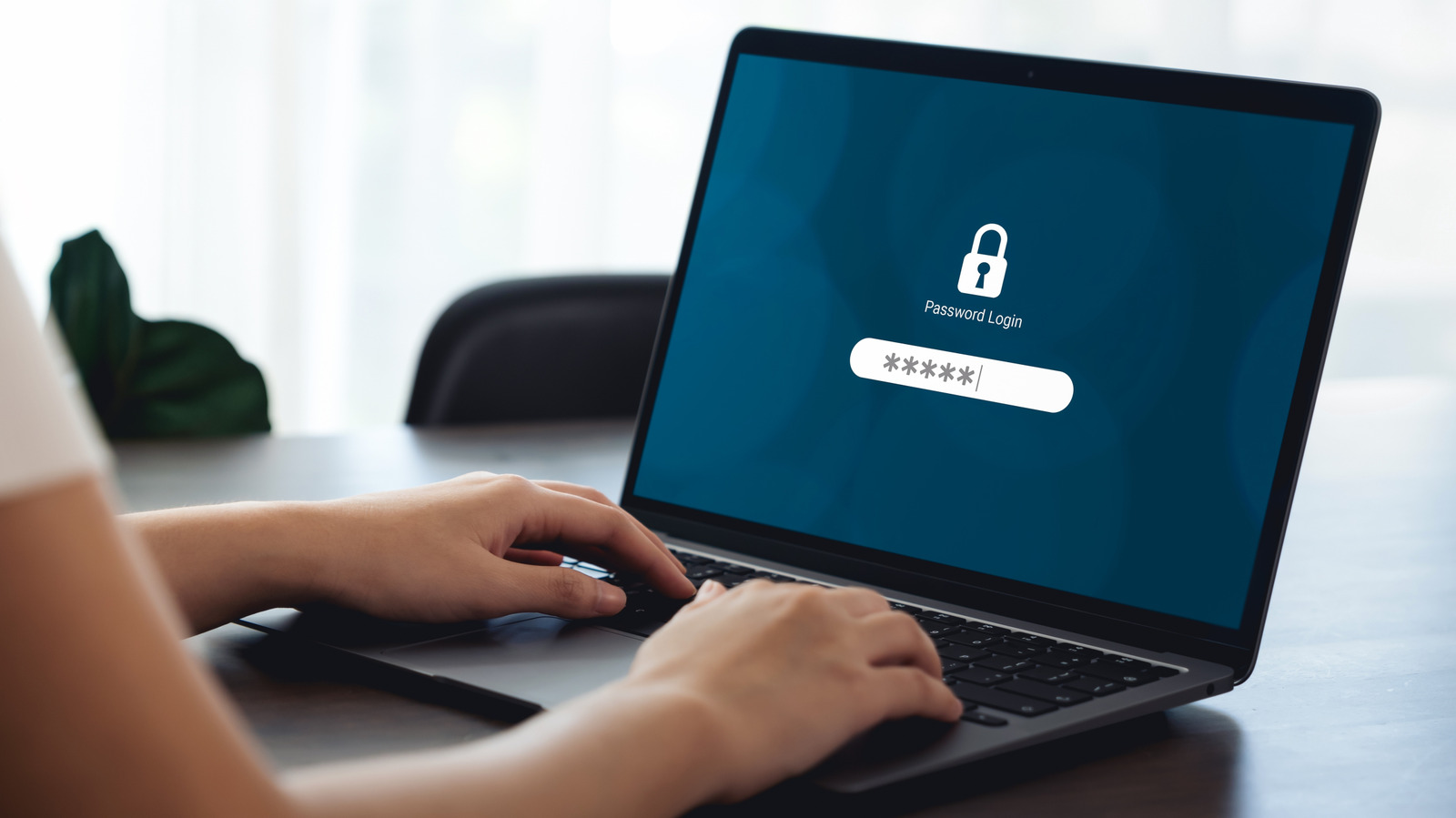
A strong password consists of a mix of letters, numbers, and symbols. Earlier, passwords like "1234" or "password" were common, but they are no longer secure. Modern services require more complex passwords to prevent easy cracking by hackers or AI systems. While lengthy passwords with diverse characters can be secure, they can be challenging to remember.
To verify password strength, online tools like the Security.org password strength checker can be used. This checker assesses a password's strength in terms of the time it would take a computer to crack it. Adding symbols significantly increases password security, making it take thousands of years to crack. Passwords with consecutive letters or numbers, or entire words, are easily breached within days.
Password managers such as 1Password can generate and store strong passwords, providing convenience while enhancing security. Alternatively, password generators like LastPass offer another option. Combining these tools with two-factor authentication (2FA) further fortifies account security. This method generates a constantly changing six-digit code through an authenticator app, requiring both a password and the code for login.
Avoid using the same password across multiple accounts, as a breach on one account could compromise all your services. Change passwords every 60-90 days or immediately if a breach is reported. Using unique passwords and enabling passkeys (biometric or PIN-based) adds an extra layer of security. The key to online safety is maintaining a secure, unique password for each service and promptly updating them post any reported breaches.
Rewritten by urgent.news; may contain errors — check the original.
Source: engadget.com