6 things my own media server does that no streaming service will ever let me do
Why rent pixels when you can hoard them?
Many people assume streaming subscriptions are the most convenient way to access movies and TV shows. However, once a person builds their own media server, they realize the true power of owning their own library. When they stop renting access to their content and start keeping it themselves, the rules change significantly. Running a server can be challenging, with downloads to manage, storage to consider, and occasional technical issues. Yet, the benefits of a personalized media server far outweigh these drawbacks.
One major advantage of having a media server is the assurance that the library cannot be altered due to licensing agreements. Streaming services often shuffle their catalogs based on contract expiration, rights changes, or removal of titles. However, with a server, the content remains accessible as long as the files are present on the hard drives. For instance, after moving all the components to a new laptop, the media library remained in place on the external hard drives, ensuring a seamless transition.
Moreover, having a media server eliminates the frustration of a title suddenly disappearing from a paid streaming service. For example, the removal of "The Office" from Netflix in a particular country can be especially annoying. With a server, shows like "Dunder Mifflin" are always available on any device, no matter the circumstances.
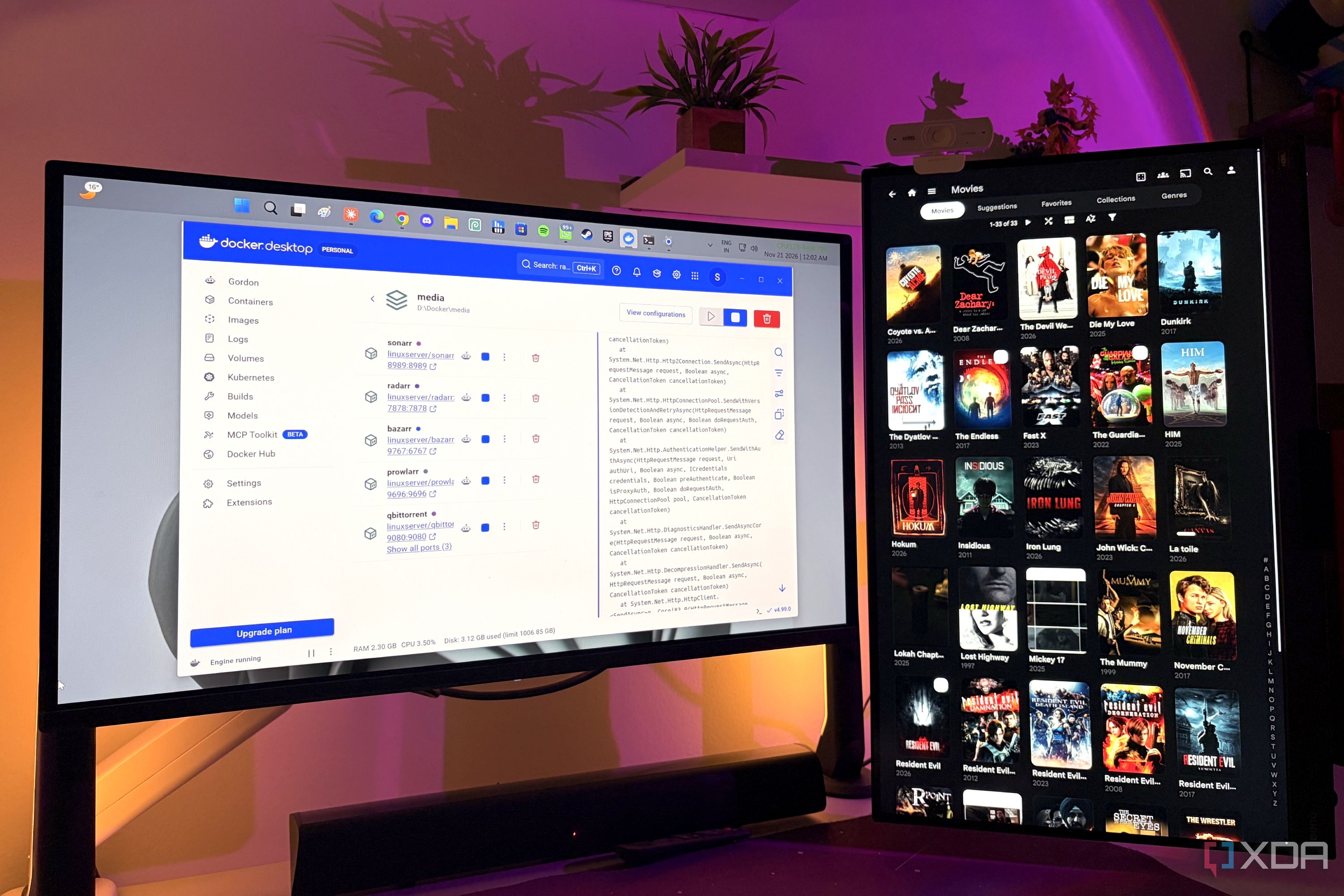
Setting up subtitles is another area where a media server shines. By using tools like Bazarr and Jellyfin, users can specify the languages they want and let the system automatically search for missing subtitles. This ensures a seamless viewing experience without the need to discover missing subtitles during an episode.
While free subtitle sources like OpenSubtitles have limitations, such as a daily download cap, a media server allows users to have full control over the content. Unlike streaming services, there is no option to request a missing movie or TV show. The streaming platform determines the catalog, and users must accept their licensing decisions.
However, a server flips this relationship, enabling users to add any file they legally own to their library, regardless of a licensing agreement's status. This gives users complete control over their collection.
Jellyfin, a popular media server software, further simplifies the process by parsing files, identifying metadata, organizing content, and making the library available across various clients. Users can choose the quality of the streams, allowing them to balance quality and storage space. For instance, if a single movie consumes excessive hard drive space, users can set size limits for their downloads, ensuring optimal storage usage.
Furthermore, a media server allows for continuous improvement of the library. With automatic systems like Sonarr and Radarr, users can set quality profiles and limit file sizes, ensuring a well-maintained collection. As newer, higher-quality releases become available, the server can replace existing files automatically, resulting in an ever-expanding and improving media library. This automation sets media servers apart from streaming services, which only grant access to titles under certain conditions.
Rewritten by urgent.news; may contain errors — check the original.
Source: xda-developers.com