What's the meaning of the "A" on your USB-A ports?
The truth is, there's no surprising meaning for the "A" in USB-A. Discover what this connector is used for and if it's becoming obsolete.
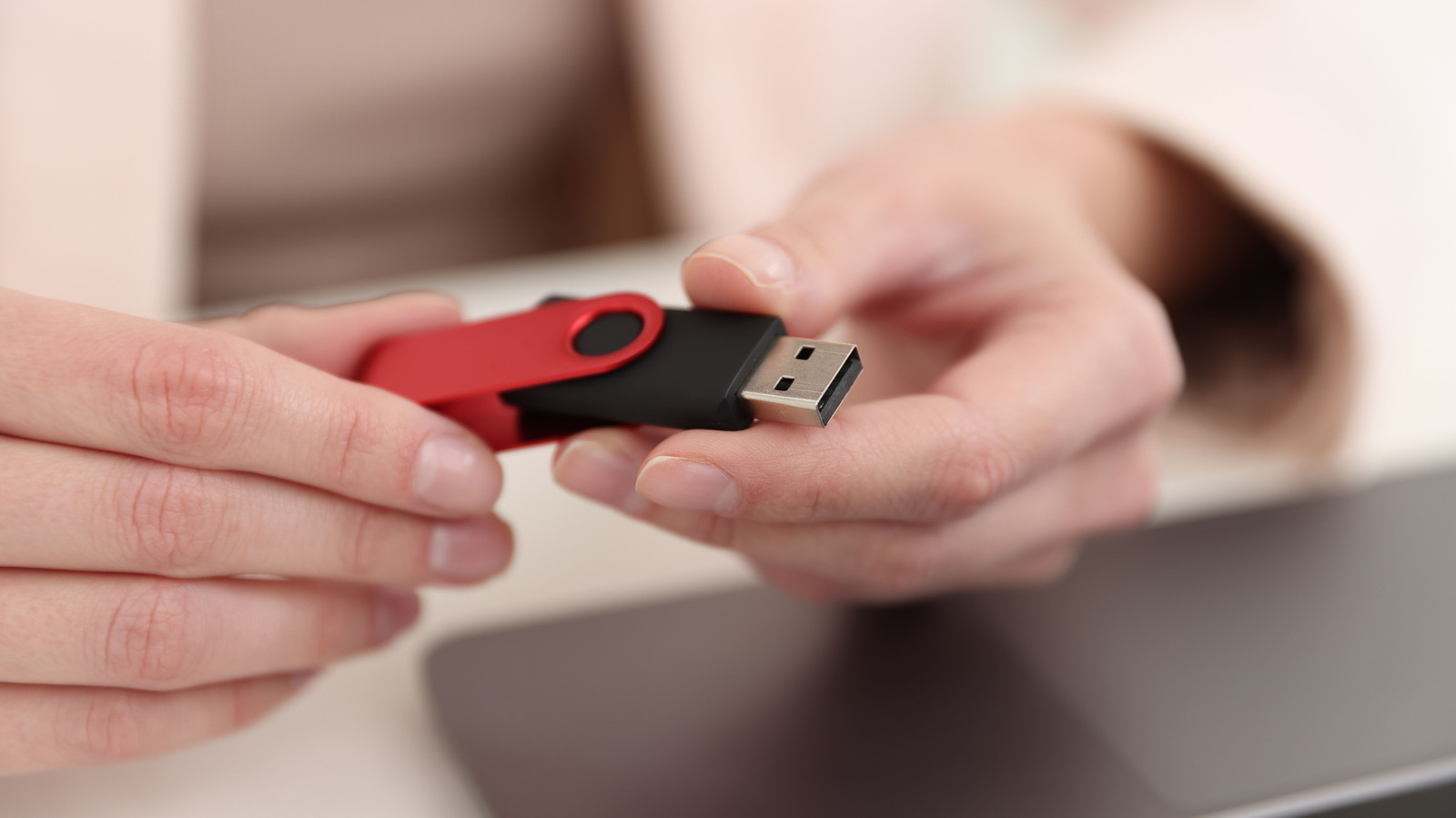
The letter "A" in the USB-A designation simply identifies the Type-A connector, which is the rectangular plug commonly found on flash drives and charging cables. This connector type and nothing more is what the "A" signifies. The same applies to USB-B and USB-C connectors, with each letter denoting a specific connector type for physical connections and power/data delivery.
The USB-A designation doesn't reveal how quickly files can be transferred or the charging power output of a USB-A port. Although USB-A ports are familiar and widely used, their performance capabilities may not be immediately apparent. USB-A cables can have either charging-only or data transfer and charging capabilities.
Before plugging a USB-A cable into a USB-A port on a PC, it's important to check the cable's and port's capabilities. Look for markings or information in the PC manual. USB-A ports may feature color differentiators, such as teal for faster USB connections, but these colors are not always universal and are determined by manufacturers.
Even though USB-A is gradually being replaced by USB-C, it is not obsolete yet. Although USB-C offers practical advantages like smaller size, reversible connectors, and support for USB4 capabilities, USB-A ports are still present in many PCs and Macs. If purchasing new devices, consider your existing ports and cables, and choose the version that best suits your needs.
Written by urgent.news from Engadget's reporting — not their text. Machine-written — may contain errors; check the original before relying on it.