I built one dashboard for 15,000 games across five devices, and now I can find where every game lives
RomM turned my 15,000-game library into one searchable dashboard I can open from anywhere.
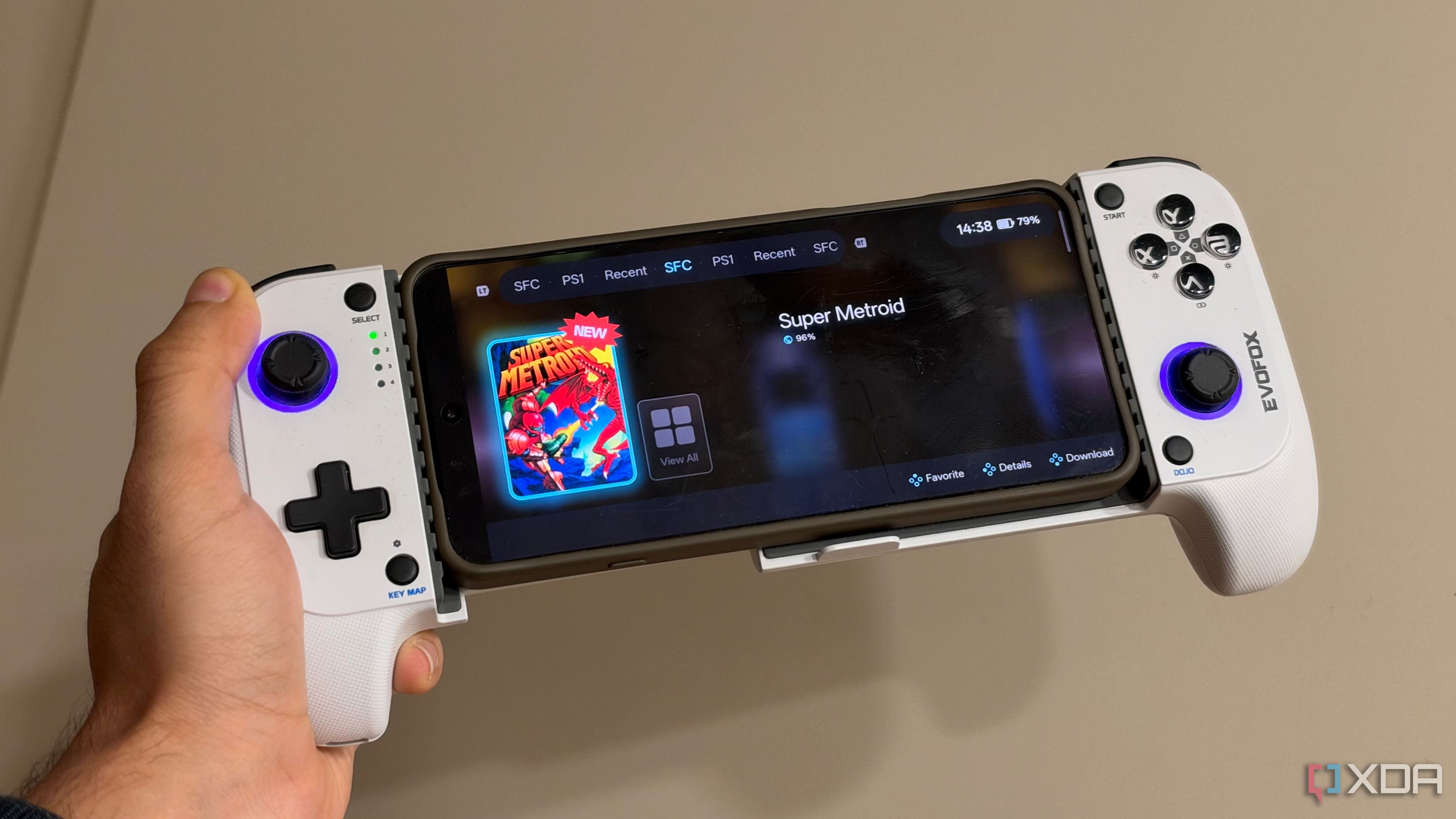
For nearly two decades, the author has amassed over 15,000 retro games across five different devices. The challenge of finding a game to play quickly became overwhelming, as they had to remember which NAS, hard drive, or SD card held the desired title. This led to duplicate games and difficulties syncing save files across devices.
The author sought a single place to manage their entire game library without sacrificing the emulators and devices they already used. This need led to the creation of RomM, a free self-hosted ROM manager that transforms a vast collection into a single, searchable library. RomM can be accessed from any location using Tailscale, allowing the author to manage their library regardless of location.
One of the primary issues with an extensive game library is organization, as various emulators have different folder structures and some handhelds or frontends rely on artwork or file names for navigation. With RomM, the author pointed it towards their existing ROM folders using the standard roms / platform schema, allowing it to scan and organize the games.
The app pulls individual games from folders, sorts them by platform, and builds a searchable interface accessible via a web browser. Metadata handling is crucial, and RomM excels at this, connecting to external databases like IGDB for detailed information on titles and systems. The app supports 400 platforms, multi-disk games, translations, and manuals.
While pure organization was the initial goal, the author now plays games on various devices, such as Mac, smartphone, and handheld controllers. RomM supports in-browser emulation, but it's more suitable for older or slower-paced titles. The author's NAS and Tailscale setup allows for seamless access to their game collection from any device.
By running RomM on their NAS, using Tailscale on other devices creates an environment where the phone thinks it's on the same local network as the NAS. This setup enables downloading individual titles on demand, eliminating the need for duplicate storage on handhelds. The Argosy app, a first-party companion application designed for gaming handhelds, connects to the RomM server, syncs the library, and allows for on-the-go game downloads.
With RomM and Argosy, save synchronization is also possible, enabling in-game progress to be continued across different devices. For the author's sizable retro gaming collection, RomM is the top recommendation, as it simplifies organization and provides an effective central catalog.
Written by urgent.news from XDA Developers's reporting — not their text. Machine-written — may contain errors; check the original before relying on it.