Gemini in Android Auto finally feels like a real upgrade now that it can access my Gmail and Google Calendar
The AI assistant can now pull information like addresses from from Gmail, Calendar, Keep, and more while you're behind the wheel.
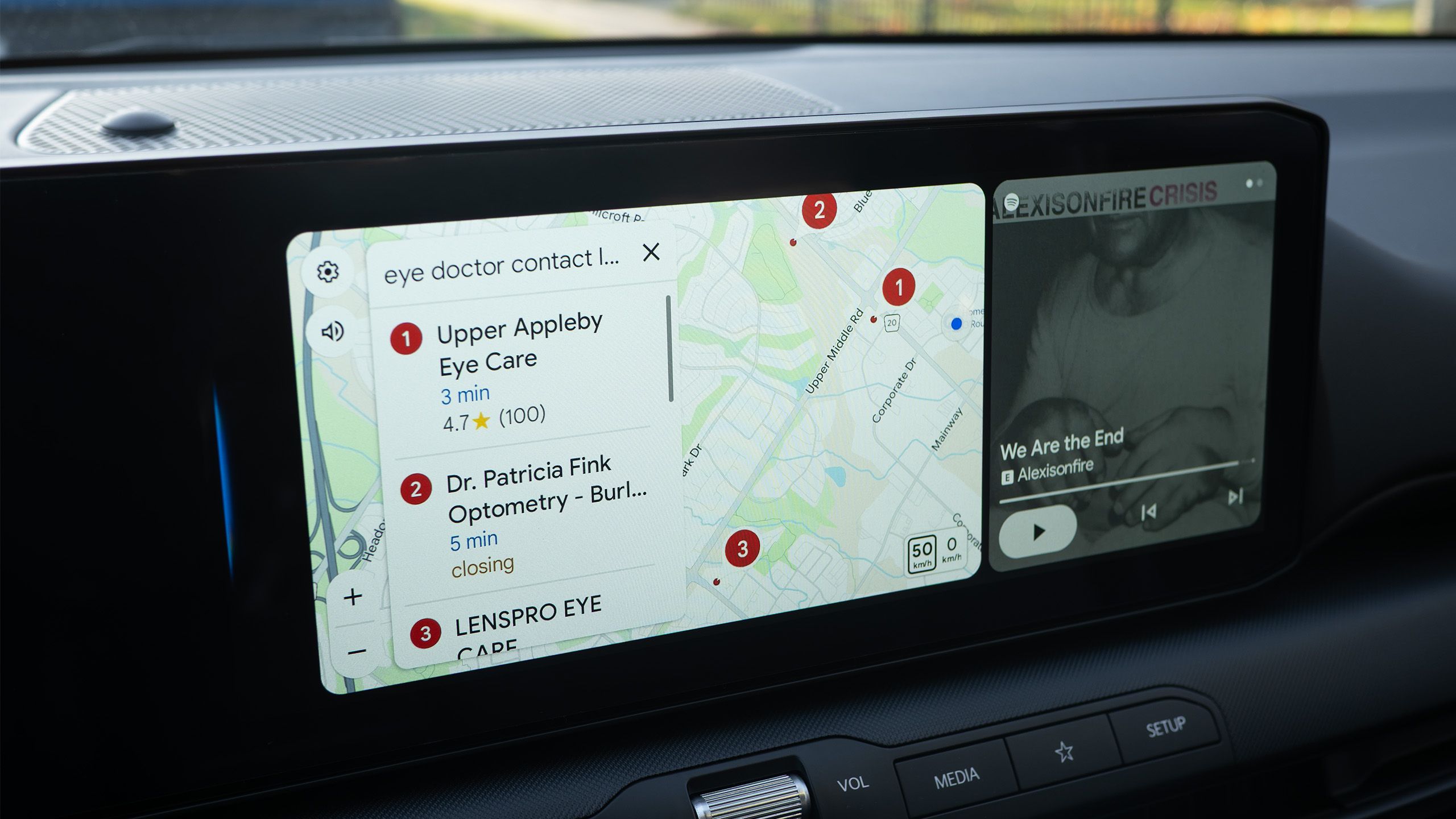
Google's Gemini AI assistant on Android Auto has finally felt like a real upgrade with the addition of Personal Intelligence. This new feature allows Gemini to access personal information such as Google Calendar, Gmail, Google Keep notes, and more. Users have found this feature very useful for finding addresses and information from specific emails.
For example, Gemini was able to navigate to a doctor's appointment by pulling the address directly from Google Calendar. It can also pull an address from a confirmation email and add it to Google Maps or Waze. This feature feels seamless and futuristic, making tasks like finding a coffee shop or determining an optometrist's address much easier while driving.
While it may take a few seconds to search through emails, having this information readily available without the hassle of sifting through emails is a great time-saving feature. Gemini's Personal Intelligence currently works with Google Workspace apps like Gmail, Calendar, Keep, Sheets, Tasks, and Docs. It doesn't have access to every app on your phone, but for users who rely mostly on Google apps, this shouldn't be an issue.
To enable Personal Intelligence on Android Auto, users need to turn on Gemini Apps Activity and Memory in the Gemini mobile app's Settings menu.
Written by urgent.news from XDA Developers's reporting — not their text. Machine-written — may contain errors; check the original before relying on it.
This story
This is one outlet's version. Read the fullest account.
- Google is officially entering its ‘Hey Gemini’ era androidauthority.com