The HDMI port settings you should change for the best picture quality
To ensure your TV and connected devices are providing the best picture quality possible, turn on these HDMI port settings.
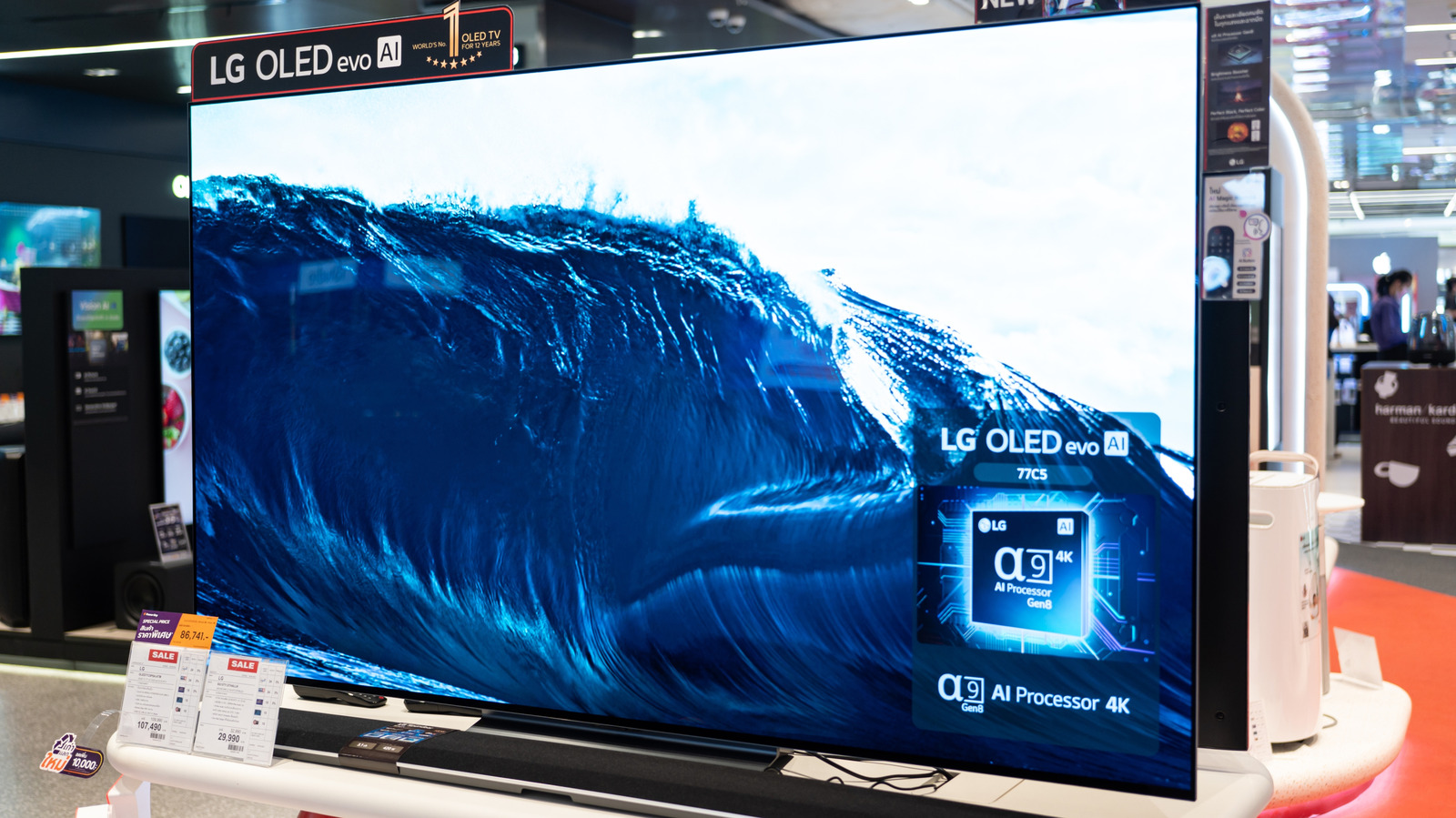
For optimal picture quality on your 4k TV, don't overlook the settings of your HDMI ports. The default settings on most smart TVs aren't tailored for home viewing purposes. These TVs are often shipped with overly cautious default configurations or modes that may seem appealing in stores but hinder image quality. This is where HDMI port customization comes into play.
Even though HDMI ports are plug-and-play devices, they do have settings that can impact your viewing experience. To maximize your TV's potential, turn on Enhanced for each of your HDMI inputs. This setting unlocks the full bandwidth of each port, which is crucial for running advanced features like Dolby Vision or refresh rates above 60Hz.
However, the process varies slightly depending on your TV manufacturer. For Google-based TV models from Sony and Hisense, navigate to the HDMI input options and change each input to Enhanced. Some TVs offer multiple Enhanced tiers, such as one for HDR and another for high refresh rates. Prioritize based on your connected devices. PCs and consoles typically adjust to the best refresh rates, while media streamers and Blu-ray players require HDR.
Another setting to consider is HDMI Deep Color. Introduced with HDMI 1.3, Deep Color extends color depth to support HDR. Most consumer TVs can't utilize more than 10-bit color, but enabling Deep Color can help if you have compatible devices. On an LG TV, this is found under Settings > General > External Devices > HDMI settings > HDMI Deep Color.
If given a choice of bits, select anything over 8-bit for HDR support. For PCs and consoles, look for chroma subsampling options. Uncompressed 4:4:4 can enhance text clarity for better legibility.
Written by urgent.news from Engadget's reporting — not their text. Machine-written — may contain errors; check the original before relying on it.