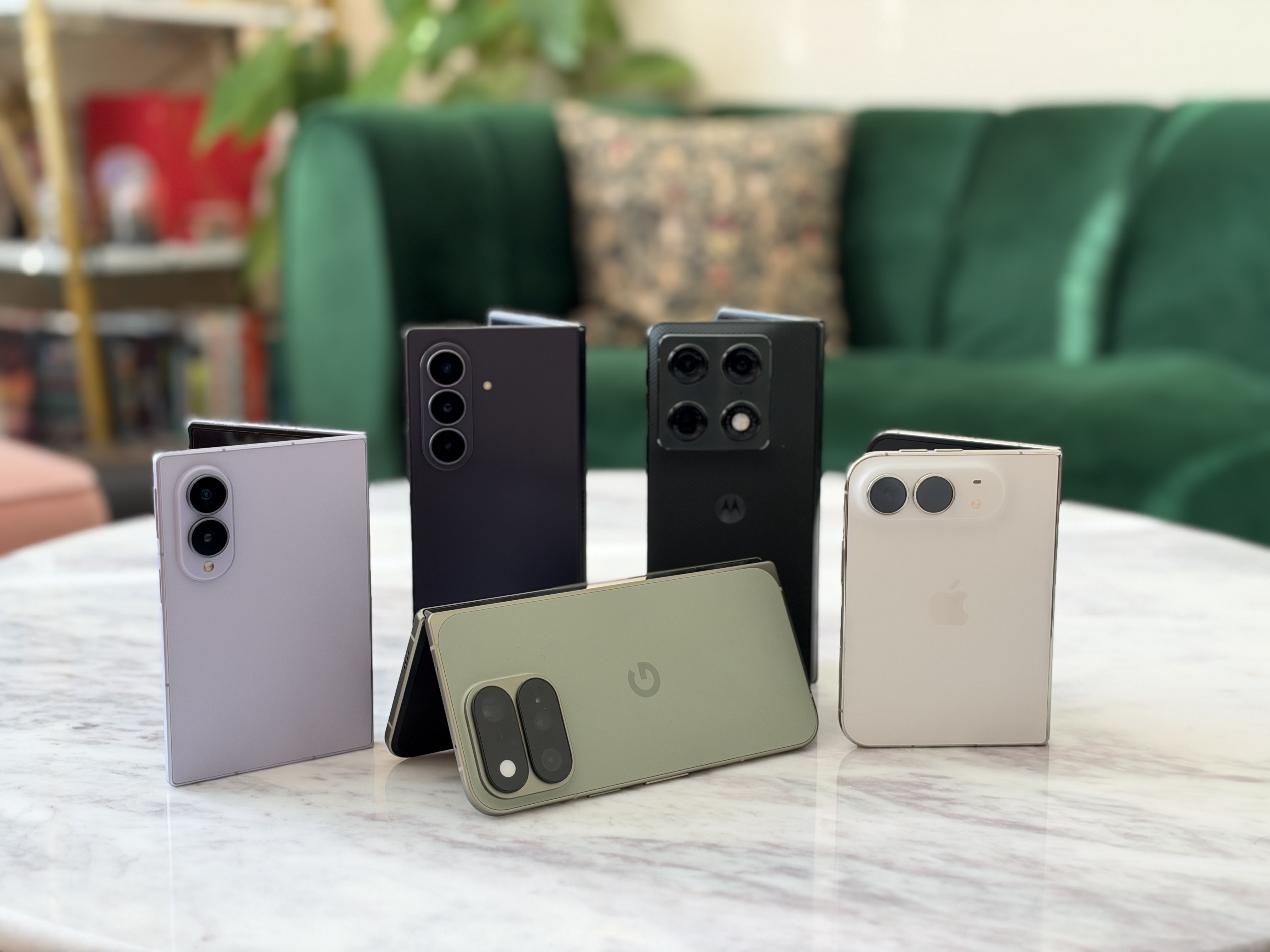
You don't need Terminal to turn off the lit-up Apple logo
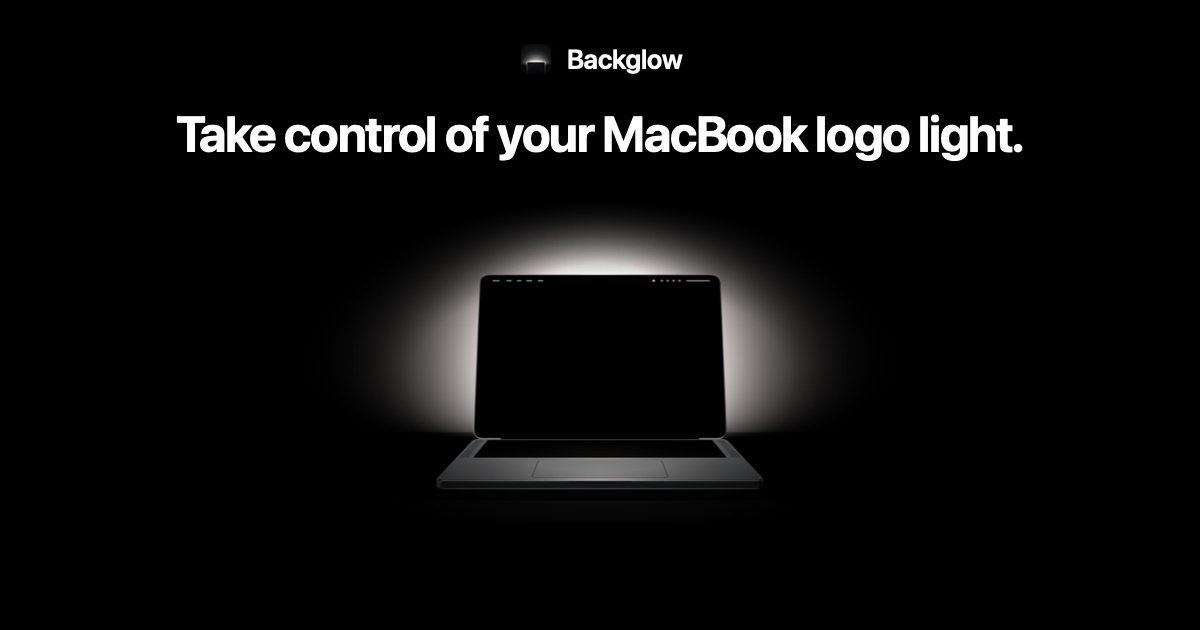
I promised in the forums that it would take the weekend for there to be an app to control the MacBook Pro Apple logo light, and true enough, here it is. According to the developer, Backglow allows you to "set how bright it glows, turn it off, or give it a mode: Steady, Breathe, Battery, Music or Agents." There's a free demo, with a $9 "Pro" one-time purchase. https://backglow.app Continue Reading…
We haven't written up this one. AppleInsider has the full story — the link below goes straight to it.