Why your USB device isn't showing up on your MacBook and how you can fix it
If your USB device isn't showing up on your MacBook, the issue could be anything from a damaged cord to software troubles. Find out how to fix these problems.
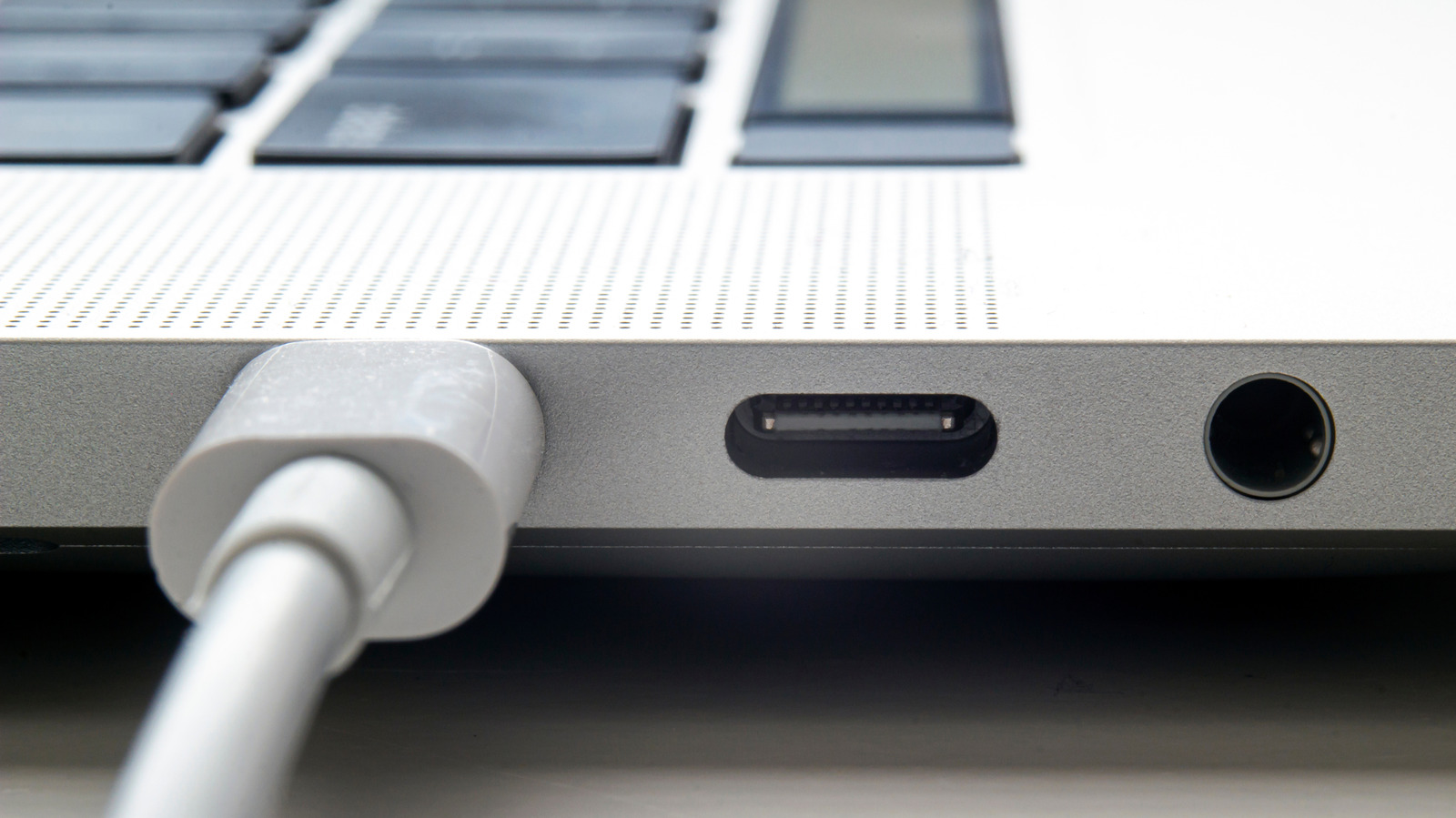
USB devices may not be recognized on MacBook computers due to several potential hardware or software issues. Apple played a crucial role in popularizing USB devices, but EU regulations have since led to the discontinuation of Lightning ports on iPhones, marking the end of Apple-exclusive ports. On modern Macs, USB accessories generally function well. However, macOS may occasionally fail to detect them, which can be frustrating.
Several factors contribute to this problem, including damaged cables, accessories requiring more power, incorrect permissions, outdated software, or physical damage to cables or ports. To troubleshoot the issue, users can attempt basic fixes such as unplugging and replugging the accessory, checking permission settings in System Settings, and verifying the device's presence in System Information.
If the issue persists, the problem could lie with insufficient power supplied by the Mac's USB port, requiring a separate power cable or an alternate port. In some cases, using a hub or dock can introduce additional power or data transmission issues, making it advisable to connect USB devices directly to the Mac when possible. Ensuring macOS is up-to-date and using the appropriate USB cable for power and bandwidth requirements is also essential.
Additionally, external cards, drives, and accessories must utilize compatible file system formats, such as APFS, FAT, or ExFAT. Cleaning USB ports and cables of debris or damage can often resolve connectivity issues. If these troubleshooting steps fail to restore functionality, seeking assistance from Apple tech support may be necessary.
Written by urgent.news from Engadget's reporting — not their text. Machine-written — may contain errors; check the original before relying on it.
This story
This is one outlet's version. Read the fullest account.