I connected my 3D printer to Home Assistant and Spoolman, and my self-hosted apps now track every gram of filament I use
My spool inventory manager can finally get real-time filament metrics from my 3D printers
Home Assistant, a popular smart home management platform, can be enhanced with various integrations and apps, even for non-IoT devices. Enthusiasts like the author can connect their 3D printers, such as the Elegoo Centauri Carbon 1 and 2, to the platform for better management of prints through custom dashboards and trigger-action automations.
The author decided to maintain an inventory of all filament spools using a self-hosted Spoolman container, which led to setting up a filament tracking pipeline on their Home Assistant.
To achieve this, the author installed the elegoo-homeassistant integration and configured the integration using the printer's IP address. However, the Centauri Carbon 2 required additional steps like enabling LAN-only mode and using its IP address and access code for pairing due to its reliance on Elegoo's server for authentication. The Spoolman integration was installed and linked to the Home Assistant by adding its IP address.
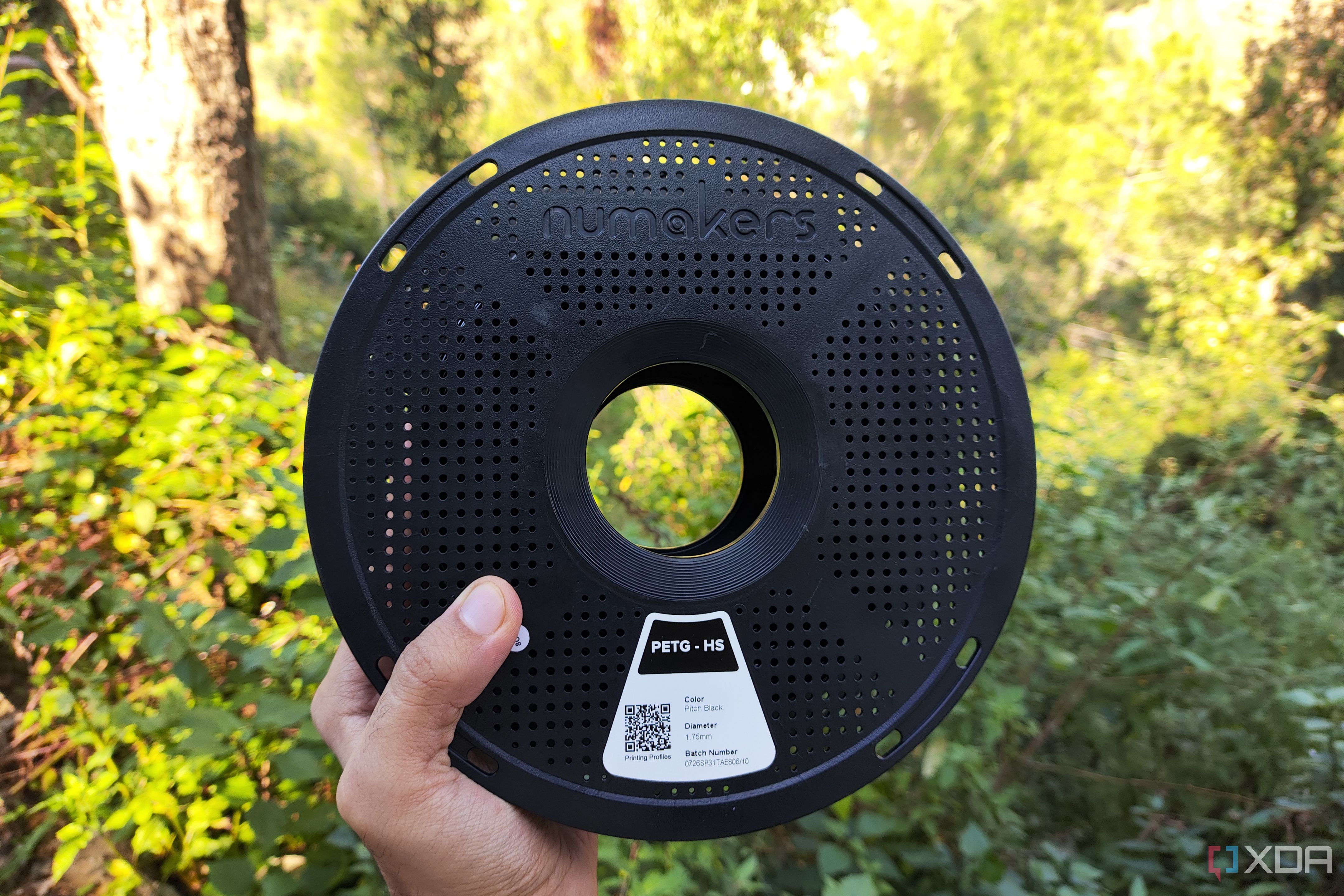
For the Centauri Carbon 2, a workaround was required to overcome limitations in reporting filament consumption. The elegoo-printer-proxy package by lantern-eight was used as a containerized tool to capture G-code details and send them to Home Assistant and Spoolman. The proxy server was deployed by cloning the package, modifying the IP address fields, and running the docker compose command. The proxy server's URL was then added to the elegoo-homeassistant integration, replacing the CC2's IP address in the Elegoo Slicer.
Finally, the author set up trigger-action rules using the elegoo-homeassistant integration's documentation to replicate the templates and automation workflows on their Home Assistant setup. This allowed them to track filament usage accurately and optimize their 3D printing process.
Written by urgent.news from XDA Developers's reporting — not their text. Machine-written — may contain errors; check the original before relying on it.