My external SSD was running at a fraction of its speed, and the USB hub between it and my PC was the reason
Under-specced USB hub can hold accessories back.
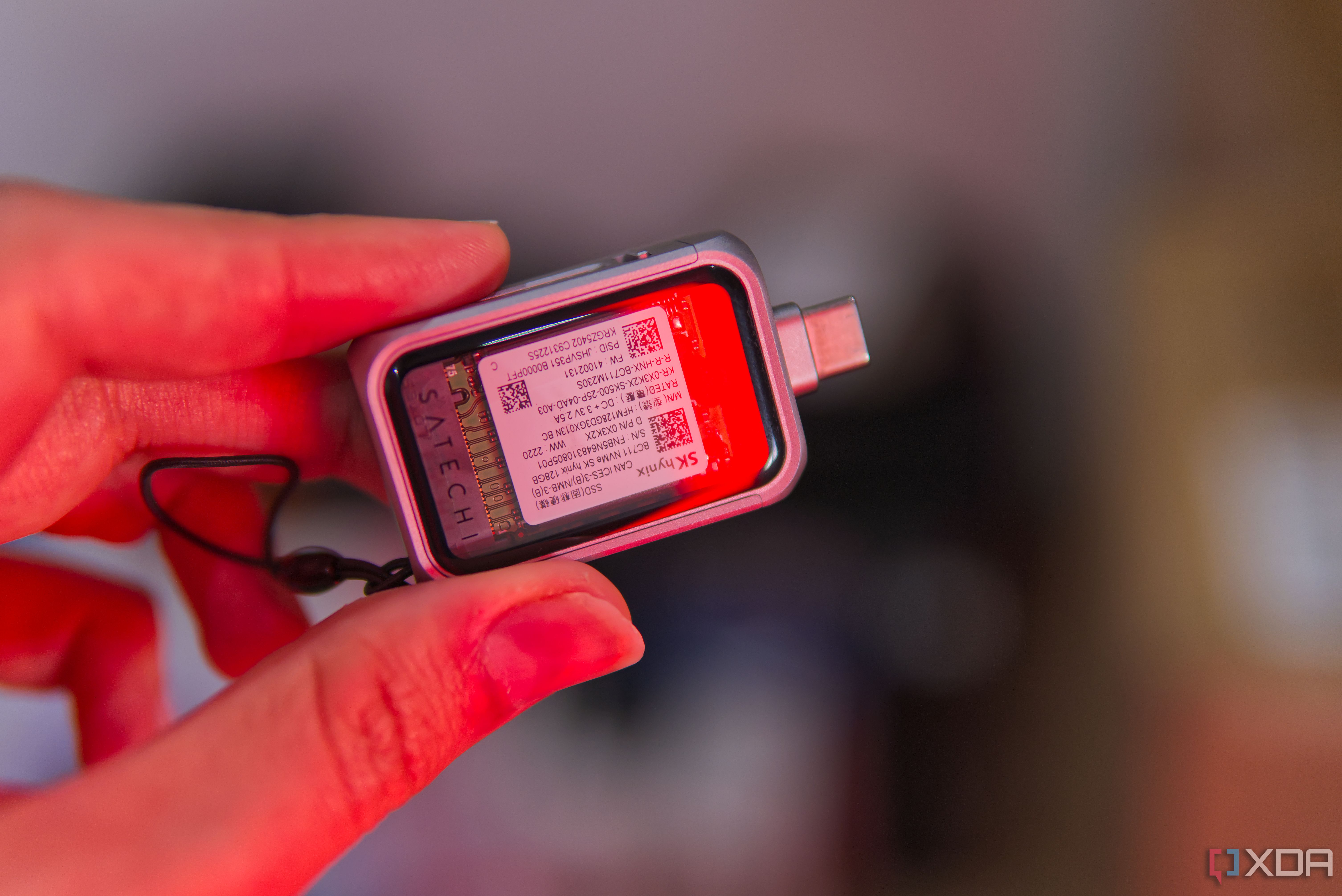
The writer was experiencing slower-than-expected speeds when using an external SSD to expand storage on their PC. They had initially assumed the problem was with the SSD itself, but after testing, they discovered the issue was with the USB hub connecting the drive to their computer. The hub was limiting the SSD's transfer speeds, even though it was connected via a USB4 port to the PC.
The writer conducted tests with CrystalDiskMark and by transferring large files to confirm the SSD was operating at its advertised speeds. They also studied the specifications of their hub and realized that it was not compatible with the high-speed USB 3.2 Gen 2x2 standard required by the SSD. The hub was connecting to additional devices, adding to the bandwidth competition and potentially causing power issues for the external SSD.
To resolve the problem, the writer replaced the USB hub with one that could handle the full speed of their external SSD, ensuring optimal performance without the risk of data errors or unexpected disconnections.
Written by urgent.news from XDA Developers's reporting — not their text. Machine-written — may contain errors; check the original before relying on it.