Why MagicDNS alone can't name your home services on Tailscale
You still need your own DNS server to name services
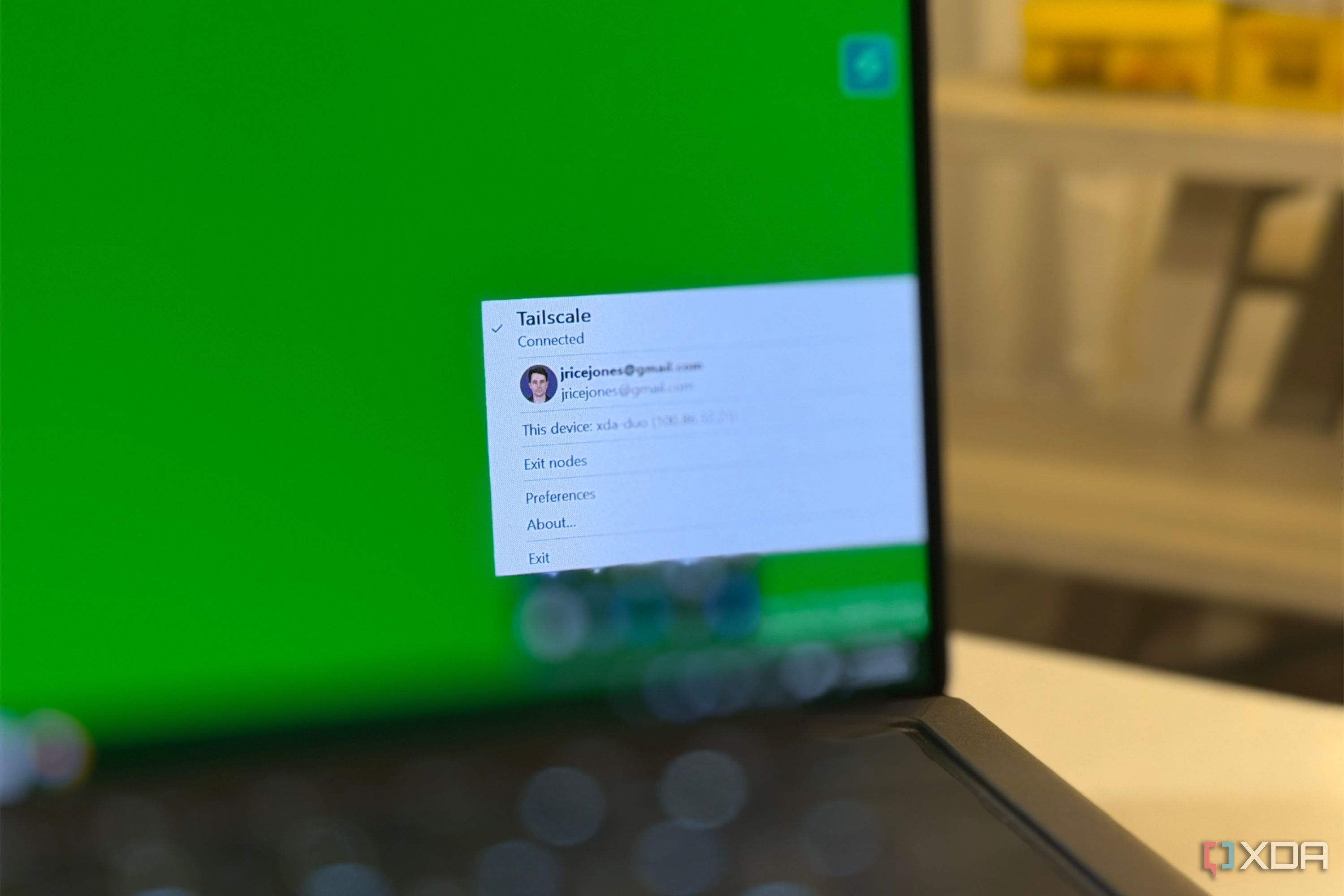
Tailscale's MagicDNS feature allows devices in a Tailscale network to automatically receive a fully qualified DNS name, but it has limitations. MagicDNS is not designed to handle arbitrary DNS records, such as CNAMEs, wildcards, or aliases. This limitation means that services like Jellyfin or an LLM server running on the same machine will share the same DNS name, resulting in a lack of unique naming and potential confusion.
Additionally, when connecting to services hosted in a subnet router, MagicDNS may not be able to resolve the names if the devices are not Tailscale nodes. To resolve this issue, users need to set up their own DNS server that can handle custom records for their domain. Tailscale can route traffic to this DNS server, but it will not manage the DNS records itself.
Users should also be aware that MagicDNS and HTTPS functionality are separate, with HTTPS certificates tied to Tailscale's default domain or a randomly generated one, and not the user's own domain.
Written by urgent.news from XDA Developers's reporting — not their text. Machine-written — may contain errors; check the original before relying on it.
This story
This is one outlet's version. Read the fullest account.