How a bottleneck calculator for your GPU and CPU works
They're a quick way to help you check component compatibility before you build or upgrade a system.
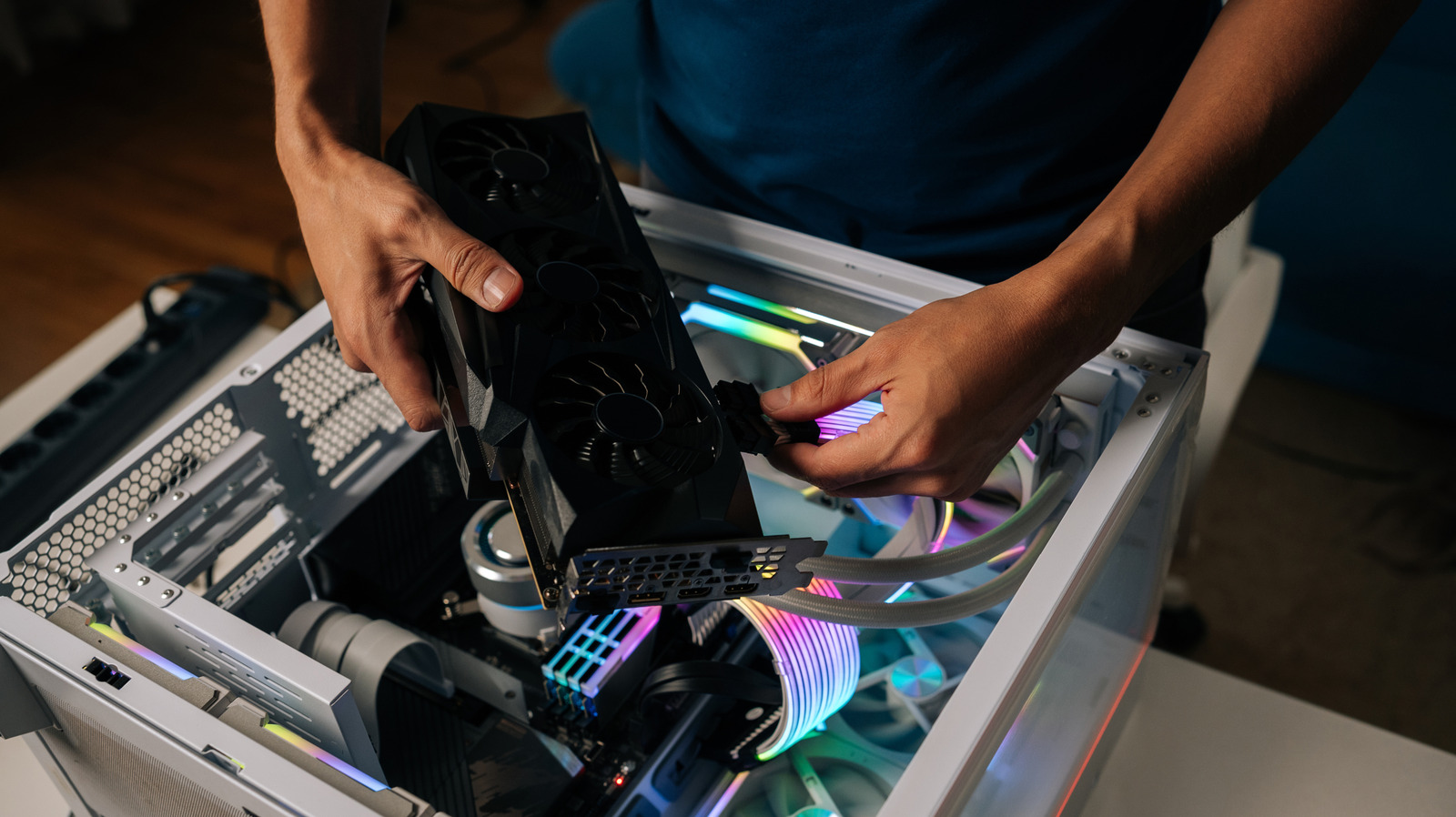
A bottleneck calculator is a convenient tool for checking whether your CPU and GPU components are compatible before building or upgrading a computer system. These calculators are useful for spotting hardware mismatches quickly, but they often lack accuracy compared to real-world stress-testing. When stress-testing a system, performance issues may arise where a single component is holding back the rest of the system, leading to reduced overall performance.
During a stress test, a CPU bottleneck occurs when the CPU is operating at 100% while the GPU is underutilized. This could result in a CPU bottleneck, which hampers the GPU's performance. Conversely, a GPU bottleneck happens when the GPU is working near its limits, causing issues like screen tearing, low frame rates, and inconsistent performance.
To determine if your system has a bottleneck, bottleneck calculators use your chosen CPU and GPU components and assess their performance at your target resolution (1080p, 1440p, or 2160p).
If both components perform adequately at your target benchmark, the calculator will provide a low bottleneck score (around ten percent or less). However, if one component struggles to handle the benchmark, it will receive a higher percentage, indicating that it is the bottleneck. Typically, the CPU is the most common cause of PC bottlenecks, as it is responsible for sending timely information to the rest of the system.
If the CPU is too slow, other components in the system might experience delays, leading to stutters in video games.
Bottleneck calculators are based on manufacturer spec sheets and theoretical performance rather than actual data from your PC, making them less reliable. Factors such as varied system components, specific application compatibility, and small differences in GPU or CPU models are not considered in these calculators. Although bottleneck calculators are not ideal for detailed system troubleshooting, they can be a helpful starting point when planning a system build or curiously testing unconventional hardware combinations.
However, for more accurate PC hardware performance assessments, it is best to rely on dedicated performance monitoring software.
Written by urgent.news from Engadget's reporting — not their text. Machine-written — may contain errors; check the original before relying on it.