A tiny Docker container mutes YouTube ads and skips the sponsors on all my TVs, and I didn't have to replace the app
Tired of long YouTube ads and sponsors on your TV? A simple Docker container can change everything and make your life much more peaceful.
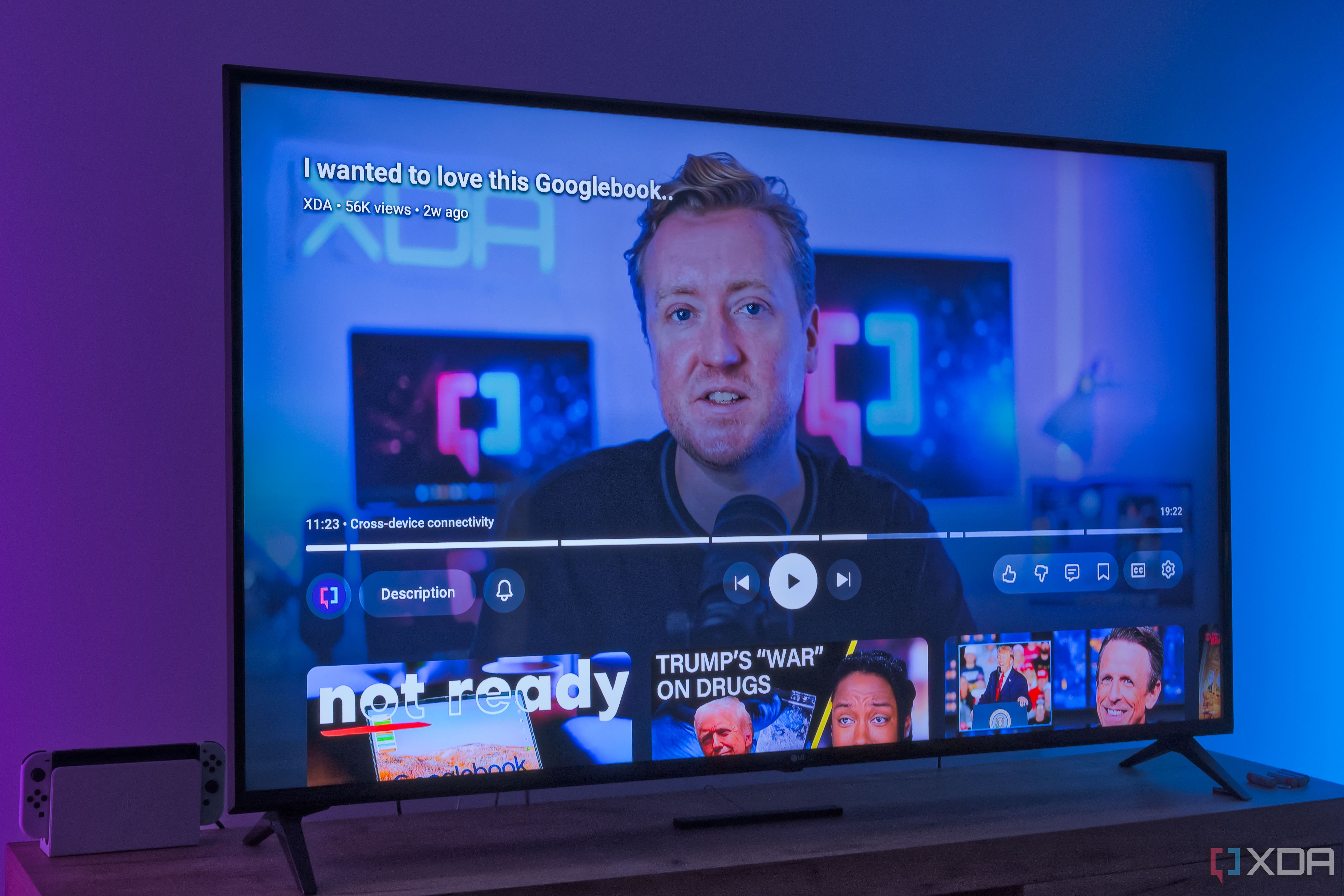
I employ YouTube extensively on my televisions, but I'm frequently frustrated by the app's relentless ad strategy. Compared to other platforms, the TV app provides fewer options to skip ads, and they tend to run for extended periods. Compounding the issue are sponsored segments integrated within videos themselves, which can create the impression of an overwhelming ad experience. For some time, I believed a solution was unattainable, yet I was mistaken.
iSponsorBlockTV, a compact Docker container, can effectively mute sponsored segments and more across multiple TVs, all without necessitating any modifications to the TV or its associated app. This container is officially accessible via Docker, but a Proxmox community script replicates its functionality within an LXC. Initially, I tested the tool within Docker on a random machine; however, for prolonged deployment, I opted for Proxmox to ensure its continuous operation.
The setup process is relatively straightforward. If using Docker, the simplest method involves following the guidelines on the official wiki, specifically the Docker Compose file, as it typically offers the most streamlined approach. Just adhere to the two steps outlined on the webpage, configure the desired behavior, and include compatible devices.
This step is critical, as iSponsorBlockTV functions by linking to the YouTube app on your TV, similar to how you'd interact with it on your phone. You can also link by searching within your local network; however, I chose the TV link code, and that was sufficient. Multiple devices can be added, enabling the blocking of ads across all TVs in your household or even on devices like the Nintendo Switch, which also utilizes a variant of YouTube's TV app.
Setting up with Proxmox proves even more user-friendly, in my opinion. Simply execute the community script in the host shell, then enter the container's shell and execute the command iSponsorBlockTV setup. From there, the setup process mirrors the Docker procedure. The core function of iSponsorBlockTV is to skip portions of actual videos that may not contribute significant value.
It is derived from the SponsorBlock API, thereby supporting the same types of segments. You can skip intros, outros, filler segments, and so forth to enhance the viewing experience. Naturally, you can also skip sponsored segments and interaction requests, such as creators prompting you to like their video or subscribe to their channel.
You can further specify the duration for skipping these segments, allowing you to bypass overly lengthy ones, for instance. Additionally, you can whitelist channels you wish to support, albeit this requires a YouTube API key. Personally, I find this feature less appealing, as I appreciate creators who invest time and effort into making sponsored segments.
Nevertheless, these segments do contribute to supporting the creators I hold dear. Generally, I opt to skip YouTube ads, and iSponsorBlockTV can assist in this regard, albeit not in the manner you might anticipate. The most significant issue with YouTube on the TV, in my view, is the frequency, duration, and intrusiveness of the actual ads.
Even employing a network-wide ad blocker like Pi-hole or AdGuard Home proves ineffective in eliminating these ads. iSponsorBlockTV doesn't provide a complete solution, but it does significantly improve the situation. My favorite feature of this service is its automatic muting of the TV when an ad commences, eliminating the jarring and disruptive impact of loud ads in the middle of a video, which forces me to search for the remote to adjust the volume and later resume playback.
Additionally, iSponsorBlockTV automatically presses the Skip ad button once it becomes active, eliminating the need for manual intervention. While it's not a perfect resolution, it does make ads feel less intrusive and bothersome, which I find valuable. To me, this feature holds greater significance than automatic skipping of video segments. iSponsorBlockTV serves as a reminder of the benefits of self-hosting, even for simple services.
Even a modest machine can effortlessly run services like this to enhance your home entertainment experience, and the operational costs are minimal. This service will undoubtedly become an integral component of my home lab, and I wholeheartedly endorse its use.
Written by urgent.news from XDA Developers's reporting — not their text. Machine-written — may contain errors; check the original before relying on it.
This story
This is one outlet's version. Read the fullest account.