Nvidia's RTX Spark GPU priority control is quietly showing up on regular GeForce PCs
The option, called GPU App Prioritization, sits under System > Advanced in Nvidia App version 11.0.9.585. Reddit user Warkratos first spotted it and posted screenshots on r/nvidia. They showed several presets for splitting GPU priority between the app in focus and whatever is running in the background. Read Entire Article
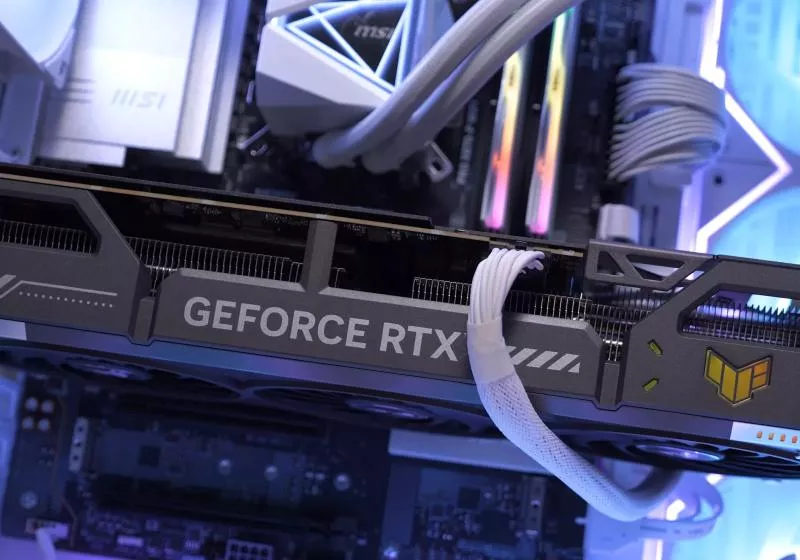
Nvidia has introduced a new GPU priority control for its RTX Spark laptops, allowing users to prioritize games while AI agents run in the background. The same feature has now appeared in the Nvidia App on some standard GeForce RTX PCs as well. The control, called GPU App Prioritization, can be found under System > Advanced in Nvidia App version 11.0.9.585.
Users can choose between several presets, with default settings allocating 80/20 priority to the foreground app and background tasks, respectively. Adjusting the setting can increase the foreground app's priority to 90/10 or even go as high as 95/5. This feature functions similarly to the Resource Management control Nvidia added to its RTX Spark laptops in October, granting background AI agents more or less GPU access.
However, unlike the RTX Spark version, the GeForce implementation appears to vary based on specific drivers and hardware-accelerated GPU scheduling availability. Nvidia has not officially confirmed if the GeForce implementation requires hardware-accelerated GPU scheduling, so users are advised to ensure this feature is enabled in Windows graphics settings before relying on the control.
Written by urgent.news from TechSpot's reporting — not their text. Machine-written — may contain errors; check the original before relying on it.
This story
This is one outlet's version. Read the fullest account.