Debugging macOS LaunchAgent Failures With launchctl and Exit Code 78
Learn how to diagnose silent macOS LaunchAgent failures, investigate launchd exit code 78, test plist configurations, and monitor scheduled jobs.
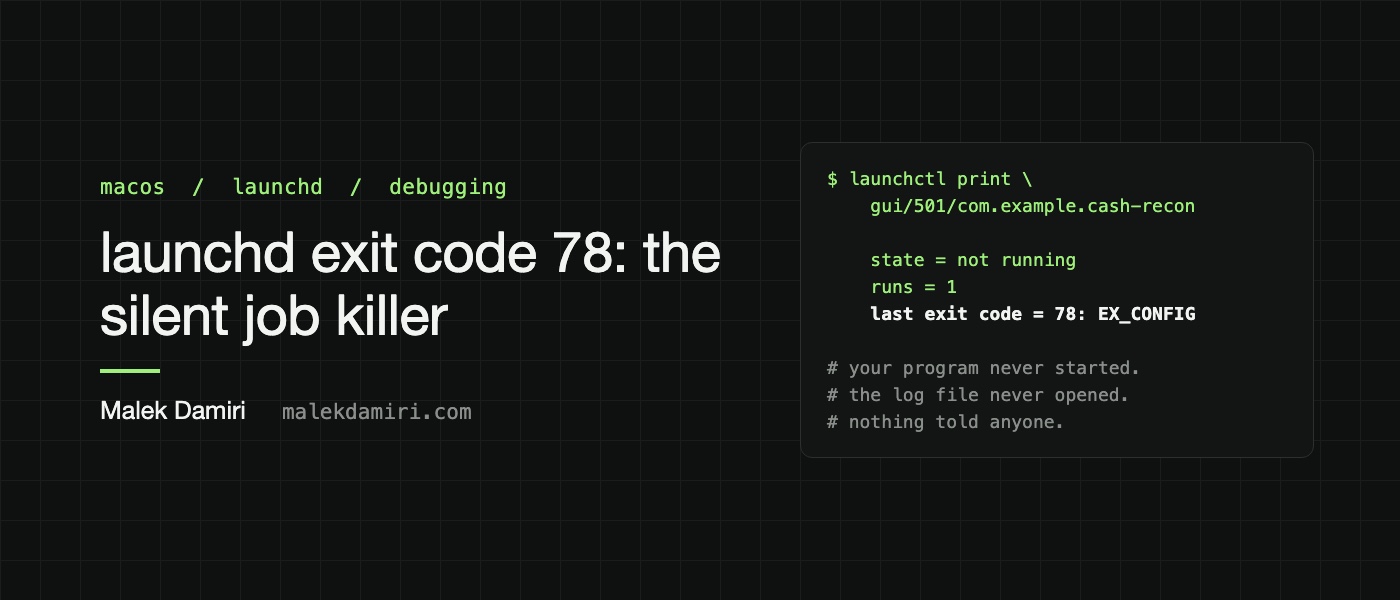
On October mornings, a Python script on a Mac ran a reconciliation at 7:45 and posted the results for the finance team. This job was managed by a LaunchAgent stored in the user's Library folder. However, for three days, the job failed to run, leaving no trace in Slack, crash reports, or the log file. The only hint was an exit code of 78, indicating a configuration error.
Upon investigation, the author discovered that the job's log file was on the Desktop, a folder protected by macOS's privacy protection. This caused launchd, the system service responsible for managing LaunchAgents, to fail in creating the necessary files, resulting in the EX_CONFIG (exit code 78) error. Moving the log files to a location not protected by privacy protection, such as ~/Library/Logs, resolved the issue.
The author also found that launchd creates missing log folders, so this should not be a problem. However, if launchd cannot open a log file, the entire job stops, and there's no way to know what went wrong. The fix involved moving the log files to a location where launchd had write permissions.
The author warns that different processes may have varying permissions, so a plist may work when tested in a terminal but fail when run by launchd. The author recommends testing fixes immediately to avoid waiting until the next scheduled run.
Written by urgent.news from HackerNoon's reporting — not their text. Machine-written — may contain errors; check the original before relying on it.