Your phone's apps could have more permissions than they need – here's how to check
Most smartphone apps need permissions to function properly, but some may have more access than they should. Thankfully, it's pretty easy to check.
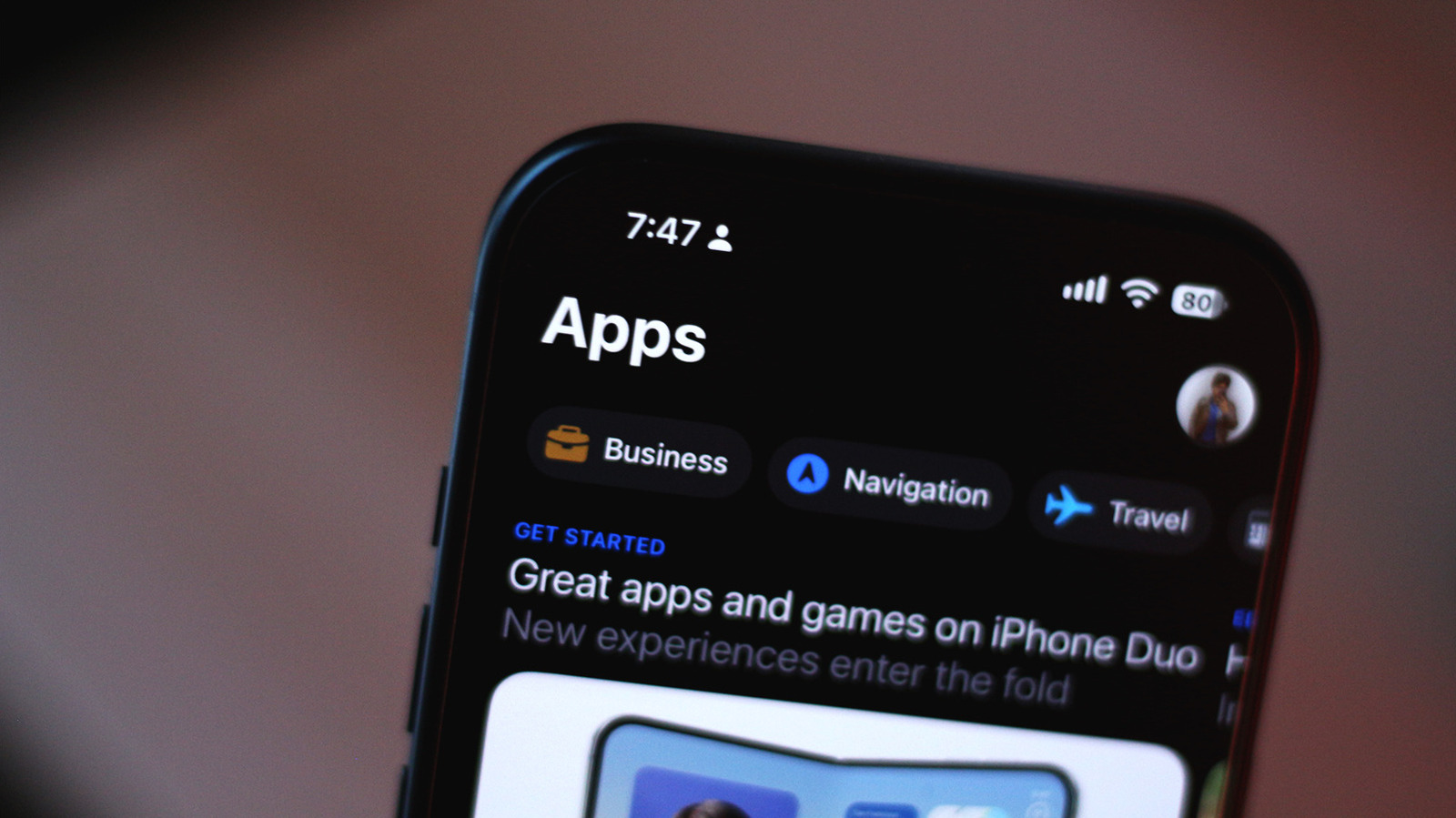
Mobile apps may ask for more permissions than necessary, potentially compromising your personal data. To maintain security, regularly review app access on both Android and iOS devices.
Reviewing permissions can help you understand why an app requires access to features like your camera, location, text messages, or files. Some permissions may seem unnecessary, especially if the app's primary function doesn't align with those requests.
Android and iOS provide straightforward methods to check and modify app permissions. On iOS, open Settings > Privacy & Security, and you'll see a list of permission types with the number of apps using each. From there, you can revoke access for individual apps.
For Android, long-tap the app icon and select the i icon, or navigate to Settings > Apps > See all apps. From there, tap Permissions, select a data type, and choose Allow or Don't allow. Android also offers a Privacy dashboard, visible in the Security and privacy submenu in the Settings app, where you can monitor apps' past 24-hour data access.
Certain apps may require specific permissions, like Google Maps needing Precise Location or Uber needing access to your contacts for optimal service. However, you can adjust these permissions on a per-app basis. Additionally, enabling App Privacy Report (iOS) or reviewing app permissions in the Play Store/App Store listings (Android) can offer further insight into apps' data access and network activity.
Written by urgent.news from Engadget's reporting — not their text. Machine-written — may contain errors; check the original before relying on it.