Using your Apple Watch for fat loss? Here are 3 ways to make it more accurate
Here's how to set up your Apple Watch to make your data more accurate
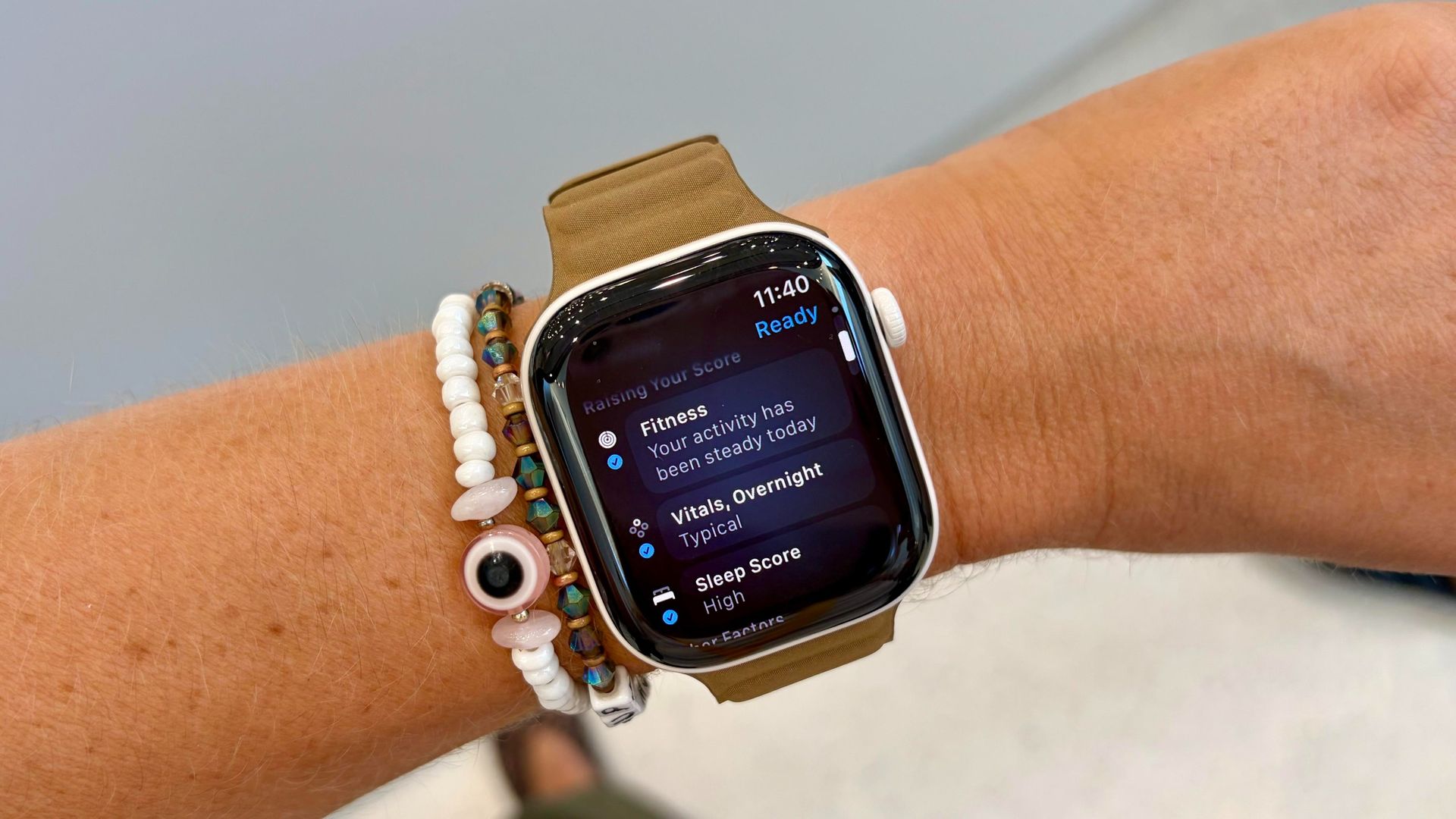
Achieving weight loss can be greatly aided by wearing a fitness tracker like an Apple Watch. To ensure the most accurate calorie burn estimation, there are three key steps to properly set up your watch. Firstly, the fit of the device is crucial; it should fit snugly but not too tight, with the heart rate sensor in direct contact with your wrist, and above your wrist bone.
Secondly, verify that your personal metrics, like your weight and height, are accurate in the settings, as these are integral to the calorie burning algorithm. Lastly, choose the correct workout mode, as different modes utilize unique algorithms based on the anticipated movement patterns. For instance, using High-Intensity Interval Training (HIIT) in the "High-Intensity Interval Training" mode may yield a higher average calorie burn compared to "Functional Strength Training" mode, despite both exercises being intense.
While your Apple Watch may not be 100% accurate in estimating calories burned, these tips will help optimize its performance. For personalized advice, consult a physician.
Written by urgent.news from Tom's Guide's reporting — not their text. Machine-written — may contain errors; check the original before relying on it.