How to handle a water spill on your Mac before the damage gets worse
A liquid spill can damage your Mac long after the surface dries, making a quick response essential to avoiding an expensive repair. Here's how to limit the damage and give your Mac the best chance of recovery. If you spill water on your Mac If you spill water on your Mac, shut it down, disconnect power, and blot away visible moisture before checking how far the liquid spread. Water can seep…
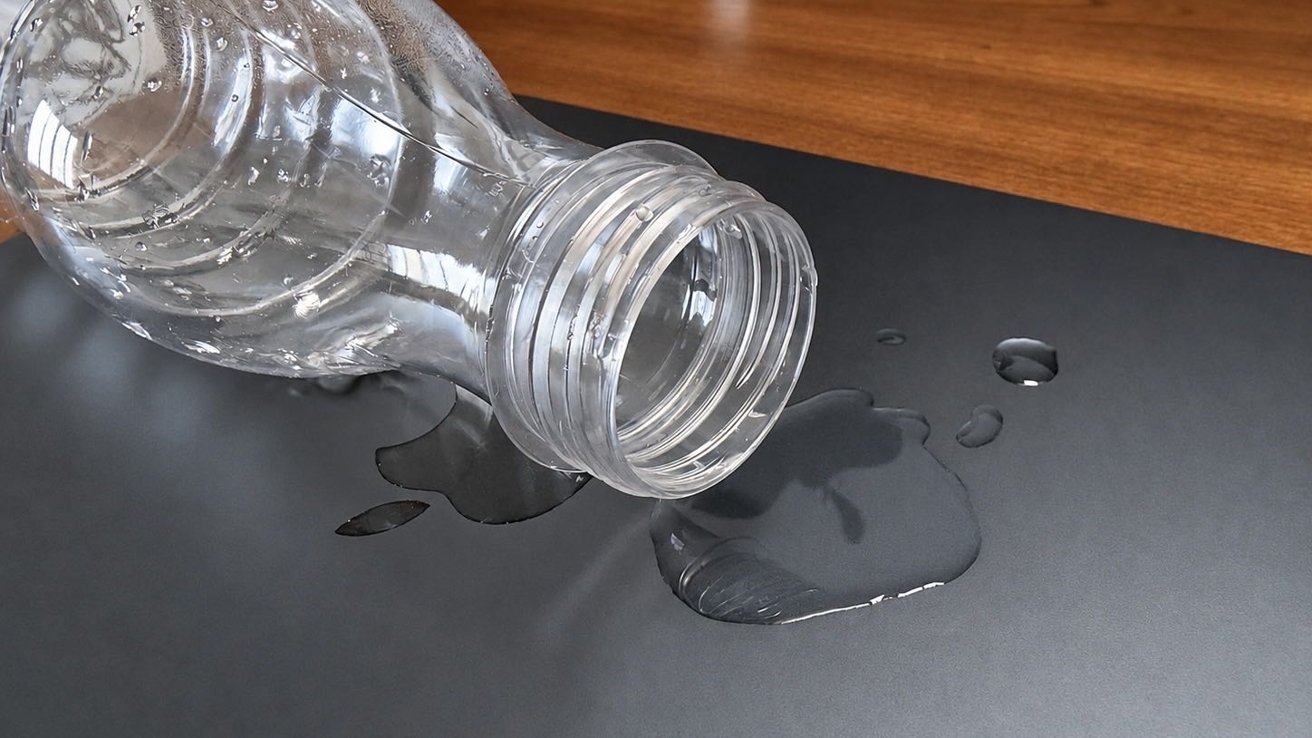
When water spills onto your Mac, prompt action is crucial to minimize potential damage. Shut down the computer and disconnect its power source immediately to prevent further electrical issues. Visible moisture should be blotted away before assessing how far the liquid has spread. Water can infiltrate through the keyboard, ports, and gaps in the enclosure, affecting sensitive components even if the exterior appears dry.
The extent of the damage depends on factors such as the volume of liquid, its entry point, and its composition.
Coffee, soda, and other beverages may leave residues that cause issues beyond the immediate evaporation of the liquid. Even if a Mac continues to operate after a spill, it doesn't guarantee safety; hidden moisture can lead to corrosion, charging failures, unexpected shutdowns, or logic board damage over time. Immediate steps include turning off the Mac, disconnecting external power (as the internal battery may still be connected), and avoiding the use of drying aids like hair dryers, heaters, or compressed air.
Compressed air can force moisture deeper into the device, while cotton swabs or paper towels can push liquid further into sensitive areas. Similarly, placing the Mac in rice is ineffective and can introduce particles into the system.
The same precautions apply to all Mac models, including desktop computers like the iMac, Mac mini, Mac Studio, and Mac Pro. If liquid reaches any of these devices, disconnect them from power when safe and avoid using the equipment until assessed for potential damage. Even a small amount of water on the MacBook's exterior, such as its lid or aluminum palm rest, should be wiped off gently with a soft, lint-free cloth, with particular attention to areas like the keyboard, trackpad edges, ports, and ventilation openings.
Water on the keyboard poses a higher risk as it can seep under the keys and reach internal components.
Be wary of water entering USB-C ports, as this can disrupt charging and potentially lead to corrosion. Do not connect cables until the port has thoroughly dried. In the case of a major spill, ensure the Mac is dried properly. A professional inspection is recommended to check for internal corrosion and determine the need for cleaning or replacement parts.
Exposure to water, especially in substantial amounts or with substances like salt water or sugary drinks, demands extra caution. If your Mac has been submerged, handle it gently, disconnect the power, and refrain from attempting to charge or restart it immediately. Professional assessment is vital to determine the extent of damage and the possibility of repairs or data recovery.
Written by urgent.news from AppleInsider's reporting — not their text. Machine-written — may contain errors; check the original before relying on it.