The reason why some iPhone calls don't have a decline option, and others do
Sometimes your iPhone lets you decline a call and sometimes it doesn't. Here's why that happens, and a few easy ways to handle the calls you'd rather skip.
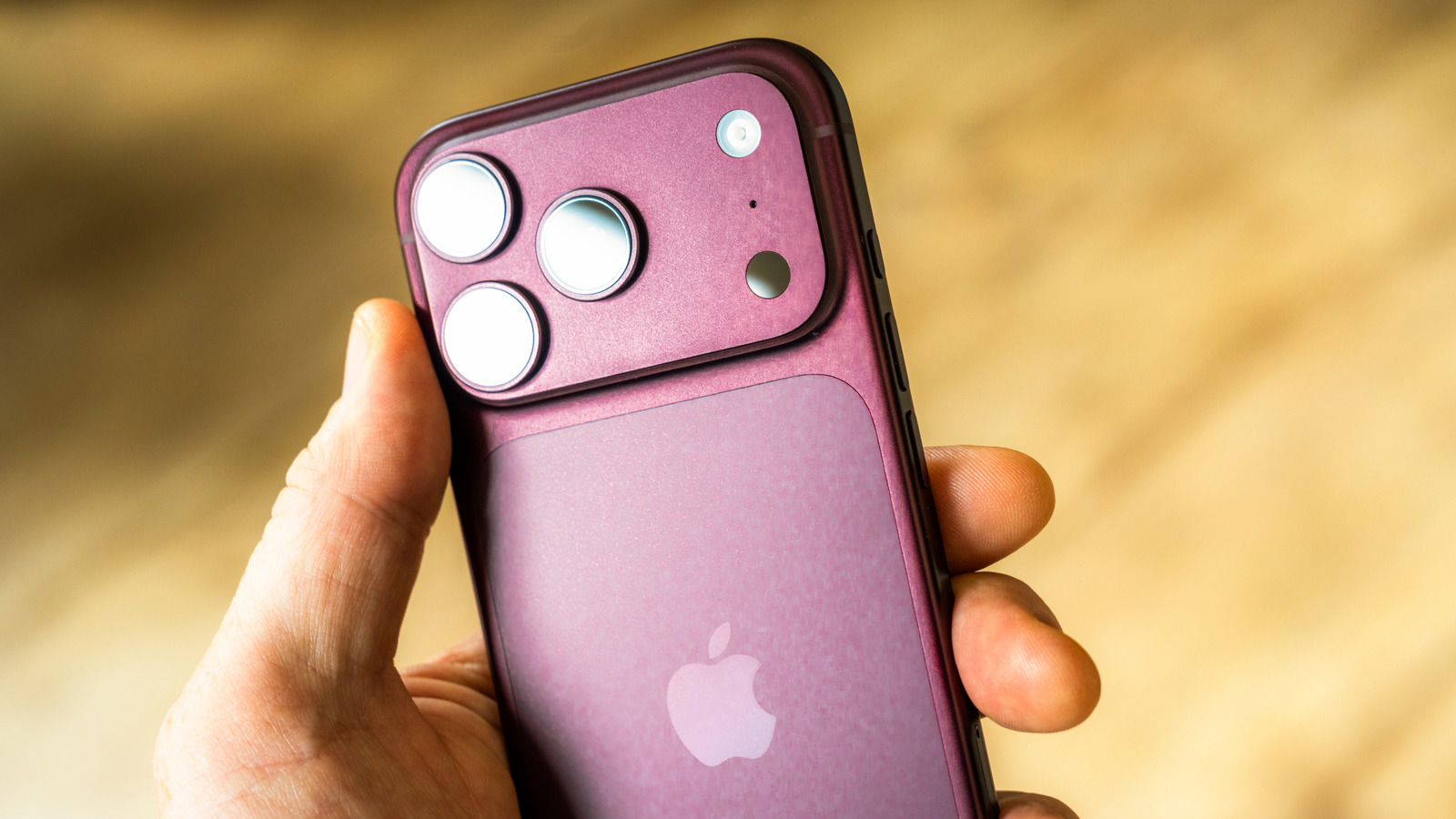
The iPhone's incoming call interface may seem perplexing at first, but the reason for the decline or accept option varies depending on whether the device is locked or unlocked. When the iPhone is locked, a "slide to answer" control appears, while an unlocked phone offers the option to answer or decline the call directly. Regardless of whether a decline option is visible, users can still reject calls by double-tapping the side button or silencing them by pressing either volume button, regardless of whether the screen is locked or not.
This simple feature helps prevent accidental declines and provides flexibility in managing incoming calls.
Written by urgent.news from Engadget's reporting — not their text. Machine-written — may contain errors; check the original before relying on it.