Kodi's smart playlists let you rethink your library without moving the files
Your movie library can be in five collections at once.
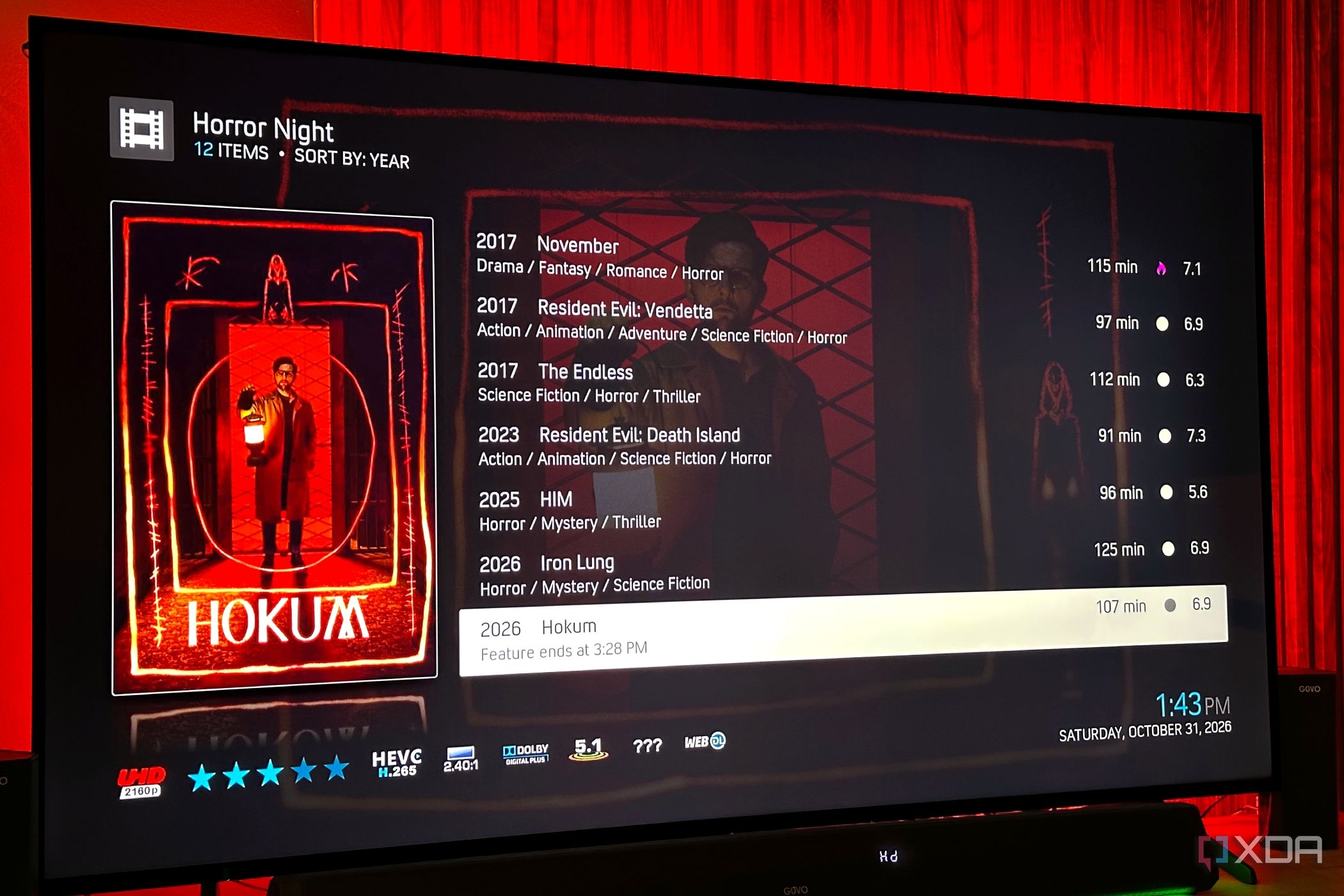
Kodi, a popular self-hosting media player, offers a feature called smart playlists that enables users to rethink their media library organization without moving the files themselves. This can be particularly useful for those who want to organize their collection based on criteria other than file type, such as genre, release year, or play count. Smart playlists create dynamic collections based on rules rather than physical file locations, allowing media to stay in its original location while Kodi handles the organization.
Creating a smart playlist in Kodi involves navigating to Videos → Playlists → New Smart Playlist from the Kodi home screen. Users can then select the content type (e.g., Movies) and give the playlist a name. Next, they must add a rule by selecting "New rule..." and specifying the criteria, such as matching the title of the movie to a specific genre. Multiple genres can be added to the rule, allowing for broader categorization.
Some advanced options in the smart playlist creation window include limiting the number of items in the playlist, ordering the contents by various properties, and grouping the items differently. These features can be customized to suit individual preferences and needs. Once a smart playlist is created, it dynamically updates as the media library changes, automatically including or excluding movies based on the defined rules.
However, the effectiveness of smart playlists relies on the accuracy and completeness of the media library's metadata. If the library lacks information for specific titles, those movies may not appear in the smart playlists. Therefore, maintaining an organized and well-maintained media library is crucial for maximizing the benefits of Kodi's smart playlists.
Written by urgent.news from XDA Developers's reporting — not their text. Machine-written — may contain errors; check the original before relying on it.