How to enable ECG and Blood Pressure features on the Samsung Galaxy Watch
Let's look at a step-by-step guide detailing how to enable ECG and Blood Pressure features on the Samsung Galaxy Watch 4.
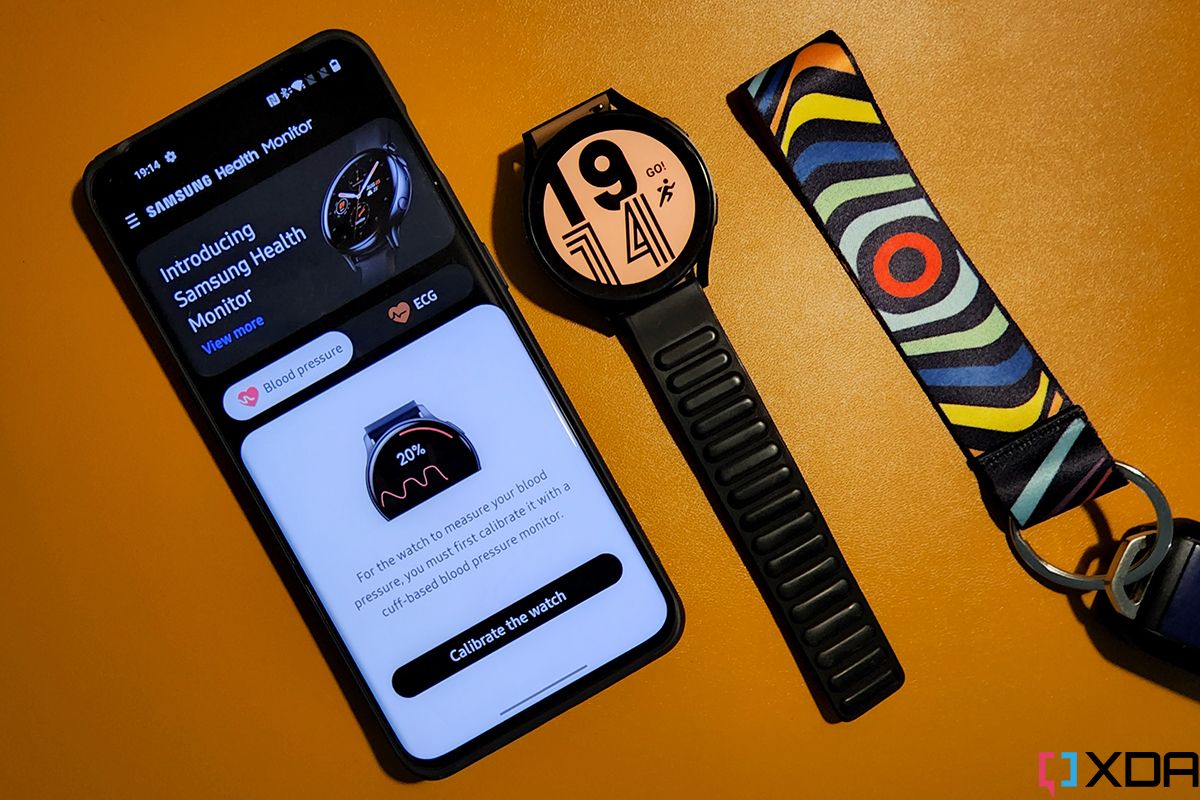
The Samsung Galaxy Watch 4 offers ECG and blood pressure features, but these functionalities are limited to specific regions and cannot be used when paired with non-Samsung phones. However, a workaround allows users to enable these features across all regions, even on non-Samsung devices. To do this, download the modded Samsung Health Monitor app from XDA Senior Member Dante63's trusted folder and rename the APK file to Watch.SHM.MOD.apk.
Install the app using ADB, which requires enabling ADB debugging and Debug over Wi-Fi on your watch. Once installed, you can use the app to access ECG and blood pressure monitoring on your Galaxy Watch 4. Note that this workaround may not work on all devices and could potentially cause issues such as battery drain or difficulty syncing data with other apps.
Written by urgent.news from XDA Developers's reporting — not their text. Machine-written — may contain errors; check the original before relying on it.
This story
This is one outlet's version. Read the fullest account.
- Samsung hides these useful camera features by default — here’s how to unlock them androidauthority.com