Spending 10 minutes on these Google Home automations made my daily routine seamless
Google Home is more powerful than you might realize
I recently spent some time exploring Google Home automations, and I was pleasantly surprised by how seamlessly they can integrate into my daily routine. Over the years, Google has steadily improved the Google Home app, adding more customization and automation features. While it may not be as flexible as a full-fledged smart home platform, Google Home has reached a point where I can build useful routines without needing complicated alternatives.
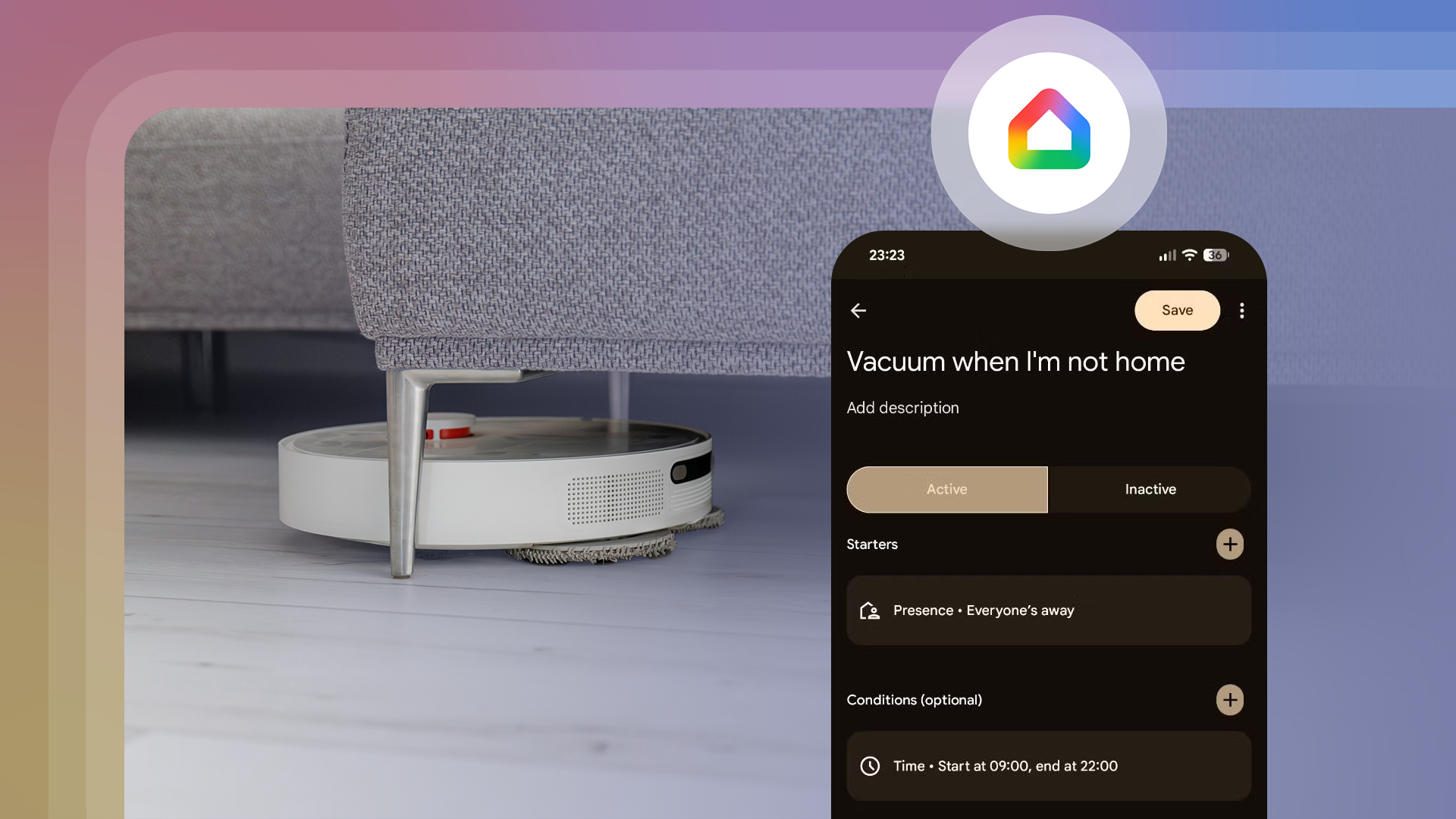
One of the highlights was discovering the expanded presence sensing feature. Previously, it required a Nest-branded security system or thermostat, which most of us don't have. Now, Google Home can detect whether I'm home or away using my phone's location and connected Wi-Fi networks. This presence sensing allows me to use my location state as a trigger for various tasks, such as running the robot vacuum when I'm away.
Another useful automation I set up is having the porch light turn on when someone arrives home, only after sunset. It turns off after ten minutes, so I don't have to remember to turn it off. I also experimented with having my robot vacuum dock itself if someone arrives home during a cleaning cycle. While I prefer manual control for that, it being possible is a significant improvement.
One of my favorite automations kicks in as soon as I wake up. Using the Google Clock app, I set a routine that announces the day's weather forecast, calendar events, and pending tasks. It then turns on my bedside lamp to brighten the room, gently wakes me up, and plays the morning news from a local station. The routine editor is surprisingly versatile, allowing me to add timed delays and gradually increase brightness if desired.
I've also discovered the playback state of a Google TV device as an automation trigger. This is particularly handy for my projector, which needs a dark room to look its best. I created automations that turn off the room lights when the projector starts playback and turn on a single light when playback is paused. When using a TV, I could have a light change its color from red to green as soon as a load is completed in my connected washing machine.
While Google Home automations have come a long way, I still find myself wishing for more complex automations with variables or memory. Currently, automations can't remember things like a light's original brightness or color, making it difficult to set up complex routines like restoring a room's light level after turning off the projector. I hope Google will add this feature soon.
Despite these limitations, I'm impressed by how much I accomplished in just a few minutes using my existing devices. I no longer need a dedicated smart home hub to enjoy reliable automations, making Google Home a seamless addition to my daily life. If you haven't explored the Google Home automation editor in a while, I highly recommend giving it another look.
Written by urgent.news from Android Police's reporting — not their text. Machine-written — may contain errors; check the original before relying on it.