Software choice overload is real, and this is how I find apps that stick
Too many apps, too many promises, and too little time. Here's how I finally became pickier about my software choices.
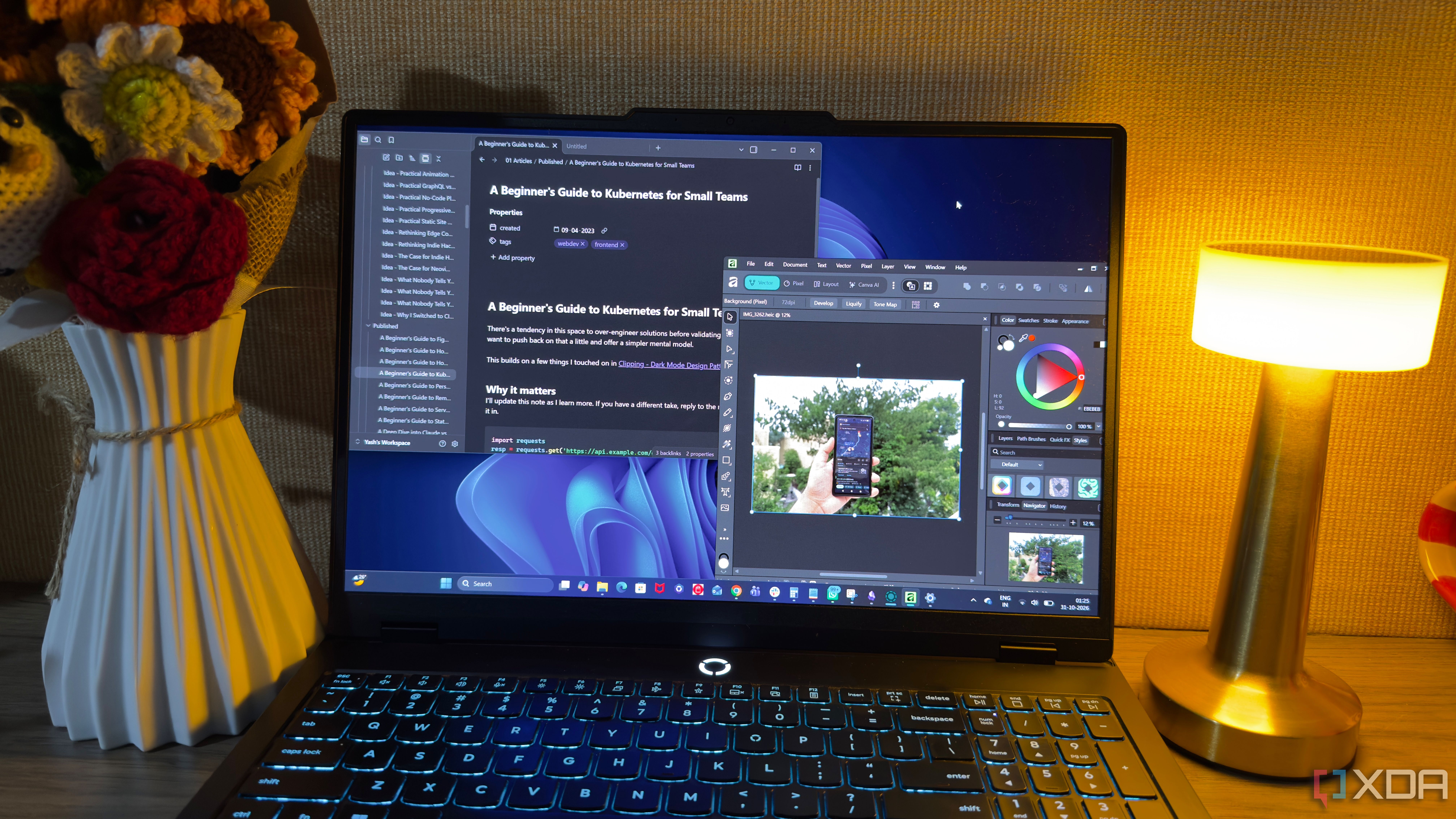
There’s a phenomenon known as software choice overload, where the sheer number of available apps makes selecting the right one feel overwhelming. This is something I’ve encountered frequently in my quest to improve my productivity and simplify my workflows. The struggle lies in distinguishing between promising options and those that truly deserve my time.
When I first started exploring new tools, I thought trying them out would be harmless. However, the reality is that switching software often comes with hidden costs, such as moving data, recreating settings, and adjusting to a new workflow. I’ve spent countless hours setting up new tools, only to revert back to the one I was already comfortable with.
One key insight I’ve gained is that not every app needs to be an all-in-one solution. Sometimes, a lightweight tool that excels at a single task can be more effective than a feature-rich but complicated alternative. The focus should be on finding software that addresses my specific needs without complicating simple tasks.
To streamline my search process, I now take a moment to identify the core problems I want to solve. Instead of searching for “best note-taking apps,” I write down the exact issues I’m facing, such as difficulty finding information or repetitive tasks. This helps me avoid wasting time on tools that don’t address my actual needs.
I also differentiate between essential requirements and nice-to-have features. By setting clear criteria, I can compare different options more effectively. If an app fails to meet my core needs, I move on, regardless of how impressive its marketing may be.
Another crucial aspect is giving new software a fair chance. Rather than making snap judgments based on a brief demo, I spend two weeks using the app in my day-to-day work. This allows me to assess how it performs in real-world scenarios and determine if it seamlessly integrates into my existing workflow.
When evaluating an app, I avoid rushing to make a decision. I start with a small portion of my workflow and gradually increase reliance on the tool as I become more accustomed to it. If anything feels awkward, I allow myself time to adjust before committing fully.
Longevity is also a factor I consider. I look at how regularly the app receives updates, the developer’s commitment to maintenance, and the ease of exporting data if I ever decide to switch. These details may seem insignificant initially, but they become essential as I rely on a tool over an extended period.
Moreover, I pay attention to platform compatibility and offline access, ensuring the app functions well across all devices I use. A tool that works flawlessly on my laptop but becomes cumbersome on other devices is not worth the effort.
Ultimately, I’ve learned that reliable software should enhance my workflow without introducing new dependencies or limiting my options. Instead of constantly searching for the next big thing, I focus on maximizing the value I get from the tools I trust. The ideal app doesn’t need to be perfect; it simply needs to work well for me, align with my habits, and streamline my daily tasks.
Written by urgent.news from XDA Developers's reporting — not their text. Machine-written — may contain errors; check the original before relying on it.