I installed one free Obsidian plugin and my entire vault started organizing itself
My messy vault finally found order.
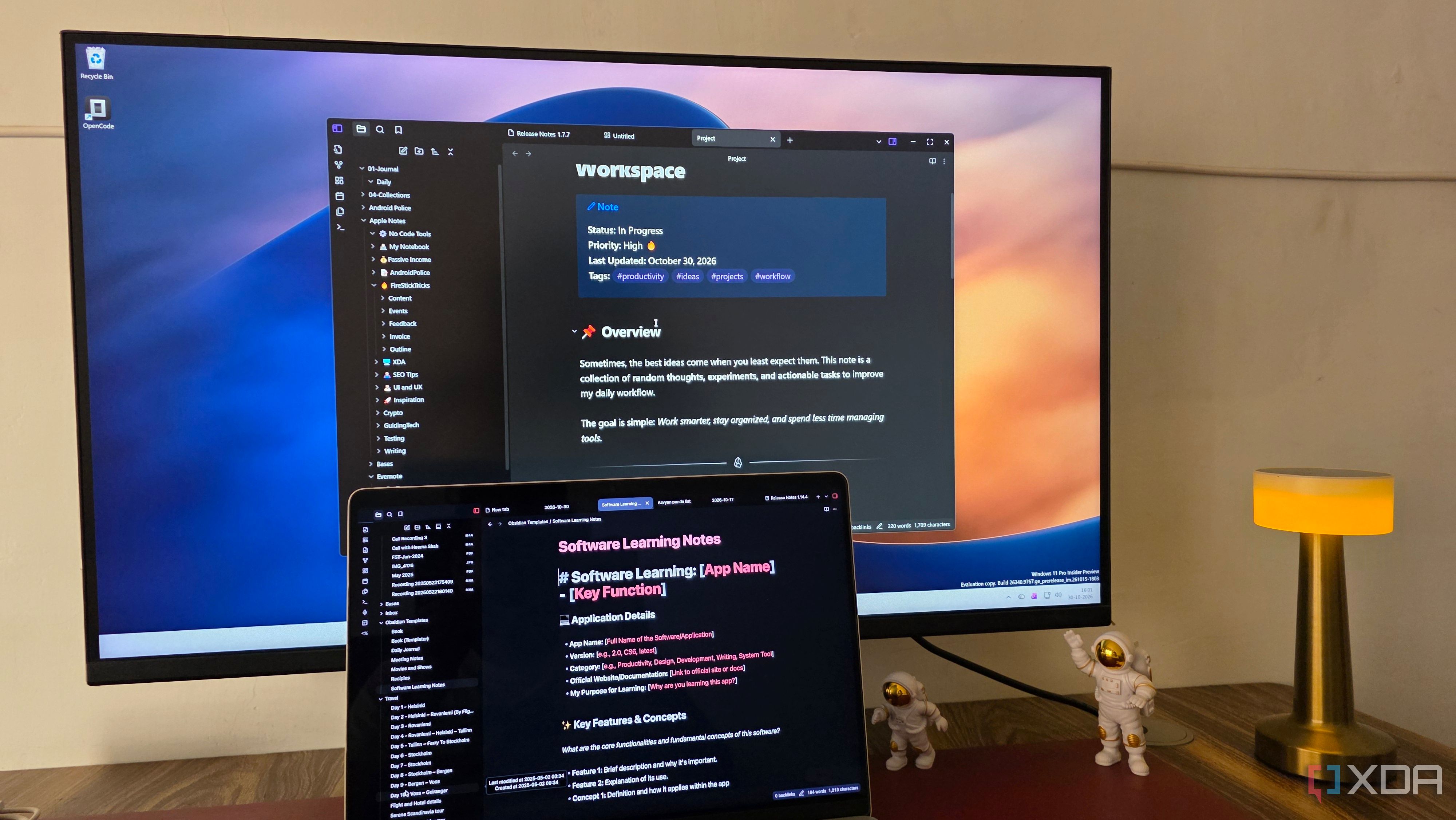
Obsidian, a flexible and customizable knowledge management system, can become overwhelming when a vault grows large. The author found themselves spending more time organizing notes than writing, until they discovered a free community plugin named AutoMover. With only a few simple rules, AutoMover automates the organization process within the vault.
AutoMover is an open-source plugin that automatically moves notes and files into designated folders based on user-defined rules. Instead of manually sorting notes, users can tell the plugin what to look for and where to move matching files. After installing and enabling AutoMover, users can organize their vault using rules that include filename patterns, tags, and project properties. The plugin also supports regular expressions for advanced automation.
The real power of AutoMover lies in its execution. Users can configure the plugin to run at specific intervals, manually trigger it, or let it run on a schedule. Users can also set exclusion rules to protect certain folders and files from unwanted changes. AutoMover operates entirely within Obsidian, requiring no coding knowledge or external services.
The author started by creating filename-based rules. They set rules to move notes containing keywords like 'Voyage', 'Article', and 'Meeting' into respective folders under 'Personal/Travel' and 'Work'. Filename-based automation is straightforward and efficient, but sometimes users don't want to follow strict naming conventions. In such cases, tag rules come into play. By adding a tag to a note, the plugin can determine its destination.
The author uses tags to categorize notes about productivity tricks or potential article topics. They can create notes with descriptive titles and assign a #ideas tag. AutoMover moves these notes to the Ideas folder. Users can also combine filename-based and tag rules, with filename-based rules taking precedence.
Users can configure AutoMover to run automatically at regular intervals, allowing for periodic organization of the vault. This frees up time for users to focus on creating and connecting information. AutoMover also offers exclusion rules to prevent sensitive folders or files from being accidentally moved. After configuring the plugin, the author found that they could dedicate more time to brainstorming and working on projects without worrying about folder management.
Written by urgent.news from XDA Developers's reporting — not their text. Machine-written — may contain errors; check the original before relying on it.