Apple’s ‘Write with Siri’ prompt was driving me crazy. Here’s how I shut it off
There’s a lot to love about iOS 27 and macOS 27, the new operating systems released for iPhone and Mac last month. The Liquid Glass design language now has a fluidity and polish that it lacked when introduced last year in iOS 26 and macOS 26. But as much as I love the new operating systems, there’s one thing that has driven me crazy ever since I updated my devices: the “Write with Siri” tool,…
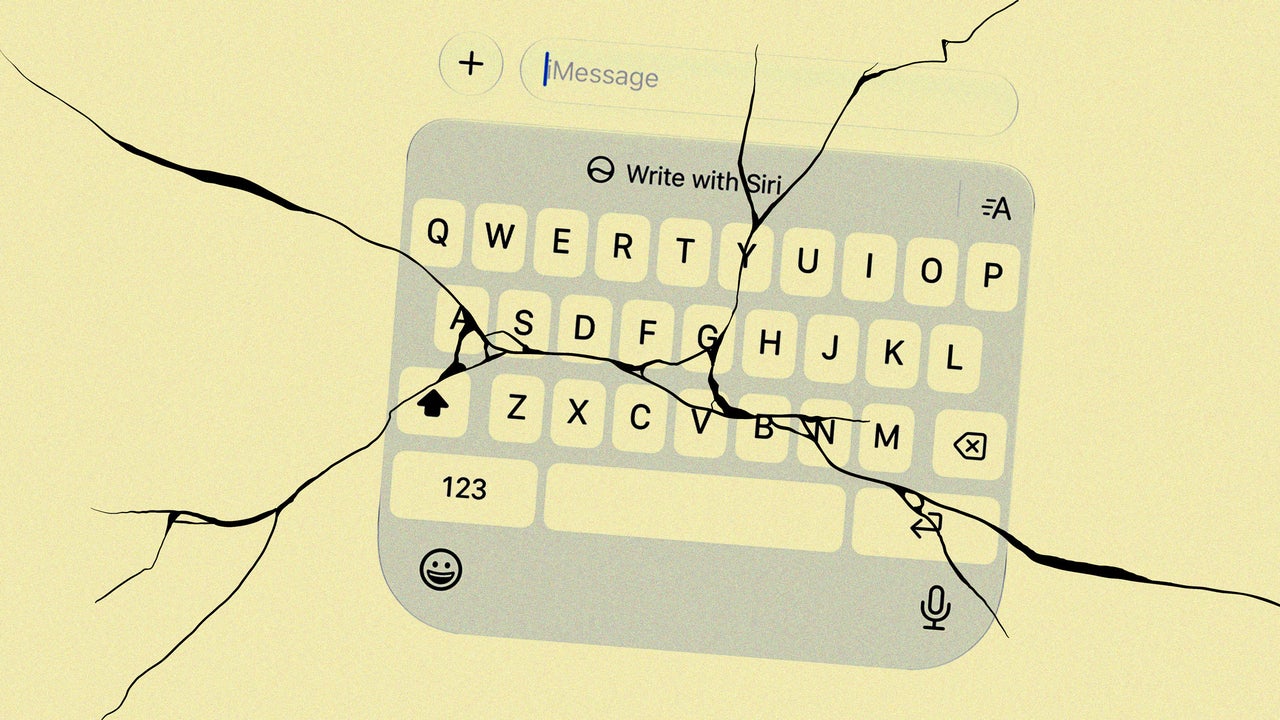
iOS 27 and macOS 27, the latest operating systems for iPhone and Mac, have introduced many improvements. However, one feature that has annoyed users since the update is the "Write with Siri" tool. This AI-powered tool, which appears as a toolbar on Mac and a button on iPhone, assists users in generating text in various apps. But for those who prefer not to use generative AI, the tool can be distracting and hard to get rid of.
Although Apple doesn't make disabling "Write with Siri" obvious, there is a way. On iPhone, the big button above the keyboard can be removed by enabling Content & Privacy Restrictions in Screen Time settings. For Mac users, disabling Write with Siri is more complex, but Apple provides an option to revert to the older Siri version called "Siri Classic" in the Screen Time settings.
This change should eliminate the "Write with Siri" popover and floating bubble, restoring a more traditional typing experience.
Written by urgent.news from Fast Company's reporting — not their text. Machine-written — may contain errors; check the original before relying on it.