Lenovo Googlebook 15 review: Your Android phone's new best friend
Despite Lenovo providing excellent hardware for Google's new laptop platform, Googlebook OS will only impress Android die-hards.
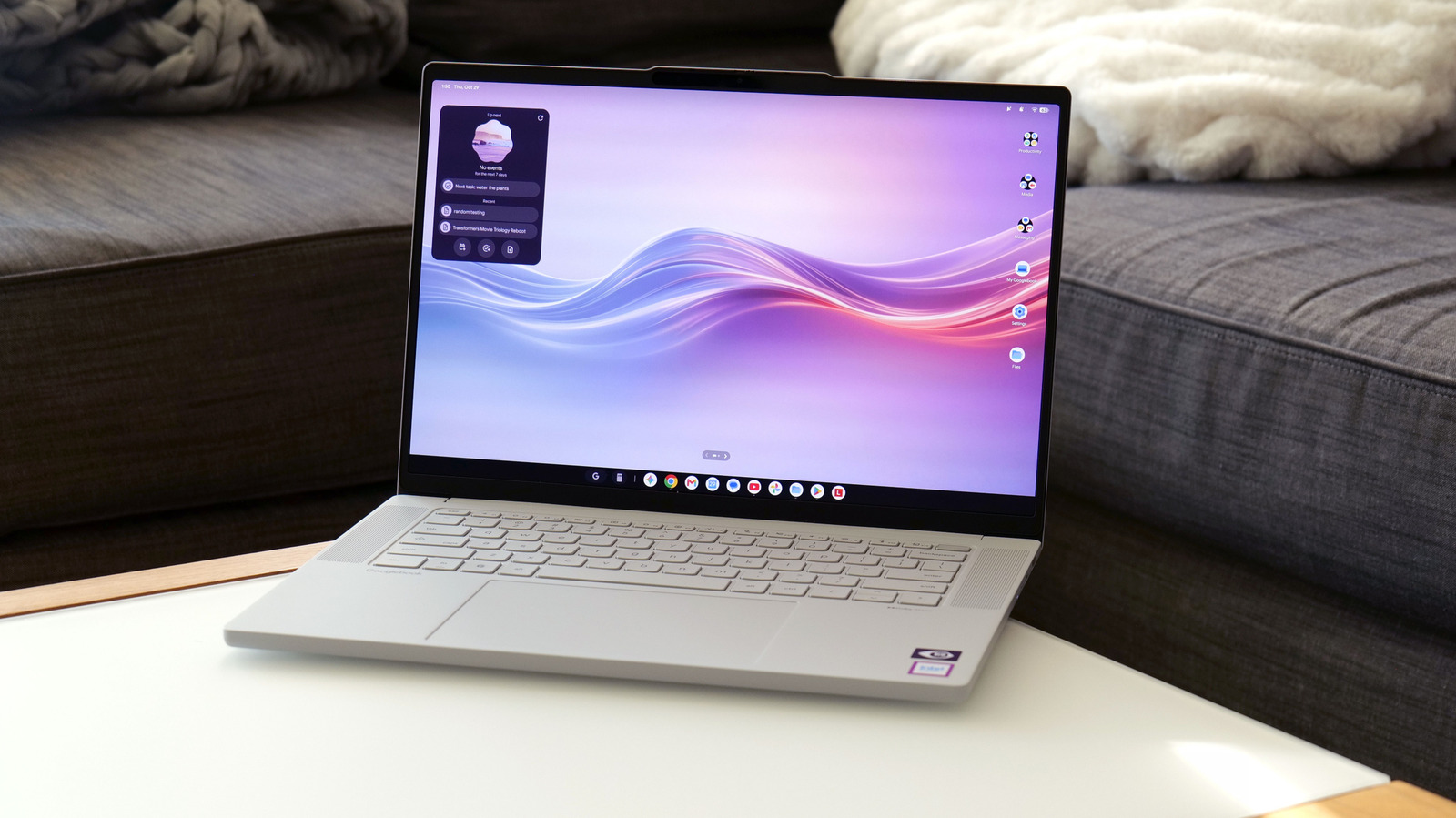
Lenovo’s hardware reputation shines through in the Googlebook 15, but its Googlebook OS still needs refinement. By merging Android and Chrome OS features, the manufacturer aims to create a smarter, more user-friendly, and mobile-friendly line of PCs. The laptop boasts a premium build with a 15.3-inch OLED display, featuring a 120Hz refresh rate and HDR True Black 1000 certification.
The 500-nit brightness ensures vivid colors and an overall satisfying visual experience on this price point. The chassis combines plastic, carbon fiber, and magnesium-aluminum alloy elements for both strength and lightweight design. It further features a silk-touch finish, giving it a luxurious appearance while also minimizing fingerprints.
Despite its larger screen, the laptop remains lighter than a 14-inch MacBook Pro (weighing 2.85 pounds versus 3 pounds).
The laptop’s sound system includes quad speakers with Dolby Atmos, complemented by a selection of ports (2x USB-C, 1 USB-A, HDMI, and 3.5mm audio). A large haptic touchpad, equipped with a keyboard offering a pleasant typing experience and a Google key for OS shortcuts, further enhances usability. The built-in camera, complete with a physical shutter and a separate fingerprint sensor, supports facial recognition, making login effortless.
Interestingly, the Googlebook 15 showcases a lightbar on its lid, changing colors based on various factors. When charging, the light reflects the laptop's battery level—red for under 20 percent, yellow for 20 to 59 percent, and so on. During startup or when interacting with Gemini, special animations in different colors appear. However, the LEDs are less noticeable when the lid is closed, making them more useful for those sitting opposite the laptop rather than the user.
The Googlebook OS comes with a minimum requirement of 16GB RAM, ensuring smooth operation of basic productivity tasks. Paired with an Intel Core Ultra 5 325 chip and 256GB storage, the system provides ample power for essential computing needs. However, the platform encourages installing mobile apps designed for phones, which might lead to underutilized performance or apps not optimized for the hardware.
For instance, the mobile version of Photoshop may not deliver the same performance as the desktop version on Windows or Mac PCs. Additionally, some Android apps designed for ARM-based chips may experience bugs or stuttering due to architecture differences from the laptop's x86 silicon.
Despite these challenges, Googlebook OS offers a familiar interface, making it easy to use. Users can access notifications, quick settings, and a taskbar for multitasking. This streamlined approach to basic computing, combined with Google's "cross-device sharing" feature—easier to set up and more functional than its Windows counterpart—acts as a significant advantage.
Written by urgent.news from Engadget's reporting — not their text. Machine-written — may contain errors; check the original before relying on it.
Also reported by 1 other outlet
- Android’s SMS of Death bug can knock out your phone, but a fix is coming soon androidauthority.com