Gemini now lets you create, preview, and edit PDFs and files directly in your chat
Ask follow-up queries right in the file editor
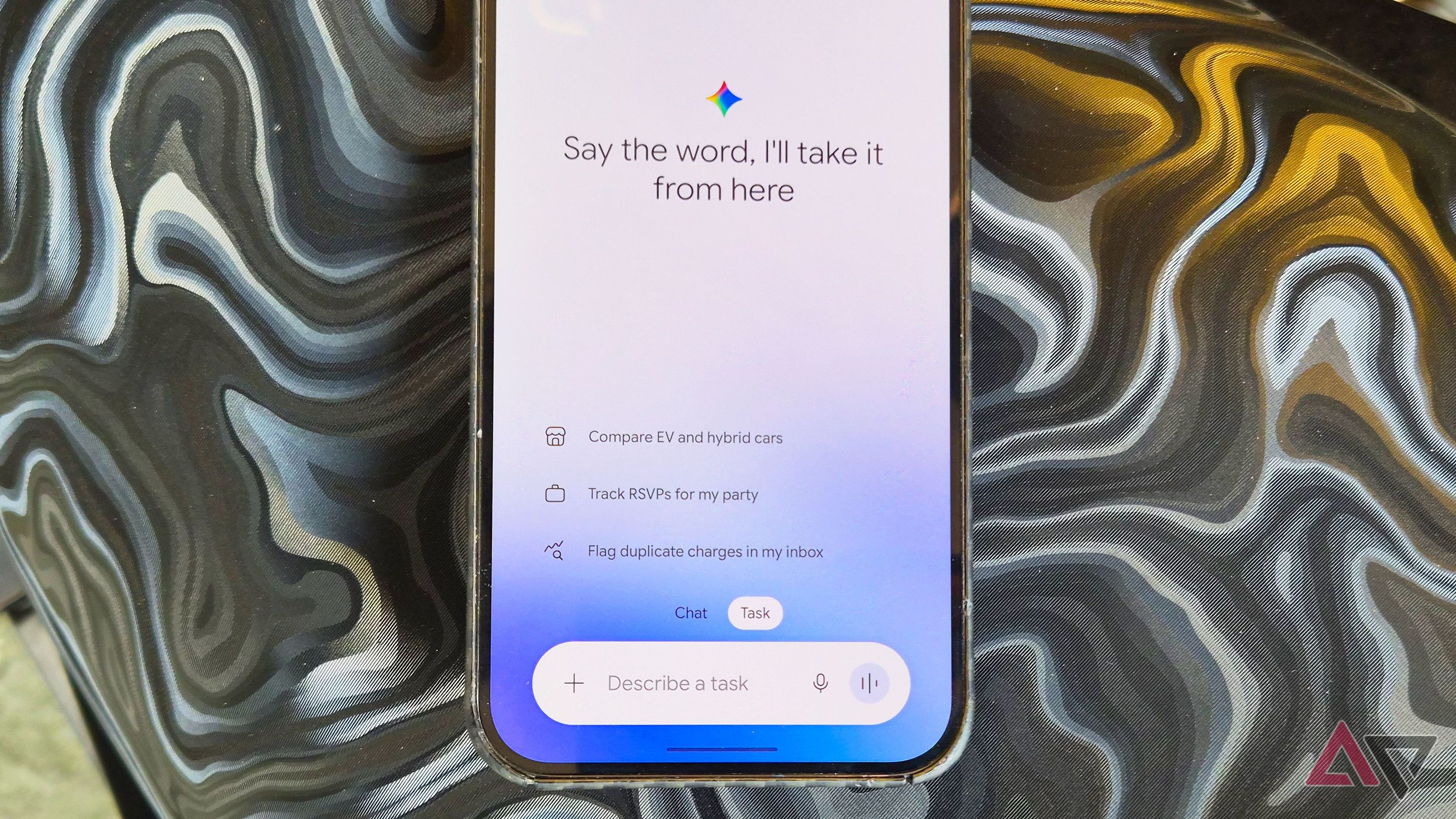
Google has updated its Gemini chatbot to include in-chat document management, allowing users to create, preview, and edit various file types directly within conversations. These capabilities include generating PDFs from notes and reports, expanding documents to make adjustments, highlighting text, creating graphs, and undoing edits—all without leaving the chat window.
Gemini now supports editing and downloading Markdown files, code files, and standard TXT notes. For Google's native formats like Docs, Sheets, and Slides, users can also edit, download, and export files. Paid Gemini plans enable users to trigger additional features, allowing automated routines when editing, generating, or sharing files.
PDF editing and creation are available to web and mobile users across all languages, while other file formats like Docs, Sheets, and TXT are currently limited to the web version. Google plans to expand support for these formats to mobile apps in the future, though no specific timeline has been provided.
Gemini's document creation and editing features are tied to Google Workspace, meaning only subscribers under Google One AI plans can fully utilize the tools. Although other chatbots like ChatGPT and Microsoft Copilot have supported editing and exporting popular file formats for months, Google's integration with Google Workspace makes its offering particularly appealing, especially given its prevalence in web-based office use.
Written by urgent.news from Android Police's reporting — not their text. Machine-written — may contain errors; check the original before relying on it.