Chrono beats Pixel's clock app with open source features that help me wake up on time
Chrono is a better clock app than the default Pixel clock
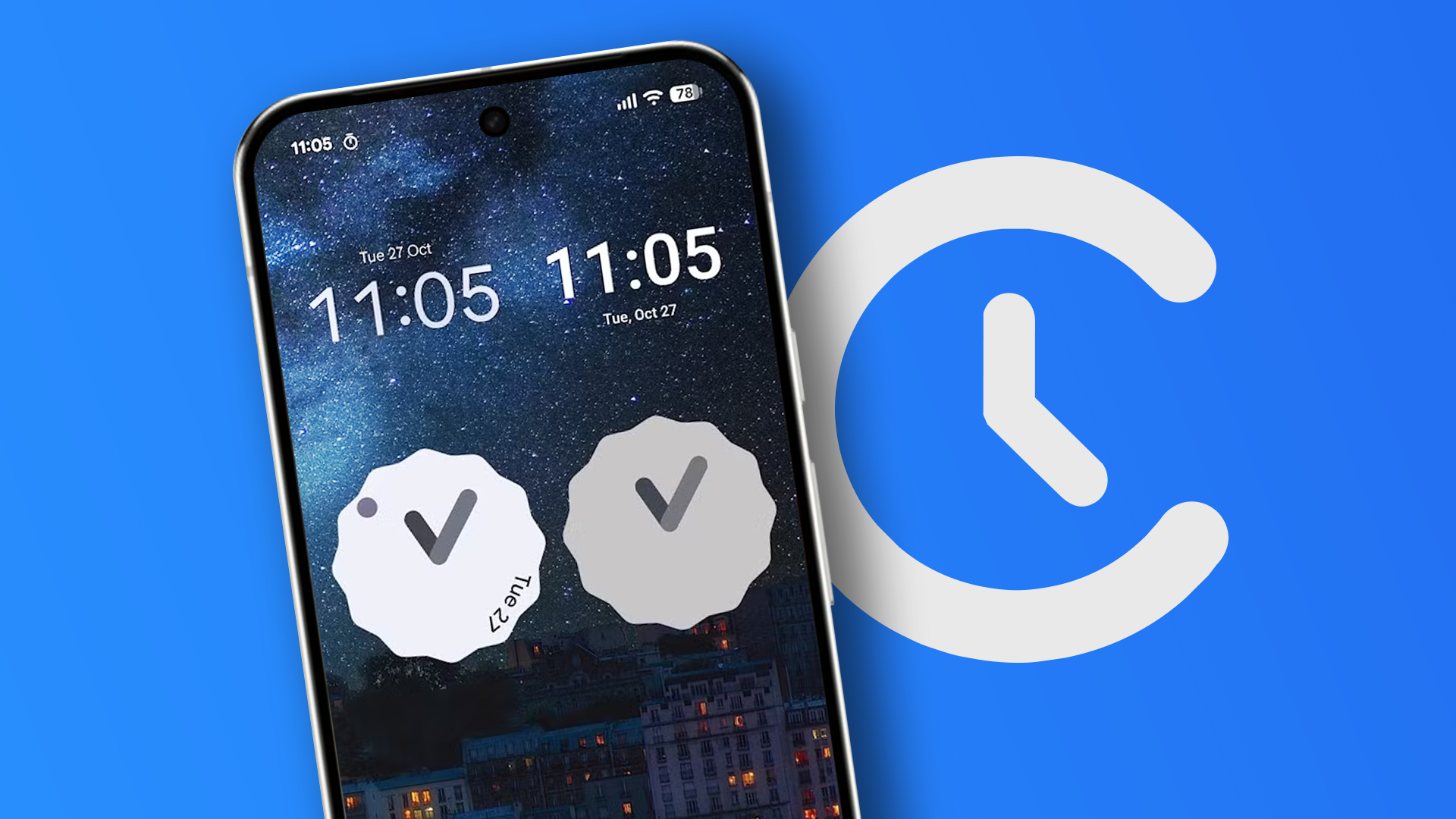
When setting up a new Android phone, replacing preinstalled apps is a common next step. Among these apps, the clock app is often overlooked until a user decides to replace it. After trying various clock apps, the reporter found Chrono, an open-source app that has permanently replaced their Pixel's default clock app. Developers primarily aimed for a sleek design and good user experience.
Chrono offers a Material You switch that synchronizes the app's appearance with the rest of the phone. The UI is straightforward, with customization options such as corner roundness, opacity, blur, and outline width, which are unnecessary but appreciated.
Chrono's alarms are easy to set and adjust, with the ability to set tasks, disable snooze, and delete the alarm when dismissed. This feature is particularly useful for unique events, allowing users to avoid clutter in the app. The world clock and timer functions work as expected, although the timer's dial setting is quirky. The stopwatch stands out with bold buttons for pausing and lap times and includes colored progress bars to track previous, fastest, slowest, and average times.
While Chrono lacks some features found in the Pixel Clock app, such as local weather in the world clock menu and bedtime mode, it offers a more straightforward and customizable experience. It provides two widgets, copying the design almost pixel-by-pixel from the Pixel Clock widgets, although the digital clock lacks a second hand or date. Despite this, Chrono strikes a balance between features and style, offering a perfect balance between functionality and usability. The app can be downloaded from its GitHub page.
Written by urgent.news from Android Police's reporting — not their text. Machine-written — may contain errors; check the original before relying on it.