Trouble am USB-Port?: USB-Stick wird nicht angezeigt: Das können Sie jetzt tun
Der USB-Stick steckt, doch Windows zeigt ihn nicht an. Ist der etwa kaputt? Bevor Sie den Datenträger abschreiben, lohnt sich ein einfacher Test.
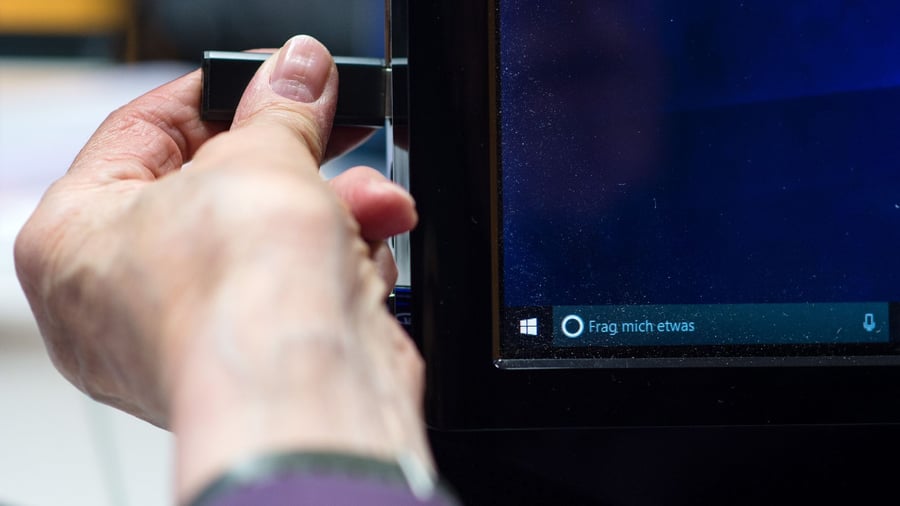
Have you ever experienced the frustration of inserting a USB stick, only for it to not appear on your computer? According to "Computer Bild," there can be various reasons for this issue - ranging from a faulty USB port to a problem with the USB stick itself.
Before concluding that the drive is damaged, there are several steps you can take to troubleshoot the problem. First, try plugging the USB stick into a different USB port on your computer. It's possible that the original port is defective.
If the USB stick is owned by an Apple user, the formatting may not be compatible with Windows. In this case, transferring the data via email or another method may be necessary. Attempting to access the USB stick on another computer can also help determine if the issue lies with your own machine.
If the USB stick still remains undetected, it's possible that the memory is faulty. However, if the stick is recognized, the problem may lie with outdated drivers on your computer. To update these drivers, press the Windows key and R simultaneously. Type "devmgmg.msc" in the command box or search for "Device Manager" in the Start menu search bar.
In the Device Manager, locate the USB Controller and double-click on it. Select your USB stick from the list and choose the "Update Driver" option. Allow the system to search for new drivers automatically. If no better driver is found, the final step is to check Windows Update for any available driver updates.
Written by urgent.news from Handelsblatt's reporting — not their text. Machine-written — may contain errors; check the original before relying on it.