Trouble with the USB port?: USB drive not displayed: Here's what you can do now
The USB stick is plugged in, but Windows doesn't show it. Is it broken? Before you write off the data storage device, a simple test is worth it.
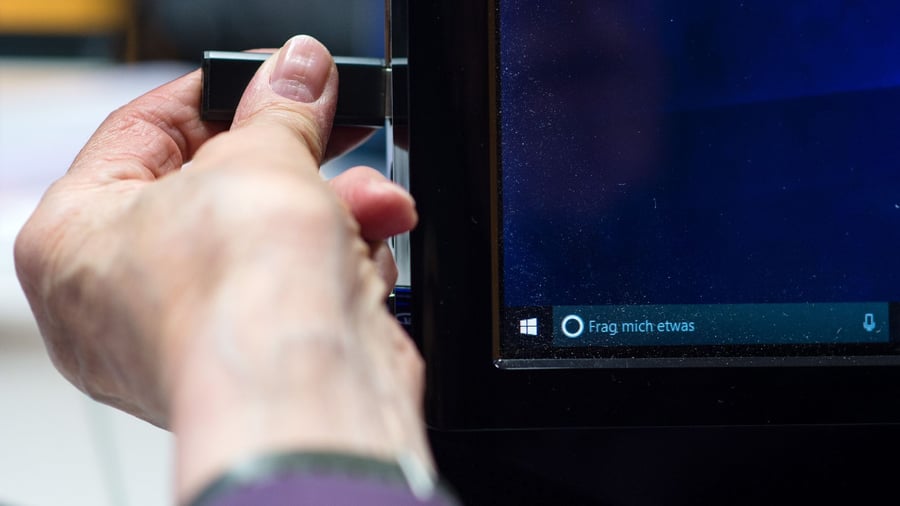
The German tech magazine Computer Bild reports on troubleshooting steps for when a USB drive is not recognized by a computer. If the drive is not displayed, it may be due to a defective USB port, and trying a different port may resolve the issue. If the drive is used with an Apple device, the formatting may not be compatible with Windows, requiring an alternative transfer method such as email.
Users can also try using the drive on another computer to determine if the issue is with the drive or the computer's drivers, and update drivers through the Device Manager or Windows Update if necessary.
Written by urgent.news from Handelsblatt's report — not a translation of it. Machine-written — may contain errors; check the original before relying on it.