I turned off 3 phone features, and Android Auto stopped draining my battery on every drive
These have made a bigger difference than I thought.
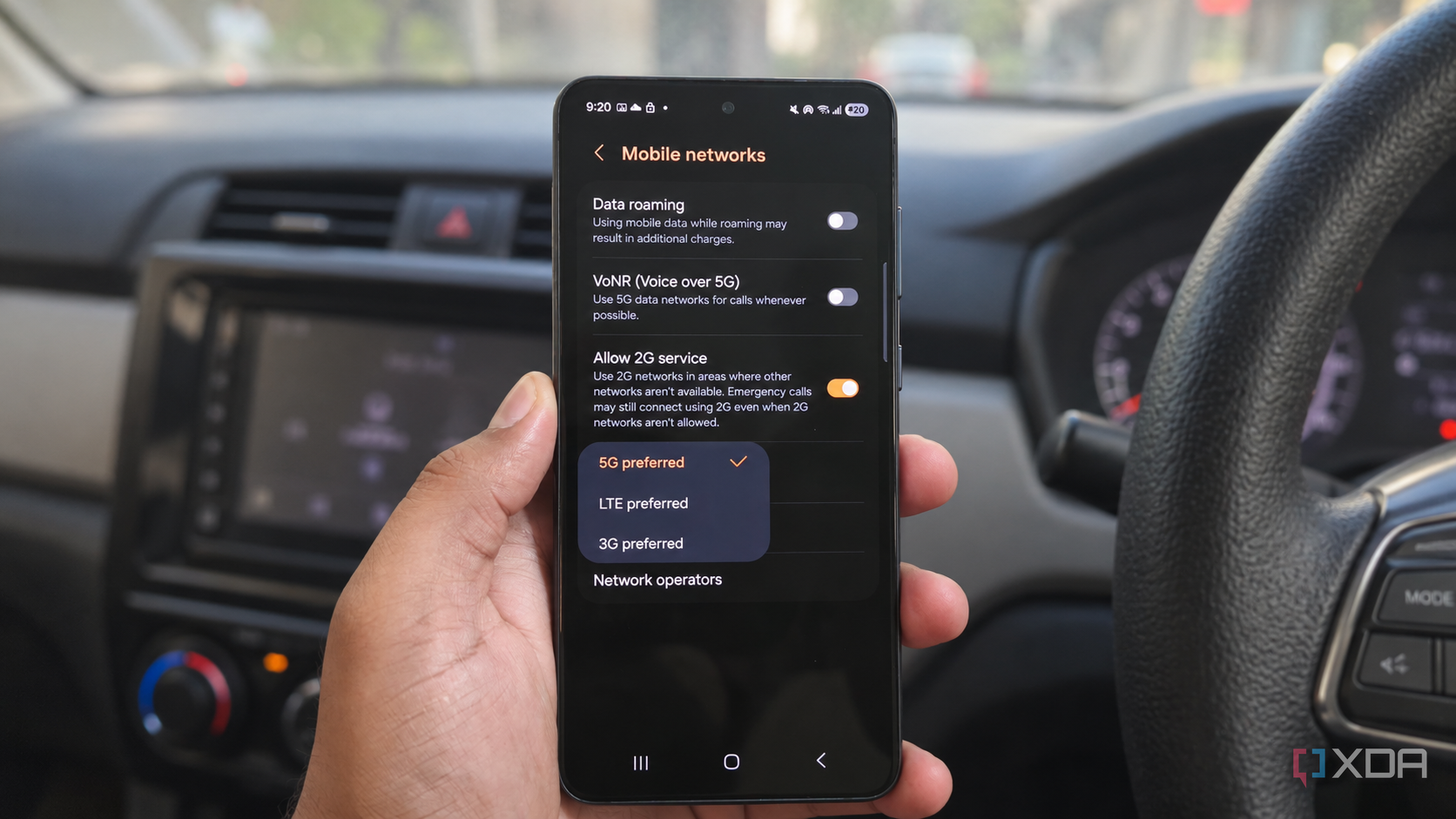
The author experienced significant battery drain while using wireless Android Auto in their phone. This drain occurred during drives, making it inconvenient to constantly worry about recharging the device. After investigating, the author discovered three settings that contributed to the battery drain and decided to disable them.
The first feature they turned off was 5G, which can consume more power than LTE, especially if the network requires maintaining both 5G and LTE connections. The second feature was 3D buildings in Google Maps, which, while visually appealing, added minimal value to navigation for the author. Finally, the author decided to download maps and music before long drives so that they could switch off mobile data during the journey, relying on Wi-Fi and Bluetooth instead.
These three changes significantly reduced the battery drain experienced during drives, allowing the author to enjoy their time in the car without constantly checking the battery level.
Written by urgent.news from XDA Developers's reporting — not their text. Machine-written — may contain errors; check the original before relying on it.