4 Android phone features you should never disable when using Android Auto
Some settings are better left untouched
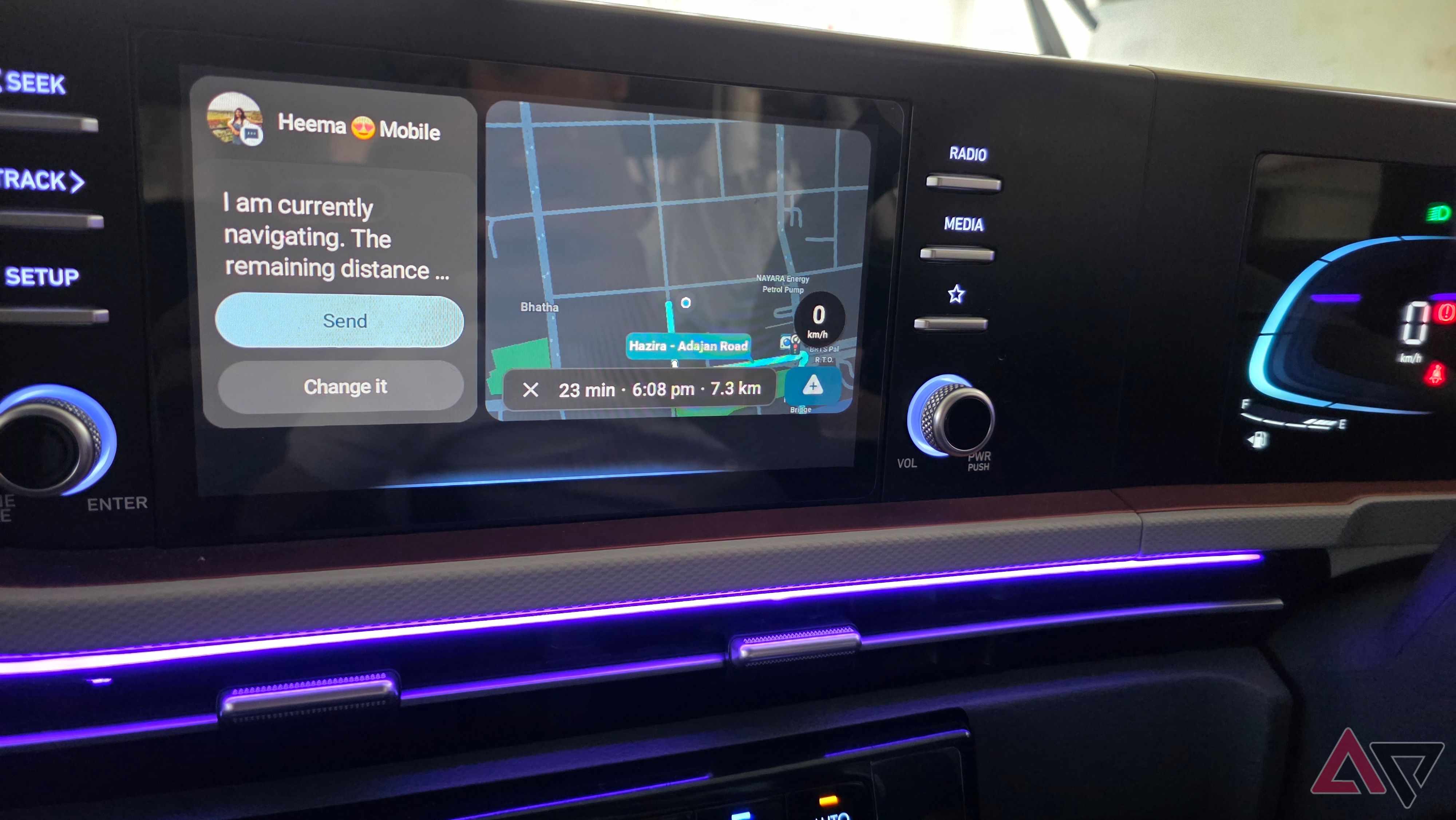
Android Auto can greatly enhance the driving experience, but it's important to keep certain features enabled for optimal performance. Location services, precise location access, and the Location Accuracy feature are essential for accurate navigation and reliable turn-by-turn directions. Even though offline maps are useful, mobile data should remain enabled to access live traffic information, alternative routes, and real-time updates.
Streaming services and Gemini queries also require connectivity. Android Auto is designed to be easily accessible, so enabling the automation startup setting ensures the system launches automatically when connected to a compatible car. Keeping automatic music playback disabled allows for more control over when and how music is played.
Finally, managing background activity on your device is important, but certain apps like Waze, Google Maps, and music players should be exempt from battery optimization to ensure they function properly while using Android Auto.
Written by urgent.news from Android Police's reporting — not their text. Machine-written — may contain errors; check the original before relying on it.