Most USB-C cables in your drawer can’t drive a monitor, and there’s no way to tell by looking at them
One cable stays, and the rest get labels.
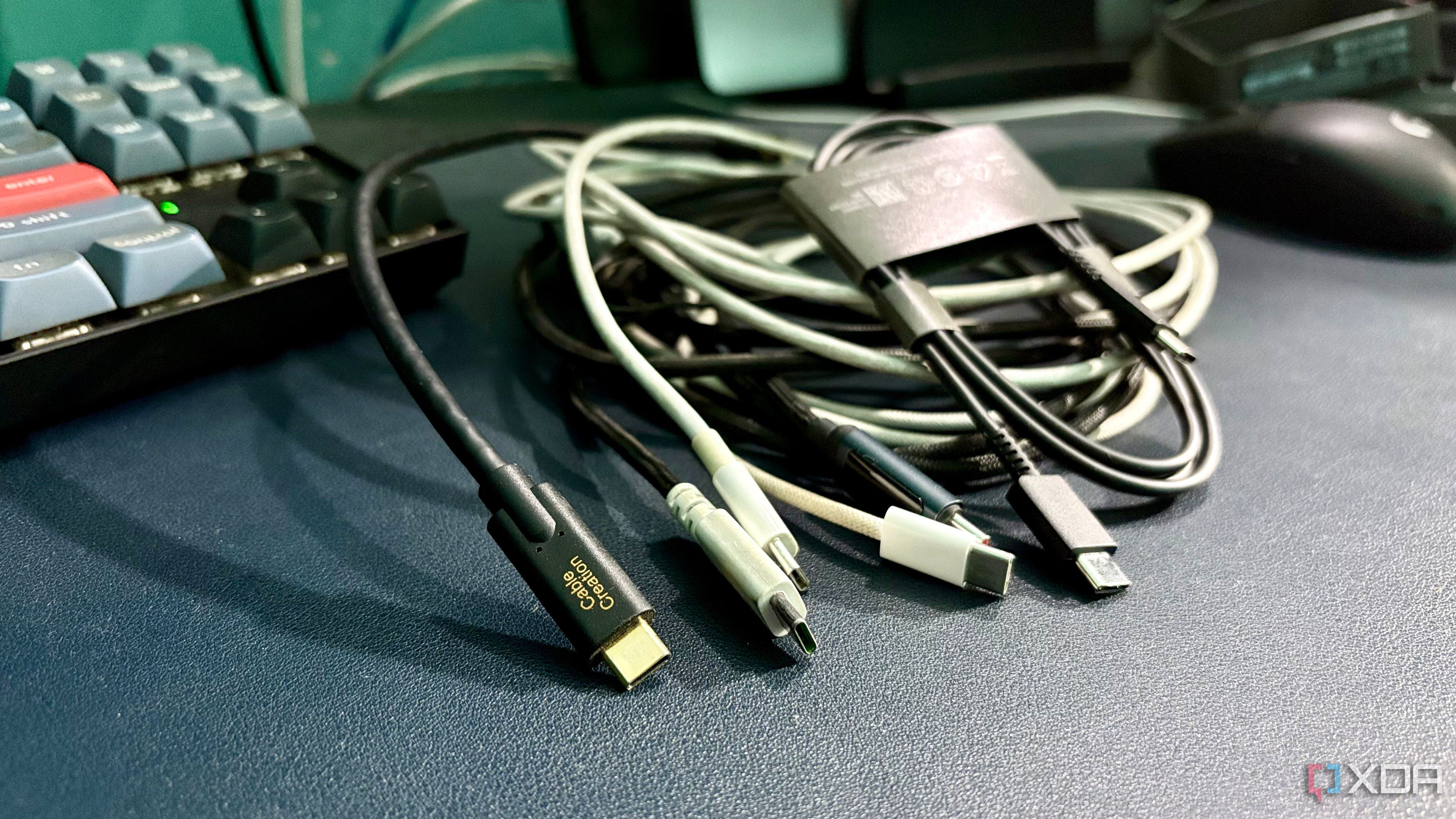
Over the years, the reporter has amassed a collection of USB-C cables from various sources. However, most of these cables, including ones bought separately and included with devices, end up in drawers because they are only used for charging a phone and MacBook daily. Recently, the reporter acquired a new Amazon Basics USB-C-to-USB-C cable with a built-in display, rated for 100W charging.
To test the cable, the reporter unplugged the KVM cables from a monitor and MacBook and connected the new cable to the monitor and MacBook. The MacBook charged, but the monitor displayed a black screen, indicating insufficient video output. The reporter then tested all other USB-C cables, discovering that only one cable worked for video output.
The only cable that worked was the shorter one, suggesting that cable length may impact video support. The report lists the specifications of the working cable: USB 3.2 Gen2, 10Gbps, and 4K video compatibility. The listing for this cable indicated it supports 10Gbps, USB 3.2 Gen2, and 4K video, which explains its success in delivering video output.
The report concludes that checking the cable listing is the only reliable way to determine if a USB-C cable supports video output, as there are no visible indicators on the cable itself.
Written by urgent.news from XDA Developers's reporting — not their text. Machine-written — may contain errors; check the original before relying on it.