Gefahr in Verzug: PHP-Sicherheitslücke: Was tun mit privaten Webseiten?
Wer eine private Webseite hat, muss bei der aktuellen PHP-Sicherheitslücke meist auf den Hosting-Anbieter vertrauen. Wie sich prüfen lässt, ob die Seite geschützt ist - und was zu tun ist, wenn nicht.
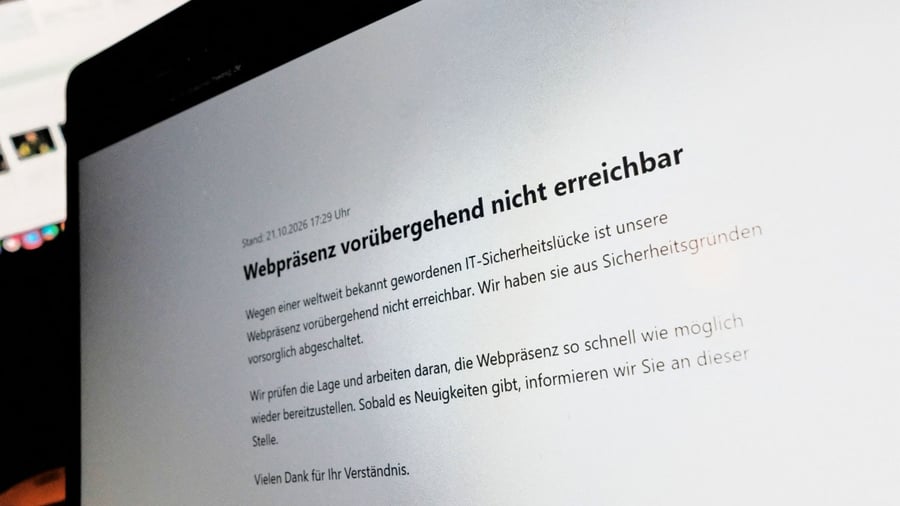
When an individual runs a private website, they typically use web space provided by a hosting company. Most often, they also install applications (such as WordPress) via the hosting provider. The hosting company handles software updates. With the current PHP security vulnerability, users must wait for the hosting provider to apply the necessary updates. This is likely already done.
To find out which PHP version the site runs on, WordPress users can check the version in the WordPress admin dashboard under "Tools/Website Status/Report/Server/PHP." For others, it may be possible to check the PHP version on the hosting provider's administrative web page, often called a "Control Panel" - typically found under the development section. These PHP versions are secure: 8.2.35 (for PHP branch 8.2), 8.3.36 (for PHP branch 8.3), 8.4.27 (for PHP branch 8.4), and 8.5.12 (for PHP branch 8.5).
PHP versions older than 8.1 are no longer updated by the PHP project. If a user is using an old, insecure PHP version, they should change to a current, supported PHP branch within the Control Panel and make a backup of the website beforehand. If no menu option for changing the PHP version exists in the Control Panel, the change must be requested from the hosting provider's support team.
Written by urgent.news from Handelsblatt's reporting — not their text. Machine-written — may contain errors; check the original before relying on it.
This story
This is one outlet's version. Read the fullest account.