4 things I'd do with a cheap used thin client before buying a new mini PC
A bland chassis hides upgradeable RAM and storage that can run Nextcloud, Vaultwarden, Pi-Hole and learning tools.
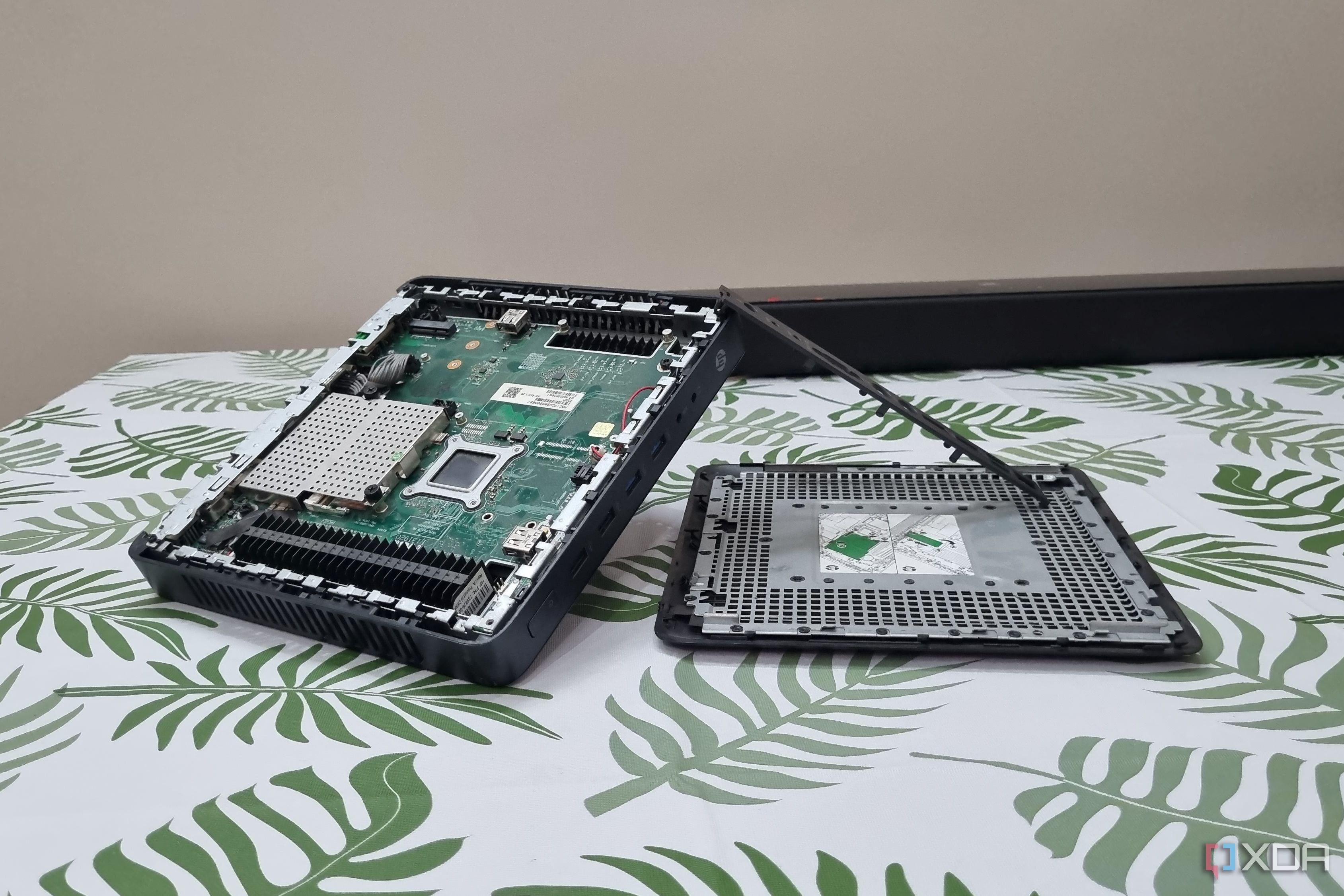
If you're considering purchasing a new mini PC but are currently considering a used thin client instead, here are four ways I would repurpose it before making a decision. Thin clients, often overlooked by normal users, can be found in college labs and workplaces requiring basic functionality. In contrast, mini PCs offer a wider range of capabilities, from entry-level devices to more powerful options.
Given the current economic climate, even once-affordable thin clients now carry a hefty price tag. So, I decided to give a used thin client a try after upgrading its memory and storage. Surprisingly, there's ample power hidden beneath the unassuming exterior, and here are four ways I would utilize it.
First, a thin client can serve as a spare computer. If your primary device no longer supports the latest Windows version, distributions like AntiX or MX Linux Fluxbox can breathe new life into your thin client. These lightweight Linux distributions require minimal memory and GPU power, allowing you to run basic software such as browsers, LibreOffice, and essential productivity tools. This makes the thin client an affordable option for family members who need a simple machine for web browsing and media playback.
Another potential use for a thin client is as a learning tool for Linux and programming. By installing a command-line-only OS like Ubuntu Server, you can familiarize yourself with terminal commands and basic operating system principles. Additionally, setting up a local cloud storage solution, such as Nextcloud, offers an ideal platform for experimenting with Docker containers and containerization.
Not only does this provide a practical learning experience, but the basic file sync feature also ensures your data remains secure and accessible.
A thin client can also function as a home server for various self-hosted applications. For instance, you can install a password manager like Vaultwarden to replace paid tools like LastPass or Chrome extensions. With a stable power supply and network connection, the password manager can serve as a reliable alternative to expensive subscription services. Furthermore, lightweight PDF editors like BentoPDF or Stirling PDF can be hosted on the thin client, providing a cost-effective solution for managing and editing PDF files.
Lastly, a thin client can serve as a powerful DNS resolver and ad blocker for your entire network. By running Pi-hole and Unbound on the device, you can effectively filter online advertisements and maintain privacy through self-hosting. This setup also ensures uninterrupted internet access, even if another device fails due to its built-in Ethernet ports and stable connection.
Ultimately, a thin client proves itself to be a versatile and valuable addition to any home network, offering a worthwhile alternative to purchasing a new mini PC.
Written by urgent.news from XDA Developers's reporting — not their text. Machine-written — may contain errors; check the original before relying on it.