The iPhone battery myth almost everyone believes, and why you can stop swiping away apps
Think closing your iPhone apps saves battery? It doesn’t, and it can make your phone work harder. Here’s why, plus the settings that really help.
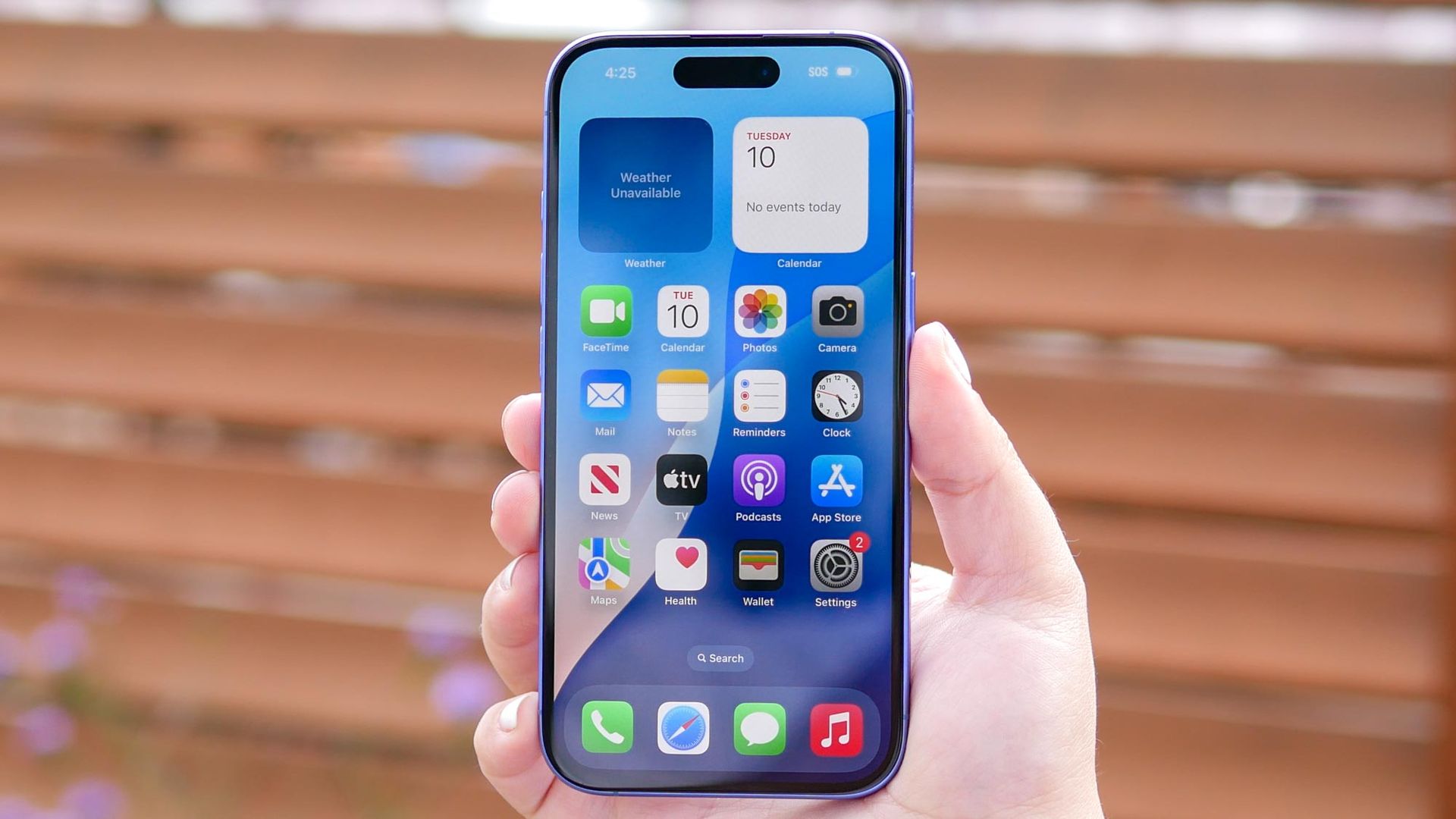
Many people believe that force-closing unused apps on their iPhones will save battery life, but this is a misconception. When you swipe an app away, it's removed from memory completely, causing your iPhone to restart it from scratch the next time you open it, which takes more work than resuming a suspended app. This unnecessary work doesn't provide any benefit.
Apple recommends only force-closing an app if it has stopped responding. To conserve battery life, turn off Background App Refresh for apps that don't need it, limit location services to while using the app, and monitor which apps are consuming the most battery in Settings > Battery > View All Battery Usage.
Written by urgent.news from Tom's Guide's reporting — not their text. Machine-written — may contain errors; check the original before relying on it.