Google Gemini Notebook now gives you a ton more input over Slide Deck and Video Overview creation
No more prompting and praying.
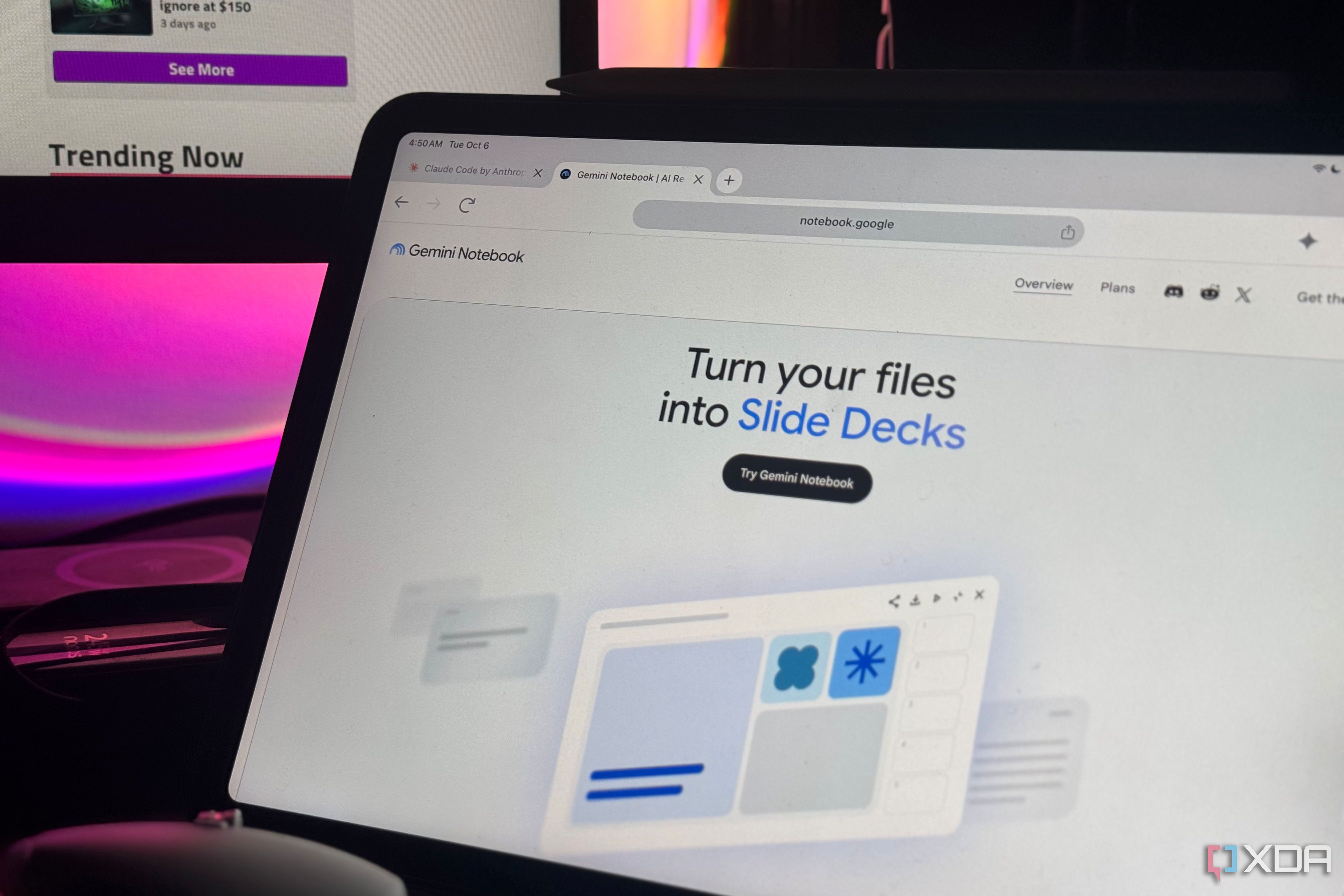
Google has introduced enhanced customization features in its Gemini Notebook tool, providing users with greater control over generating Slide Decks and Video Overviews. Previously, users had limited input into the output generated by Google's AI, resulting in content that did not fully align with their expectations. The new feature prompts users to steer the output process for Slide Decks and Video Overviews, making the generation of content a more interactive experience.
Upon using Gemini Notebook, the AI will suggest topics based on the user's sources and ask for input on which assets to explore further. This questionnaire-like process allows users to direct the flow of the output more effectively. Additionally, a new Review toggle has been introduced, granting users even more creative control over the content.
With this toggle activated, users can review the plan in the studio panel, clicking "Review outline notes" for slides and "Review producer notes" for videos. This allows for additional feedback and modifications before the content is rendered.
For those who have a clear vision of the desired outcome, the Review toggle can be disabled, and users can directly provide their requirements to Gemini. In either case, the AI will generate the content accordingly, saving users from the time-consuming process of constantly prompting and re-prompting until they achieve the desired result.
Written by urgent.news from XDA Developers's reporting — not their text. Machine-written — may contain errors; check the original before relying on it.
This story
This is one outlet's version. Read the fullest account.
- Google is renaming Gemini again; here's what each feature does now androidpolice.com