My Proxmox server now runs a full dev environment for AI agents, and it's surprisingly easy to manage
I brought the cloud, home.
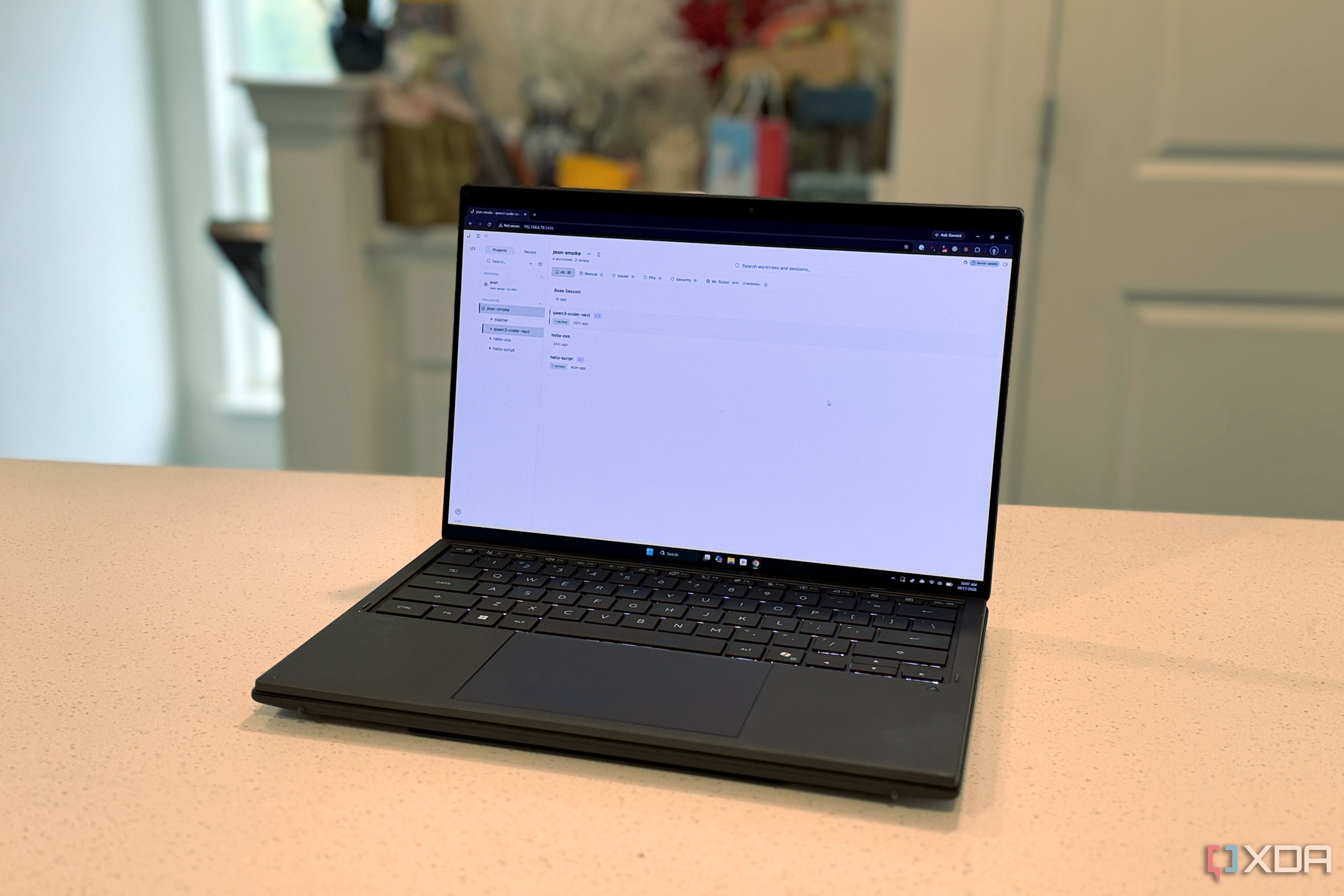
Setting up a centralized agentic coding system on a Proxmox server proved to be surprisingly easy for the author, who typically struggles with coding. The author found Jean, an open-source workspace from coolLabs, which runs agentic coding tools like Claude Code, Codex, OpenCode, and others. Jean allows users to set up a browser-based agentic workflow that doesn't leave their local machine.
The hard part was picking the right local models and learning how to prompt them correctly. Jean drives agent CLIs and provides a headless server daemon that serves the full UI in the browser. The system keeps tasks organized with separate worktrees and branches, preventing accidental writing to the main branch. The author also appreciated the pre-configured prompts for various tasks and the ability to edit them in the settings.
While Jean can be installed on various devices, running it on a Proxmox server keeps it away from the general internet, which aligns with the author's preference. After some initial setup issues and updates causing problems, the author successfully configured Jean on their Proxmox server using a Debian 13 unprivileged LXC with four cores, 8GB of RAM, and 32GB of storage.
Written by urgent.news from XDA Developers's reporting — not their text. Machine-written — may contain errors; check the original before relying on it.