I tried 5 open source weather apps on Android; only one stuck around
Weather apps have some incredible open source alternatives
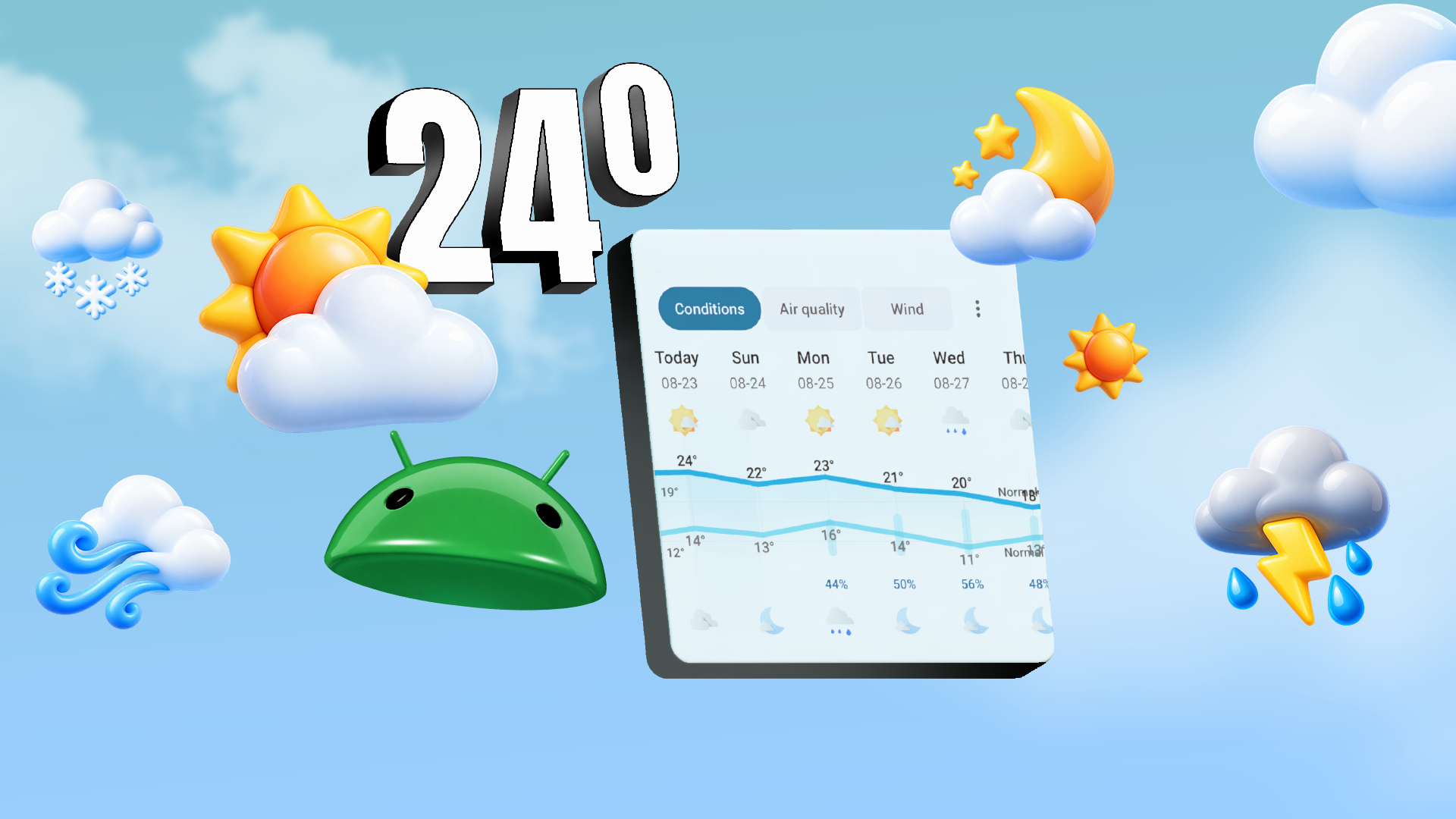
In this report, I tested five open source weather applications for Android, but only one stood out. Daily weather checkups are a hobby of mine, and I continually explore new apps to discover their features. I've enjoyed using Today Weather due to its straightforward functionality, but after trying several others, I decided to test one dedicated to weather tracking.
As weather apps aid in planning daily routines, vacations, or outdoor activities, they have greatly improved over time. I prefer apps with minimalistic, easily understandable user interfaces (UI) that include useful widgets. Constructing an app that prioritizes privacy, avoids ads or subscriptions, and fits all these criteria is a challenging task.
However, Breezy Weather emerged as the most suitable option. This feature-rich app pulls forecasts from over 50 sources, including national services, NWS, and Open-Meteo. You can view real-time information on AQI, UV Index, humidity, precipitation, and other crucial weather data. Users can categorize these data blocks as per their preference and adjust location accuracy.
Severe weather alerts for specific areas are available, which is vital as I reside in a tropical region prone to flooding. Alerts enable me to plan my errands effectively and avoid heavy rainfall. The app also follows Google's Material 3 Design, which almost replicates Google Weather's appearance. Meteo Compare is another open source weather application that compares 21 different models instead of providing just one forecast.
This app clearly shows which models agree or disagree and presents the information in such a way that users can make their own judgments. Along with a 10-day forecast, it includes a rain radar and notifications to track model disagreements. I appreciate that it allows users to track forecast changes over time. This can be beneficial as weather predictions can change every 24 to 72 hours.
The app also offers a coastal mode for surfers who need information on waves, swells, estimated tides, and sea temperature. This feature is beneficial for beach enthusiasts who spend a lot of time at the shoreline. However, using Meteo Compare can be somewhat challenging due to its technical nature and reliance on Open-Meteo's service.
It also lacks an extended animated radar, which could be frustrating while on road trips. QuickWeather is a straightforward weather app I primarily use for quick updates. Unlike Meteo Compare, QuickWeather focuses on delivering information rapidly without any unnecessary animations, resulting in a fast-loading app. It boasts a clean design that concentrates solely on the weather details needed.
Users who appreciate minimal aesthetics might find this app unappealing, but it effectively fulfills its purpose. One standout feature is the fullscreen radar, which allows real-time observation of rain movement, a feature I frequently utilize. QuickWeather also displays essentials such as feels-like temperature, wind, pressure, dew point, humidity, and visibility.
If quick temperature updates are desired, QuickWeather displays them in the notification panel, enabling users to glance at them while dismissing other notifications. However, some drawbacks exist with QuickWeather. For instance, it lacks the ability to track AQI and UV index, which are considered essential features today. Compared to other FOSS weather apps, QuickWeather offers limited customization options, which may not be significant for some users but could be crucial for others.
Additionally, the design may seem outdated, reminiscent of early Android days when apps lacked a consistent design language. In contrast, WeatherMaster, another FOSS weather app that meets my requirements, features a clean, modern design reminiscent of Breezy's interface. It reintroduces the frog animation from the classic Google Weather app.
What sets WeatherMaster apart is its array of Breezy-like features. It organizes key metrics in the same block style as Breezy and follows an interface almost identical to Breezy. Users can select various weather sources, including AccuWeather, Open-Meteo, NWS, and more, and even choose a different source for each location. Similar to Breezy, WeatherMaster offers a range of widgets for the home screen, displaying current conditions, daily forecasts, AQI, UV index, and other essential information.
If you own a Google Pixel or Samsung Galaxy device, there's an AMOLED theme available, which I prefer over the default theme. When compared to Breezy, WeatherMaster requires more refinement. It provides fewer customization options, and its charts are relatively basic. While WeatherMaster offers an extensive list of sources, some necessitate unique API keys.
Lastly, I came across Weather: Cool and Hot, a weather app that appeared to be the least sophisticated among the five tested. This lightweight app only displays basic current conditions and fetches forecasts from OpenWeatherMap. The app utilizes my phone's location, but I found it to be quite inaccurate, frequently detecting me five miles away from my actual location.
For individuals seeking a super lightweight weather app, Weather: Cool and Hot consumes less than 3MB of storage space. It lacks any settings or additional features, and it does not provide detailed charts or radar data. The only adjustable setting allows users to view the data in either imperial or metric units. I am uncertain about the true potential of this weather app, as it sometimes generates inaccurate location information.
Written by urgent.news from Android Police's reporting — not their text. Machine-written — may contain errors; check the original before relying on it.