I created the same complex website in VS Code, Cursor, and Google Antigravity; only one worked like a senior developer
Not all AI coding agents deliver
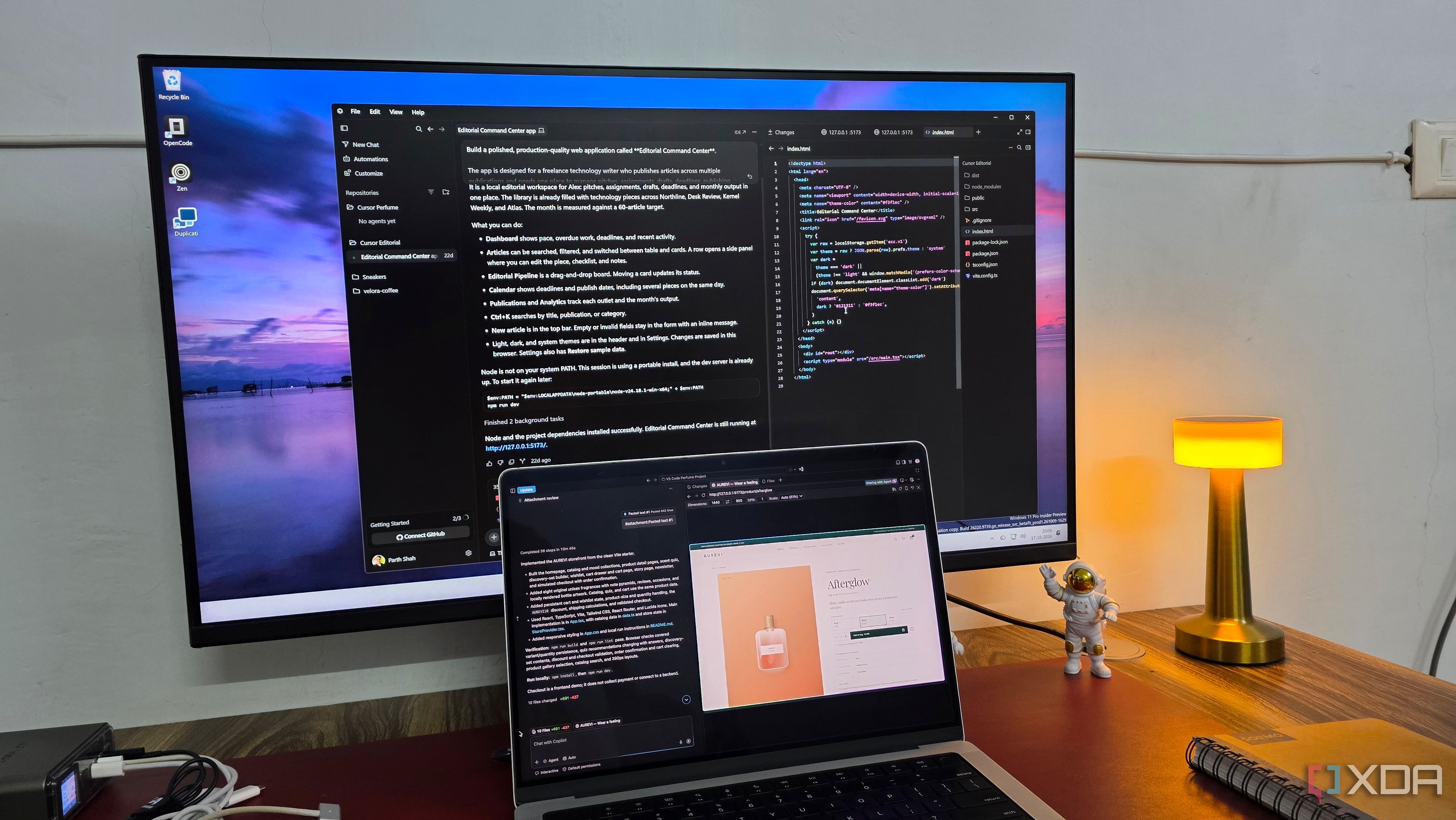
I executed the same complex website project using VS Code, Cursor, and Google Antigravity with no customization to their default AI models. My goal was to determine which tool would behave like an experienced developer, understanding requirements and delivering a polished result. Before outlining the results, I detailed the e-commerce website I wanted to create for a fictional perfume startup called AUREVI.
The prompt specified a visually striking homepage, product catalogs, advanced filters, dedicated product pages, an interactive fragrance quiz, customizable discovery sets, shopping cart, and functional demo checkout. To ensure fairness, all three tools received the identical lengthy prompt and I assessed their performance and output quality.
Cursor was the fastest in completing the project and successfully produced a functional website with a beige color scheme, elegant typography, and thoughtful design. However, I found it lacked the premium quality expected. Certain icons appeared generic and perfume imagery within sections could have been improved. Despite my prior experience with GitHub Copilot in VS Code, I was pleasantly surprised by its performance.
It followed the prompt accurately, implemented most of the requested features, and even ran tests in VS Code's browser. Yet, I noticed issues with typography size and basic, small perfume pictures which required manual adjustments. Although Copilot managed to execute all my instructions, neither tool reached the level of refinement I desired.
Google Antigravity outperformed the others. From the start, Gemini 3.8 demonstrated superior attention to detail with its Shop by Mood section, employing different gradient combinations that matched each fragrance's mood and subtle gradients throughout the site for a soothing appearance. The fragrance quiz featured a clean interface, and the homepage showcased a subtle floating animation.
These were minor touches indicative of an experienced developer's polish. The only downside was the underwhelming perfume pictures, a shortcoming shared by all three tools. While all three tools successfully generated functional websites, only Google Antigravity truly grasped the premium experience I aimed for, excelling in UI/UX details and creative judgment typically expected from a seasoned developer.
Written by urgent.news from XDA Developers's reporting — not their text. Machine-written — may contain errors; check the original before relying on it.