I tried Claude Code, VS Code, and a local LLM as a note-taking app, and only one worked
The least note-like tool made the best notebook
Note-taking apps often promise organization, but the actual organization is left to the user. Options like Obsidian, Notion, and Windows Notepad all have their own quirks. Claude Code, VS Code, and LM Studio are open on the author's computer daily, despite not being designed as note-taking tools. The author wondered if these could serve as better note-takers than dedicated apps. Each tool was bent into a note-taking app in a way that made sense for it.
Claude Code, an agent from Anthropic, reads and writes notes in a folder on the PC. By adding Obsidian's official skills pack, it could write notes in the desired format. The author gave Claude simple rules for filing notes and linking to older notes. Claude could capture new notes with a single line, link to relevant older notes, and even update outdated links. However, Claude occasionally wrote more than requested.
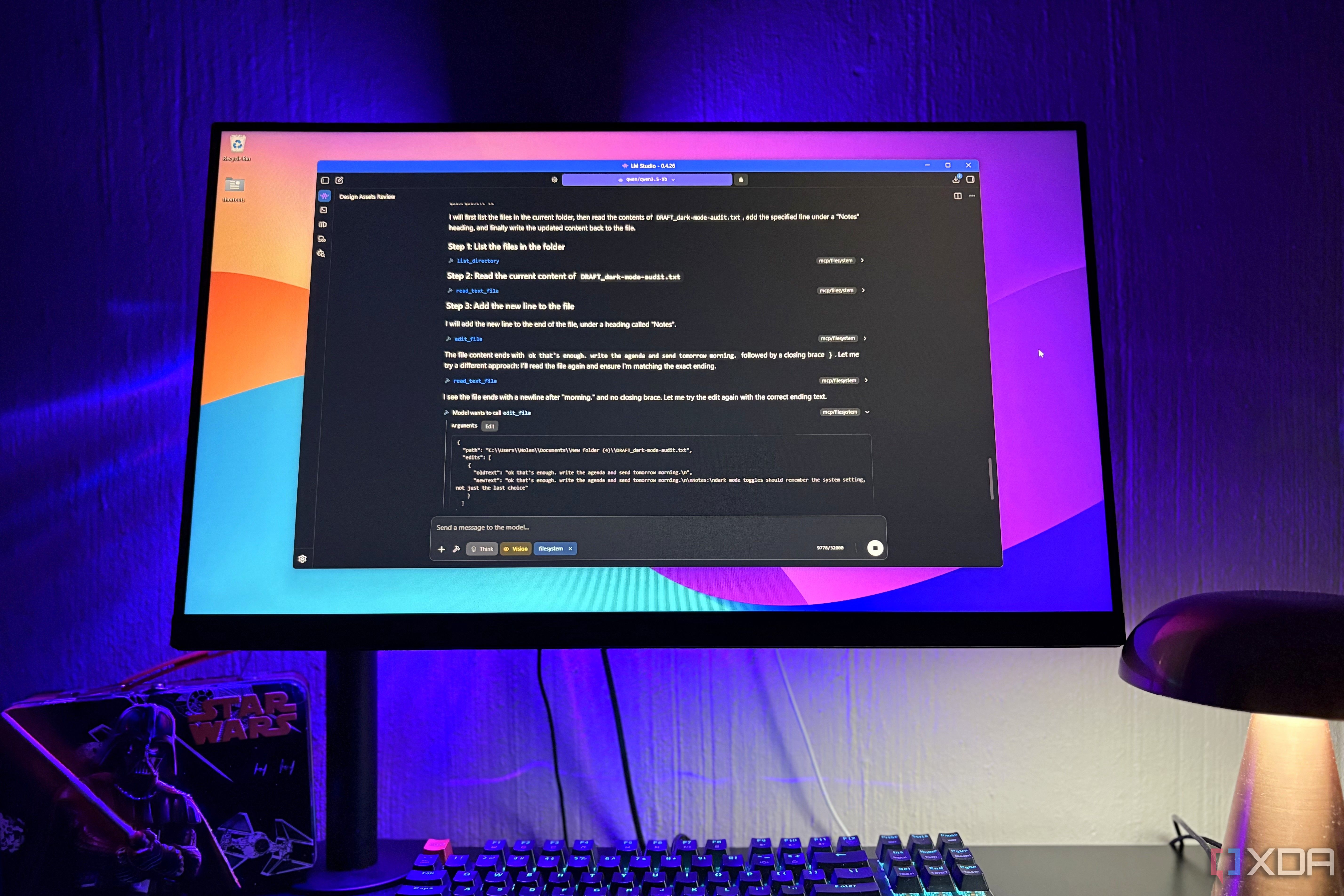
LM Studio connects local models to MCP servers, allowing it to read and edit files in approved folders. While it has a system prompt and no rules file, the author could include note-writing instructions in prompts. However, linking and searching struggled with larger directories, requiring significant local content to function well.
VS Code, a text editor, could be easily adapted for note-taking. It allowed quick search and reading, but lacked quick capture and daily note functions. The source control feature was useful for tracking changes, but the lack of formatting options for wikilinks was a drawback. Despite the extra steps to use the editor, VS Code remained the best option for reading and digging through notes.
Claude Code emerged as the best overall note-taking tool, with its ability to easily manage organization and capture notes, making it the preferred choice.
Written by urgent.news from XDA Developers's reporting — not their text. Machine-written — may contain errors; check the original before relying on it.
This story
This is one outlet's version. Read the fullest account.