Where to find the best free fonts for Mac without licensing headaches
The best font websites for Mac offer thousands of free and commercial typefaces, but licensing and compatibility can complicate the search. Here's how to find reliable font repositories, download fonts, and install them on your Mac. Choose your style with fonts Finding a good font isn't particularly difficult. The challenge is choosing a typeface that has the styles you need, works in your apps,…
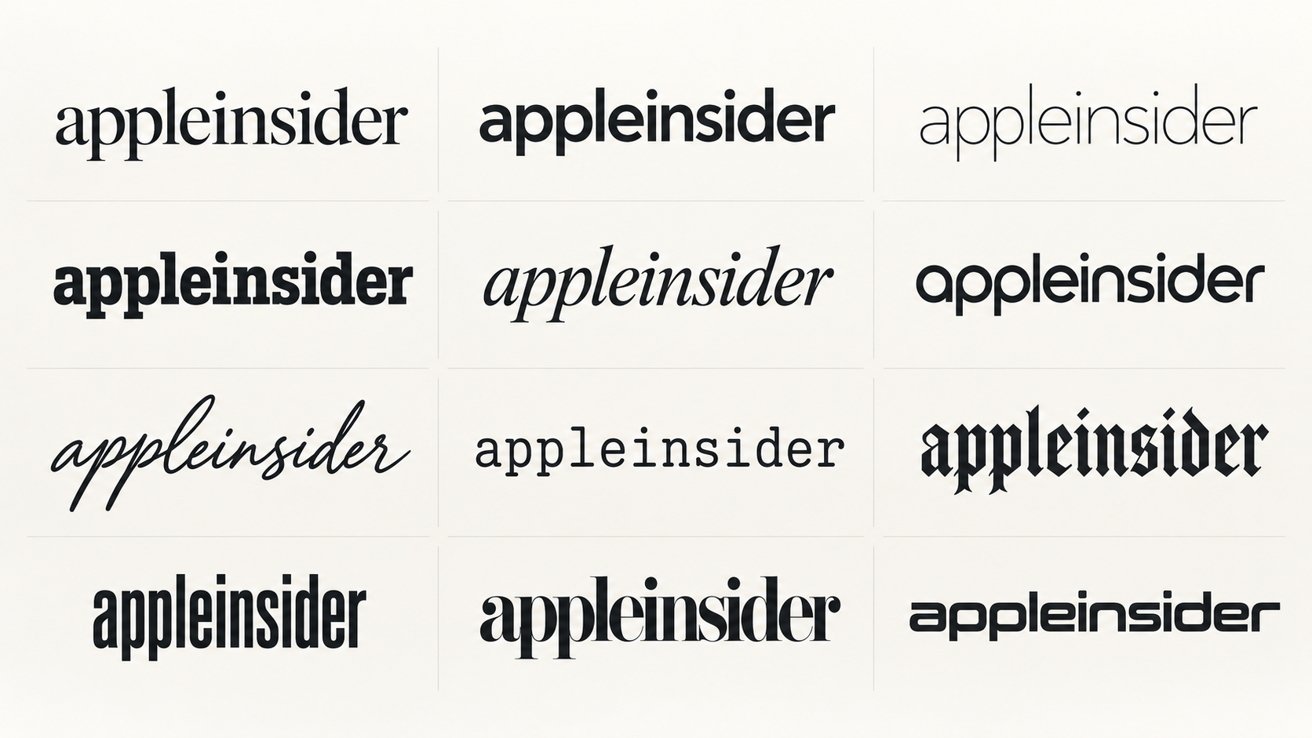
Mac users have numerous free font options available online, but determining which repositories, downloading process, and licensing can be challenging. The key is finding fonts with desired styles, compatibility with applications, and licenses that permit your intended use. Some repositories specialize in free, open-source fonts, while others offer commercial typefaces, subscriptions, or specialize in decorative lettering.
TrueType and OpenType font files are standard on modern Macs, so no Mac-specific font editions are necessary. Install new fonts using the built-in Font Book application, although checking Apple's existing collection first is recommended. Google Fonts, Adobe Fonts, Fontspring, and MyFonts are popular resources for Mac users seeking a variety of free and commercial typefaces.
Google Fonts is a reliable starting point for Mac users seeking professional typefaces without individual licensing costs. Its extensive open-source catalog is free for both personal and commercial projects, including documents, presentations, graphics, and websites. Browse fonts by classification, language, and other characteristics, then preview them before downloading. Many families offer multiple weights, italics, and variable-font versions suitable for various design projects.
Font Squirrel focuses on free fonts suitable for commercial design work. Its curated collection emphasizes typefaces cleared for commercial desktop use, such as advertisements, business cards, and presentations. The site's filtering tools help users narrow results by classification, language, family size, and licensing categories. While Font Squirrel's licensing guidance advises checking the original terms, it serves as a convenient guide for finding commercially usable free fonts.
Fontshare, a font service from Indian Type Foundry, provides an alternative for those seeking a smaller collection of free typefaces with a more focused browsing experience. The service offers proprietary freeware and open-source releases for personal and commercial use. Fontshare's Pairs feature helps designers compare heading and body fonts, streamlining the selection process. The company uses two different licenses across its catalog, with permissions varying for modifying or redistributing font software.
Adobe Fonts is another option worth considering, particularly for Mac users already utilizing Creative Cloud or Acrobat. Instead of purchasing fonts individually, users gain access to an extensive library through their Adobe account. Fonts can be used in Adobe software and other apps that support system-installed fonts. Adobe offers three levels of font access, with the free tier containing approximately 5,500 fonts, including thousands available in its free library. Verify your subscription level before relying on a particular typeface.
Written by urgent.news from AppleInsider's reporting — not their text. Machine-written — may contain errors; check the original before relying on it.