I was using rsync, find, sort, and tar wrong until I learned what their flags actually do
I've been Linux'ing in hard mode
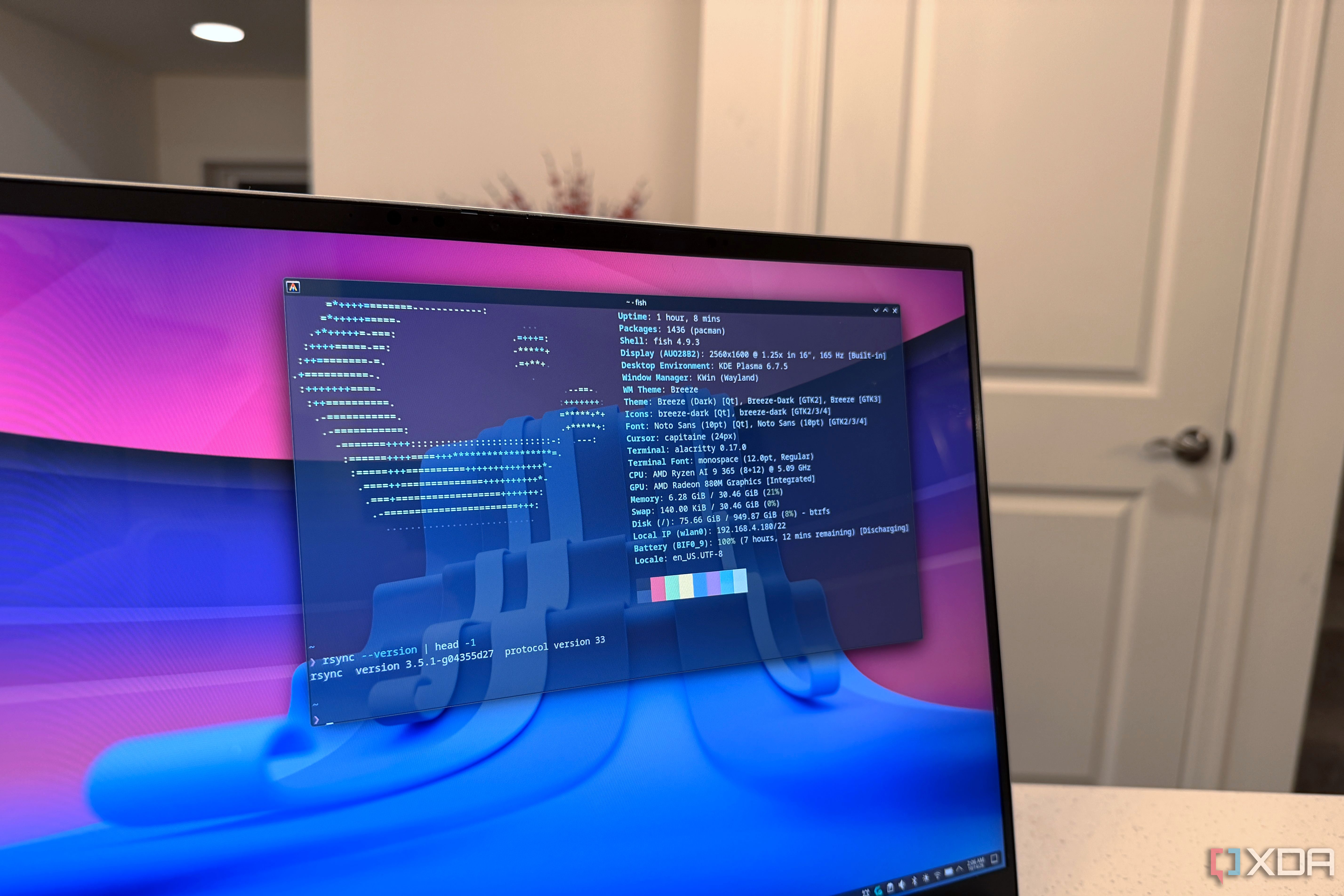
For years, I used rsync, find, sort, and tar commands without fully understanding their flags and options. This lack of knowledge often led to unintended consequences and inefficiencies. To better comprehend these commands, I set up a Debian 13 container alongside my home lab Proxmox Linux containers and tested them with four everyday terminal commands.
In rsync, the -a flag stands for archive mode, which includes seven other flags: -rlptgoD. This mode ensures that recursion, symlinks, permissions, times, group, owner, and devices are preserved during the copy process. Without -a, I had copied a folder multiple times, each time losing symlinks and resetting timestamps, resulting in an unreliable backup system.
The -delete flag in rsync turns it into a true mirror, creating an exact copy of the source directory in the destination directory. However, it can accidentally delete important files if not used carefully. Pairing -delete with --dry-run and -i flags lets rsync simulate the deletion process without actually removing any files, providing a detailed report of what would be deleted.
The sort command initially misled me when it claimed a 1.1GB file was the smallest in a folder. The -a flag in sort helps in sorting files in a human-readable format, making it easier to understand the sizes and other details.
When using rsync for system backups, a dry run with the --dry-run flag helps identify which files would be included or excluded. For example, excluding /proc, /sys, and /dev directories using the -x flag reduces the number of entries in the backup. The --no-whole-file option ensures that partial transfers are picked up correctly, saving time during resumptions.
The find command, when used with -prune, skips specific directories completely, while -exec and -fprint execute commands on each file found. This can significantly speed up processes like counting files, as demonstrated by the speed difference between using -exec and + in find.
The -newer flag helps identify files that have been modified since a specific date or marker file. This is useful for backup and synchronization tasks. However, interpreting the output of du -sh in conjunction with sort -n can be tricky, as plain sorting compares text rather than numerical values. The -h flag in sort resolves this issue by interpreting sizes in a human-readable format, making the output more intuitive.
Written by urgent.news from XDA Developers's reporting — not their text. Machine-written — may contain errors; check the original before relying on it.