These 4 crucial Android settings are disabled by default; I can't live without them
From Pixel phones to Galaxy tablets, these settings are crucial
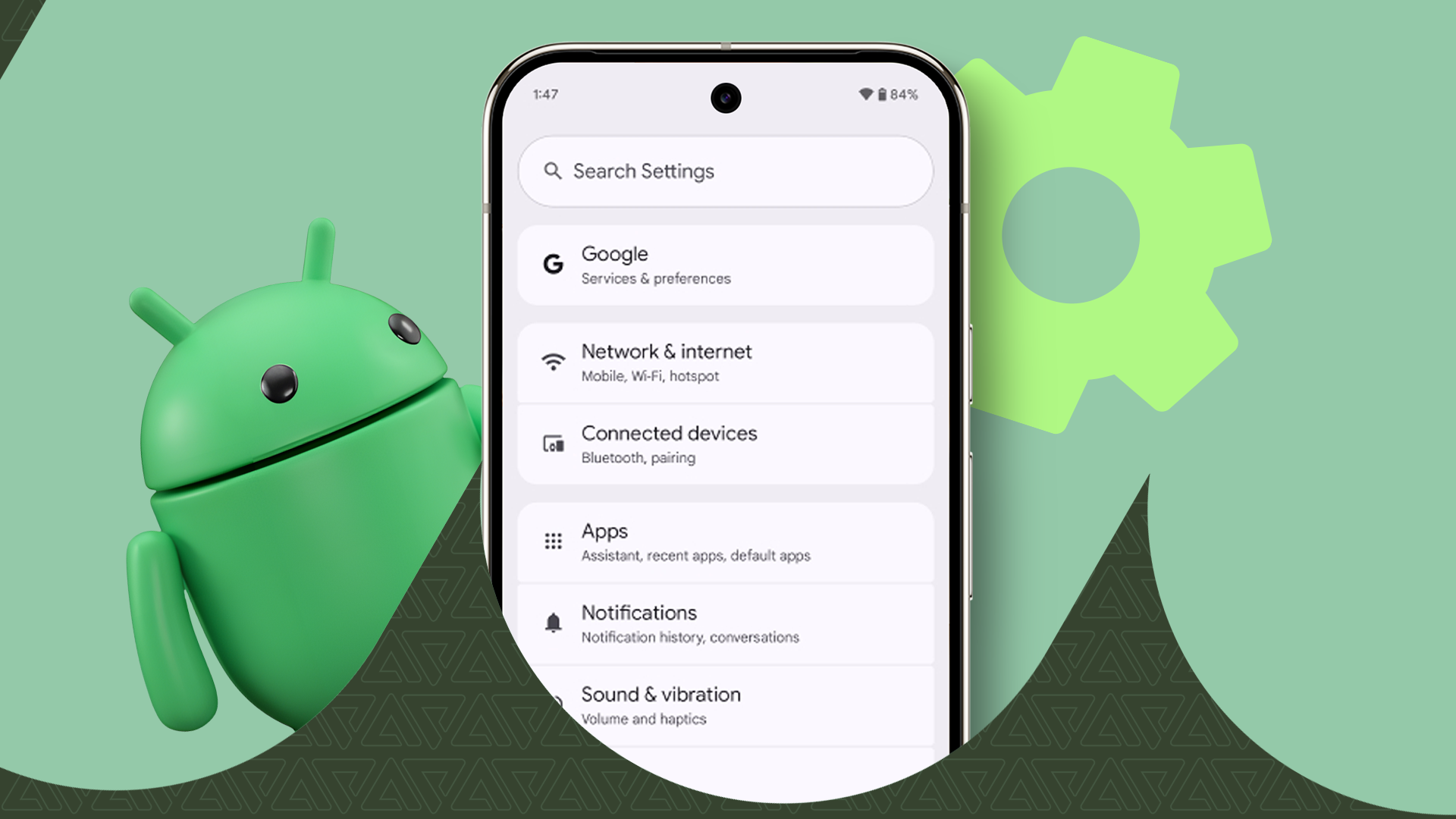
Every new Android phone comes with several critical settings disabled by default, which can significantly enhance the user experience. Among these are Advanced Protection, Comfort View, and background process limitations. Advanced Protection, although complex, offers robust security features such as theft detection, Chrome browsing warnings, and app installation restrictions.
Comfort View, exclusive to Pixel devices, reduces blue light to improve sleep quality, while Samsung users can enable a similar feature called Eye Comfort Shield. Disabling background process limitations can improve notification wait times and overall device performance. Accessing these settings involves navigating to the Security and privacy options, turning on Advanced Protection, adjusting the comfort view settings, and modifying developer options to disable animations and background processes.
These adjustments may seem minor, but they collectively contribute to a more secure and efficient Android experience.
Rewritten by urgent.news; may contain errors — check the original.
Source: androidpolice.com