Google is selling Pixel and Samsung phones inside the Play Store
Google really wants you to buy hardware from the Play Store.
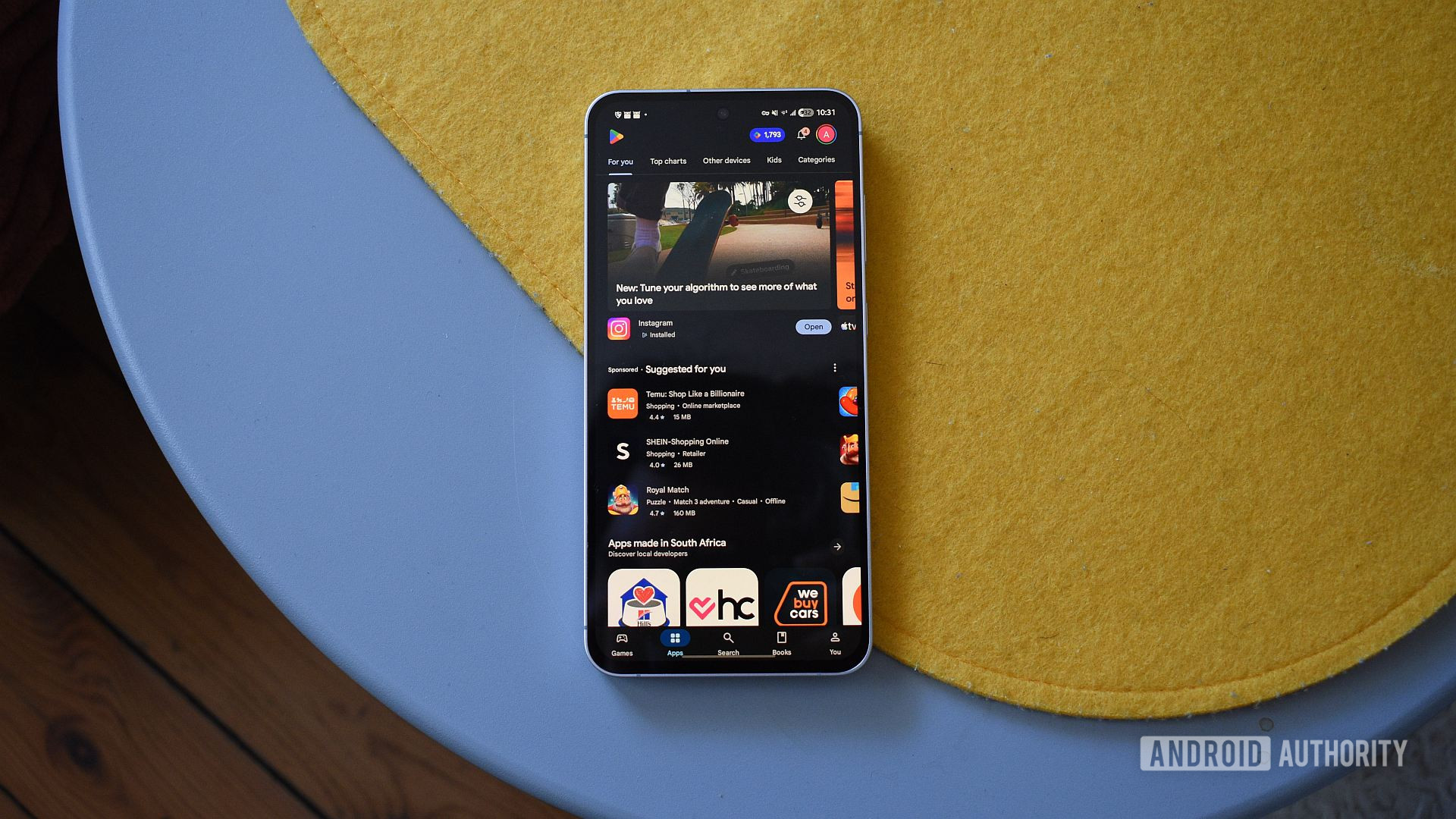
Samsung has not included a battery health tool in the Galaxy S24 Ultra, much to the disappointment of users who have grown accustomed to this feature on iPhones and in Android 16. However, this information can be accessed through a hidden SysDump menu in the phone's settings. To view the battery health details, users must first disable the Auto Blocker feature and input a specific code.
Once inside the SysDump menu, the battery data can be found within a log file called dumpstate.txt. Although the contents of this file are extensive, the relevant battery information can be located using a search tool. The log reveals that the battery retains around 98% of its original capacity after 590 charge cycles, which is better than the expected 94% after 2,000 cycles.
Factors such as heat can significantly impact battery health, so it's advisable to avoid prolonged exposure to high temperatures. It is important to note that the SysDump file may contain sensitive personal data, so it should be deleted from both the phone and PC after checking the battery health information. Despite Samsung's ability to track battery health, the lack of easy access to this information in the settings app is frustrating for users who rely on this data to maintain their device's performance.
Rewritten by urgent.news; may contain errors — check the original.
Sources: androidpolice.com · androidauthority.com
This story
This is one outlet's version. Read the fullest account.
- I found the perfect Samsung DeX alternative for my Pixel androidpolice.com