Web- und App-Tipp: WhatsApp: Sprachnachrichten als Text lesen – so geht’s
Lange Sprachnachrichten nerven - im Bus, im Büro und überhaupt? Kein Problem. Diese WhatsApp-Funktion macht daraus blitzschnell Text - auf dem iPhone und, noch mit Einschränkung, auch unter Android.
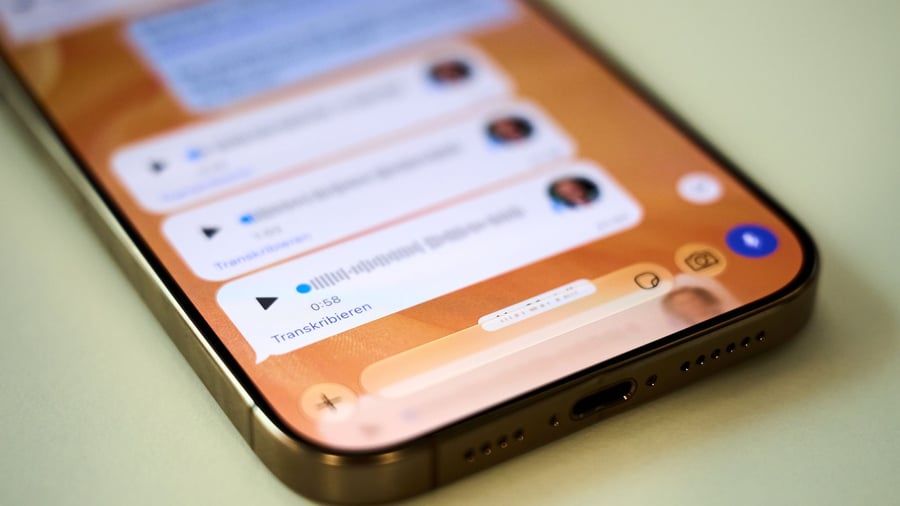
WhatsApp now allows users to read voice messages as text, rather than listening to them. This feature is especially useful when people are commuting, in the office, or prefer to avoid disturbing others with audio messages. Additionally, voice messages are inaccessible to deaf individuals and can be difficult for hard-of-hearing people to decipher.
With iOS 16 and Siri, iPhone users can easily convert spoken messages into text. This transcription function is available only on iPhones running iOS 16 or later and requires Siri to be enabled. The voice messages are then converted into text and displayed locally on the device. Users can easily turn the transcription feature on or off by going to the device settings or by tapping the profile picture and selecting "Chats."
In the "Language" settings, users should choose their native language or the language in which most of their voice messages are received.
When a voice message arrives, users must hold it down to see the "Transcribe" option. WhatsApp warns that it may take a moment for the transcript to appear, and that transcripts may contain inaccuracies and errors. Currently, Android users can only access transcriptions in English, Portuguese, Spanish, and Russian. However, German and other languages are in beta testing and should soon be available.
The activation of the feature on Android devices is similar to that on iPhones: go to the settings, navigate to "Chats/Transcribe Voice Messages," and turn it on. Then, tap "Language" to select the desired language.
Written by urgent.news from Handelsblatt's reporting — not their text. Machine-written — may contain errors; check the original before relying on it.